









omniorders.com/blog OmniOrders blog hero illustration

All Things Commerce: Blog

Running an ecommerce brand gets messy behind the scenes. We cover the operational side most blogs skip: inventory that doesn't oversell, SKUs that stay sane, and fulfillment that works across channels. Real playbooks and honest numbers from people who've shipped the orders, not just written about them.

Channels & Integrations

Google Shopping Product Feed: Setup, Optimization, and Multi-Channel Sync Guide

Learn how to create, submit, and optimize a Google Shopping product feed, and how to keep pricing and inventory accurate across multiple channels.

Inventory

AI Inventory Management: How Machine Learning Cuts Stockouts and Overstock

Learn how AI inventory management uses machine learning to reduce stockouts, cut overstock, and automate replenishment for multi-channel ecommerce brands.

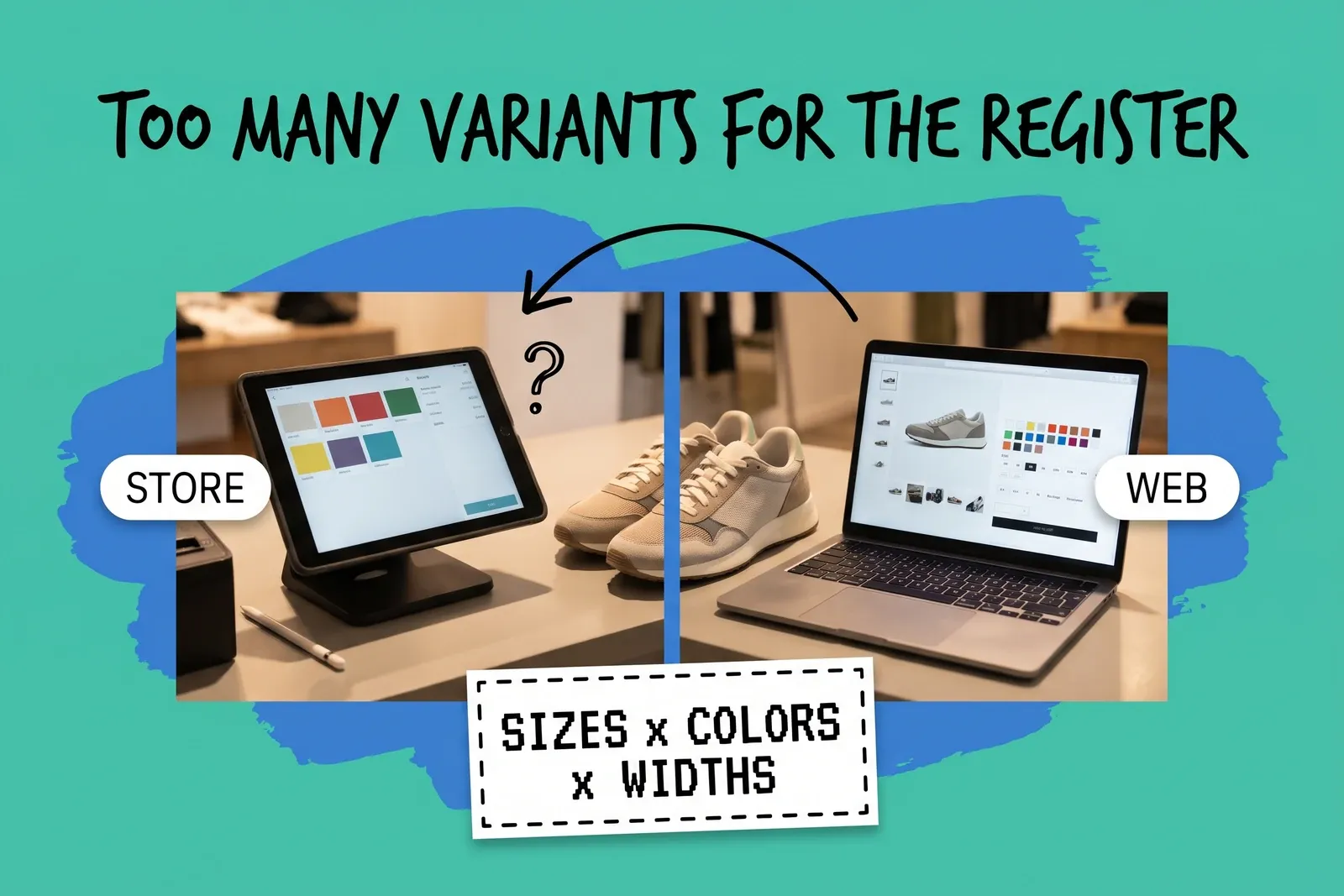
Register and website variant limits — mint collage with the hand-drawn headline 'Too many variants for the register' above a split photo of a store tablet register showing a few color tiles and a laptop product page with many color swatches, plain sneakers between them, STORE and WEB tags and a dashed card reading 'Sizes x colors x widths'
Order Management

The Register Can't Hold All Our Variants: When the POS Catalog and the Website Disagree

When your website allows more variants or options than your register, one product turns into two different records. Here is why it happens and how to fix it.

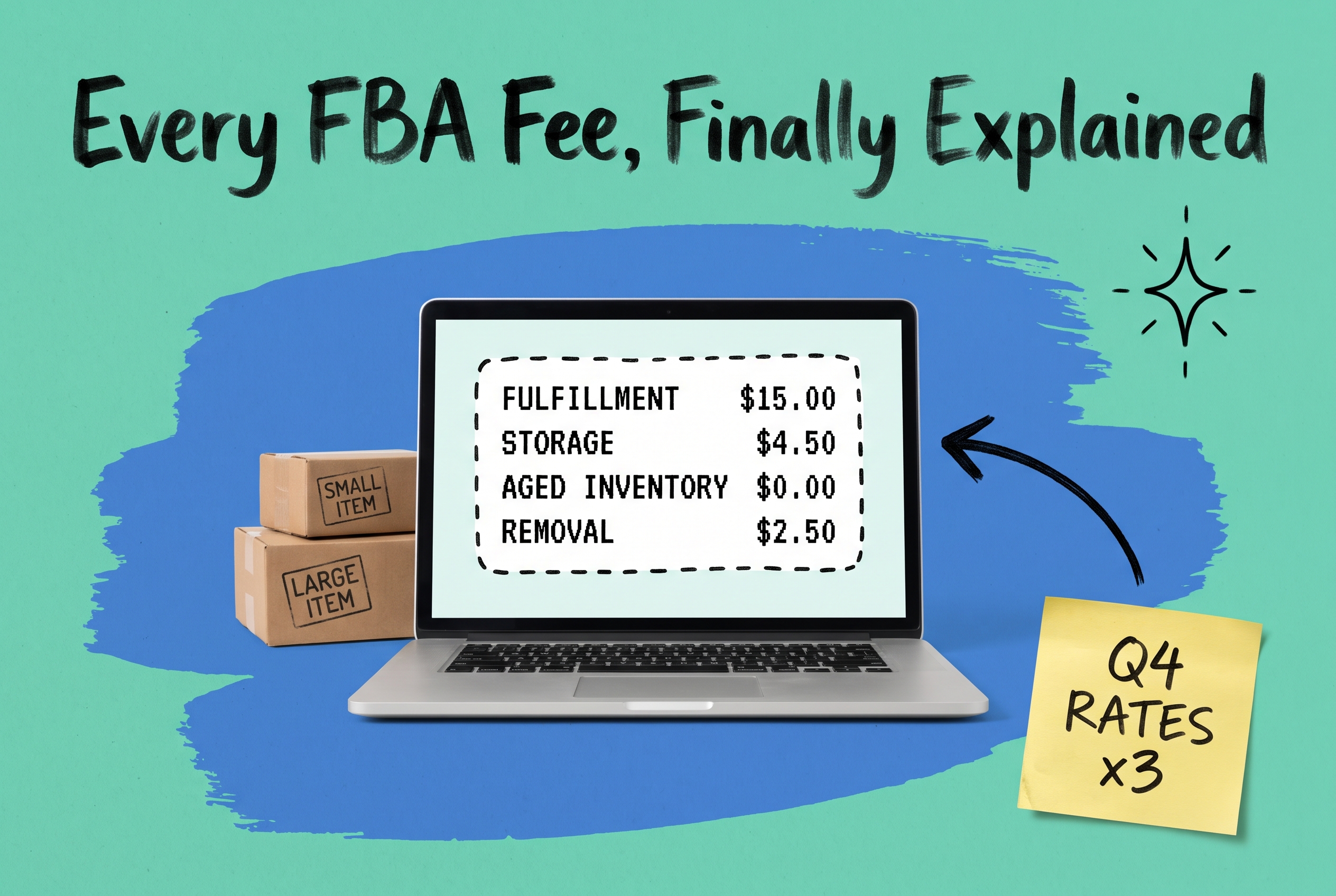
Amazon FBA fee breakdown on a laptop screen showing fulfillment, storage, aged inventory, and removal charges, with shipping boxes and a Q4 rates sticky note on teal background
Fulfillment

Amazon FBA Fees Explained: Storage, Fulfillment, Aged Inventory, and Removal Costs

Amazon FBA fees include fulfillment, storage, aged inventory, and removal charges. Learn how each fee works, when surcharges kick in.

PENDING — written after the image exists
Order Management

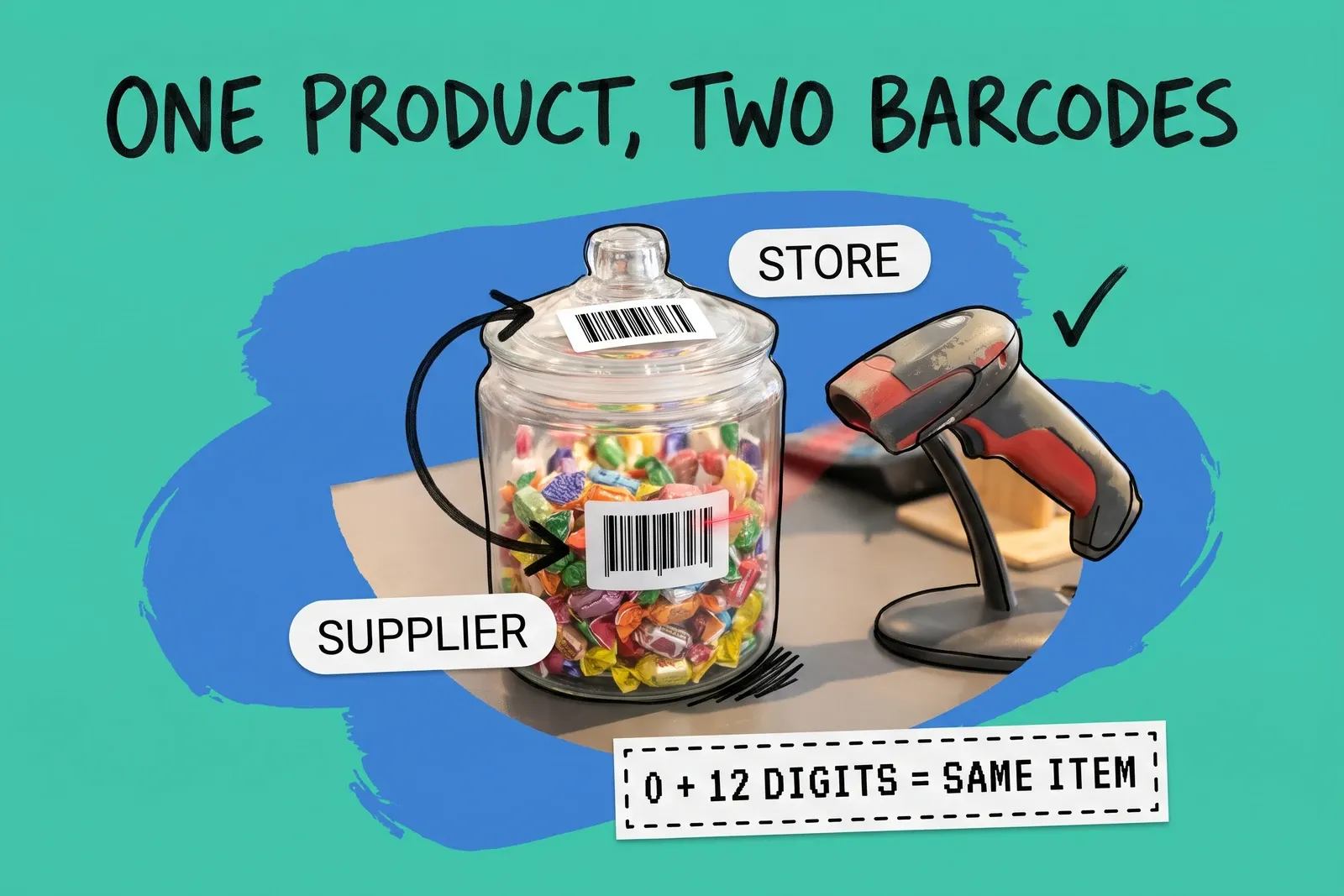
One Product, Several Barcodes: Getting the Register to Scan What the Supplier Labelled

The supplier's barcode won't scan but the item is in the system? It can be the same number in a different shape. How to set up several barcodes per product.

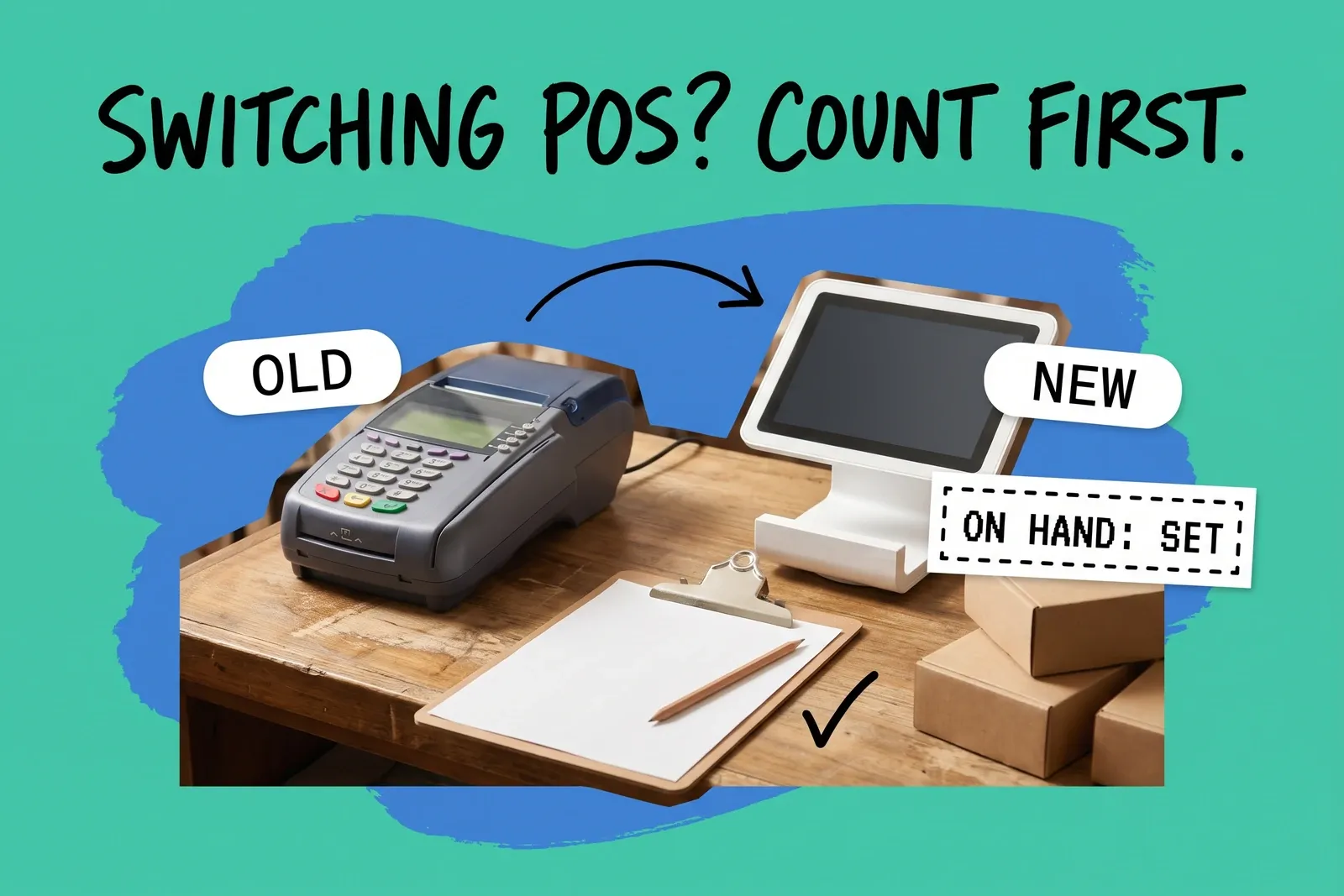
Mixed-media collage on a mint background: an older card terminal labelled OLD and a newer white register labelled NEW on a wooden counter, a hand-drawn arrow between them, a clipboard with a blank count sheet and pencil, kraft boxes, a dashed card reading ON HAND: SET, and the headline Switching POS? Count first.
Order Management

Switching POS Without Losing Your Stock Counts

Moving to Shopify POS mid-year? Stock imports replace counts instead of adding to them, and open orders may not hold their stock. How to cut over cleanly.

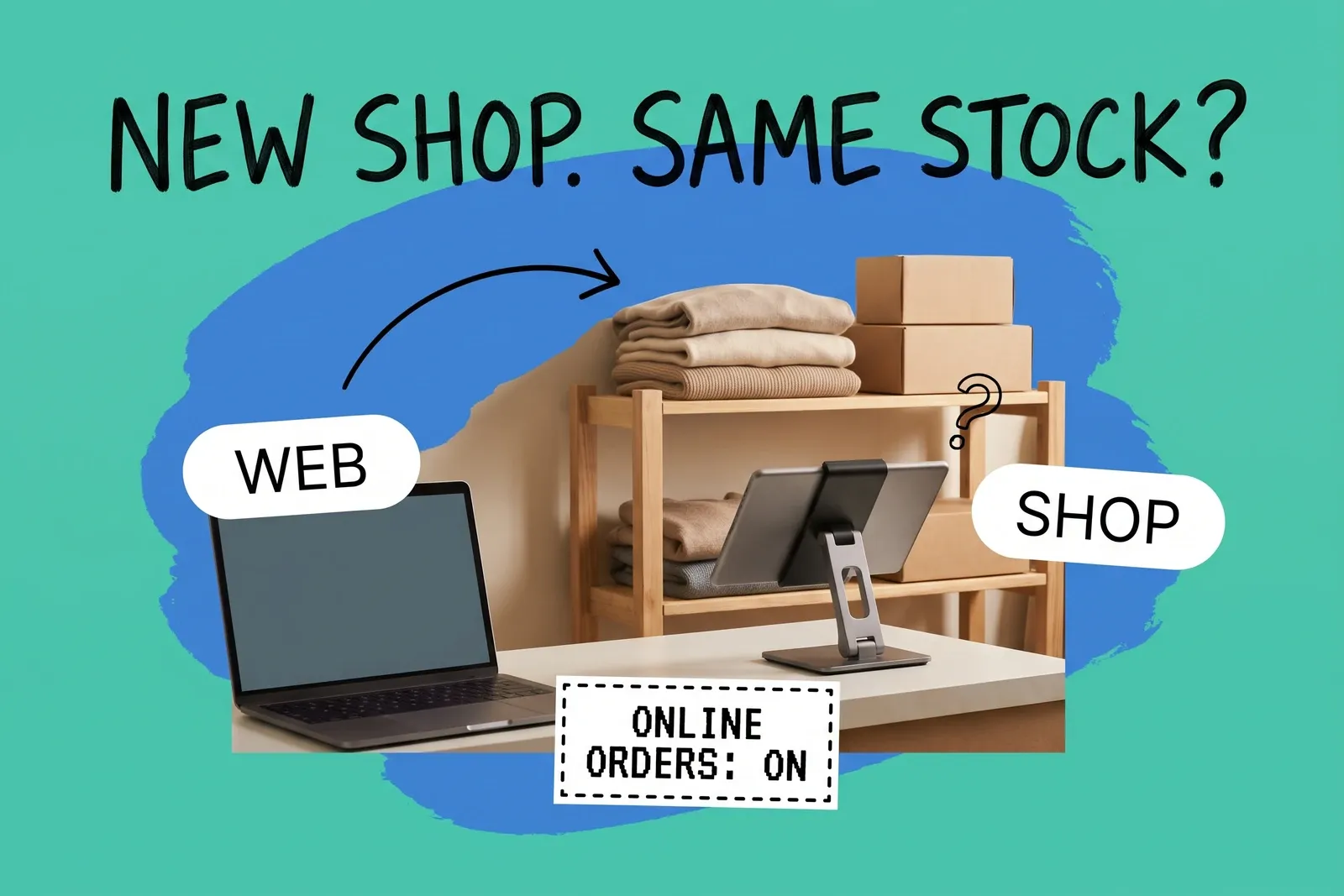
Opening a first shop as an online brand — a shop counter with a laptop and a tablet register in front of a shelf of folded sweaters and boxes, tagged WEB and SHOP, under the headline New shop. Same stock?, with a card reading Online orders: on
Order Management

We Sell Online and We're Opening a Shop: What Has to Change About Orders and Stock

What changes when an online brand opens its first shop on Shopify: online fulfillment defaults, routing, stocking the shop, POS Pro, returns and sales tax.

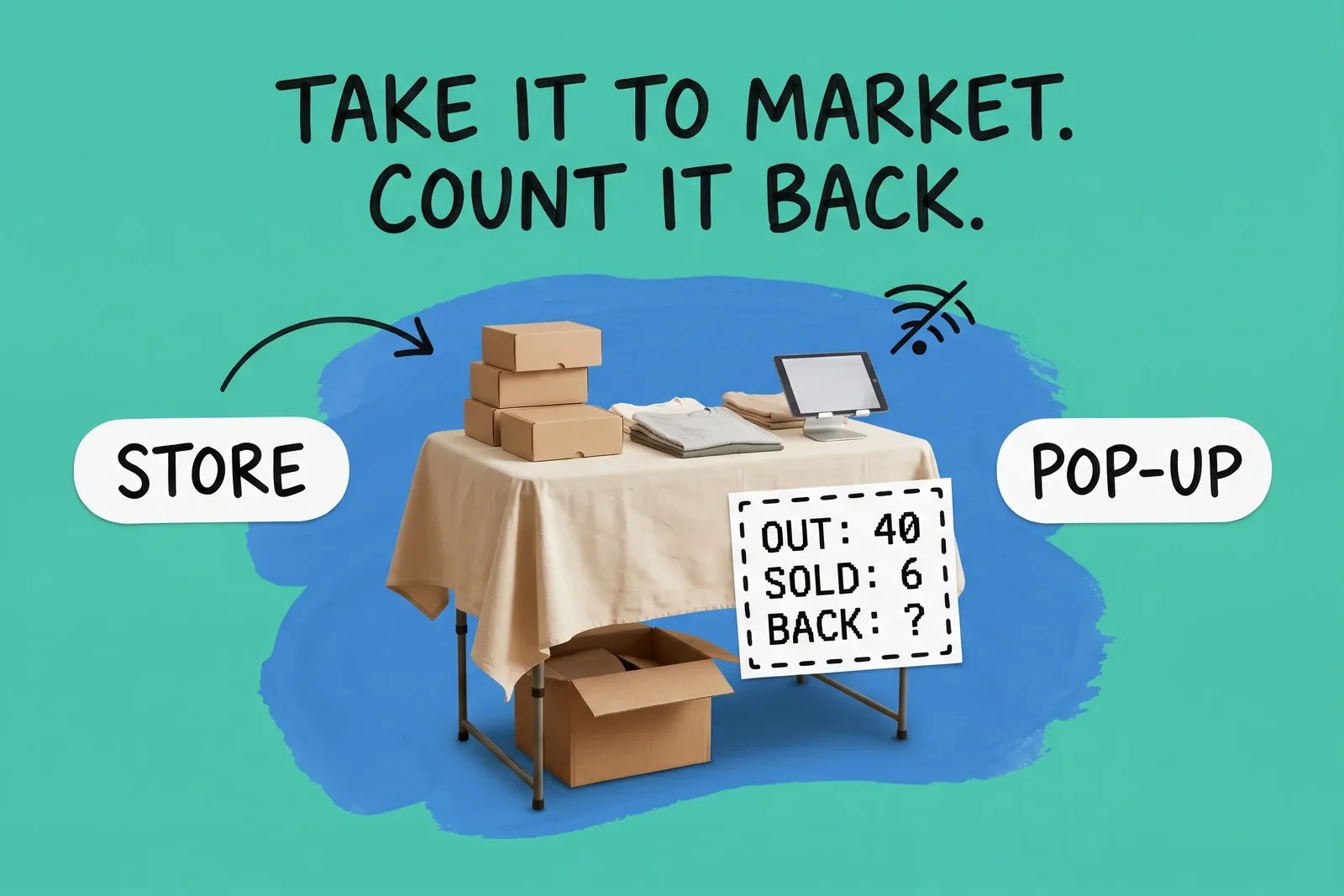
Pop-ups, markets and trade shows: mint collage with the marker headline "Take it to market. Count it back.", a photographed market table with kraft boxes, folded shirts and a tablet register on a blue brushstroke, STORE and POP-UP cards, a crossed-out wifi doodle and a dashed card reading OUT: 40 / SOLD: 6 / BACK: ?
Order Management

Pop-Ups, Markets and Trade Shows: Selling From a Temporary Location Without Losing Count

How to run a pop-up, market stall or trade show booth as its own location: moving stock out and back, weak wifi, the website setting, tax and the final count.

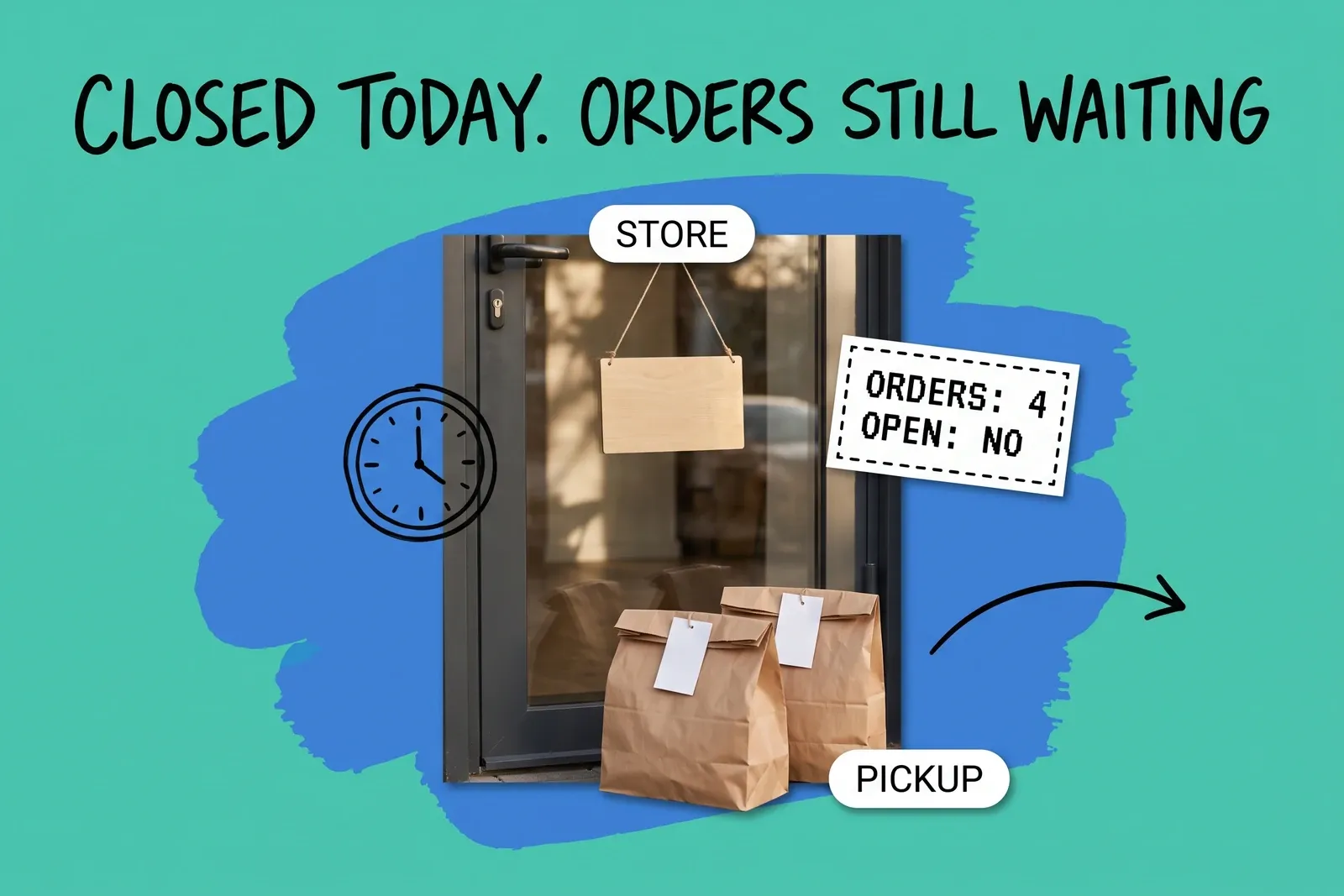
A store is closed today: mint collage with the hand-drawn headline Closed Today. Orders Still Waiting, a photographed glass shop door with a blank wooden sign, two brown paper pickup bags with blank tags, STORE and PICKUP labels, a clock doodle, an arrow and a dashed card reading Orders: 4 / Open: No
Order Management

A Store Is Closed Today: Pausing a Location Without Losing Its Orders

Closing a store for a day means stopping new online orders going to it and dealing with the orders it already has. Here's what moves, what doesn't, and why.

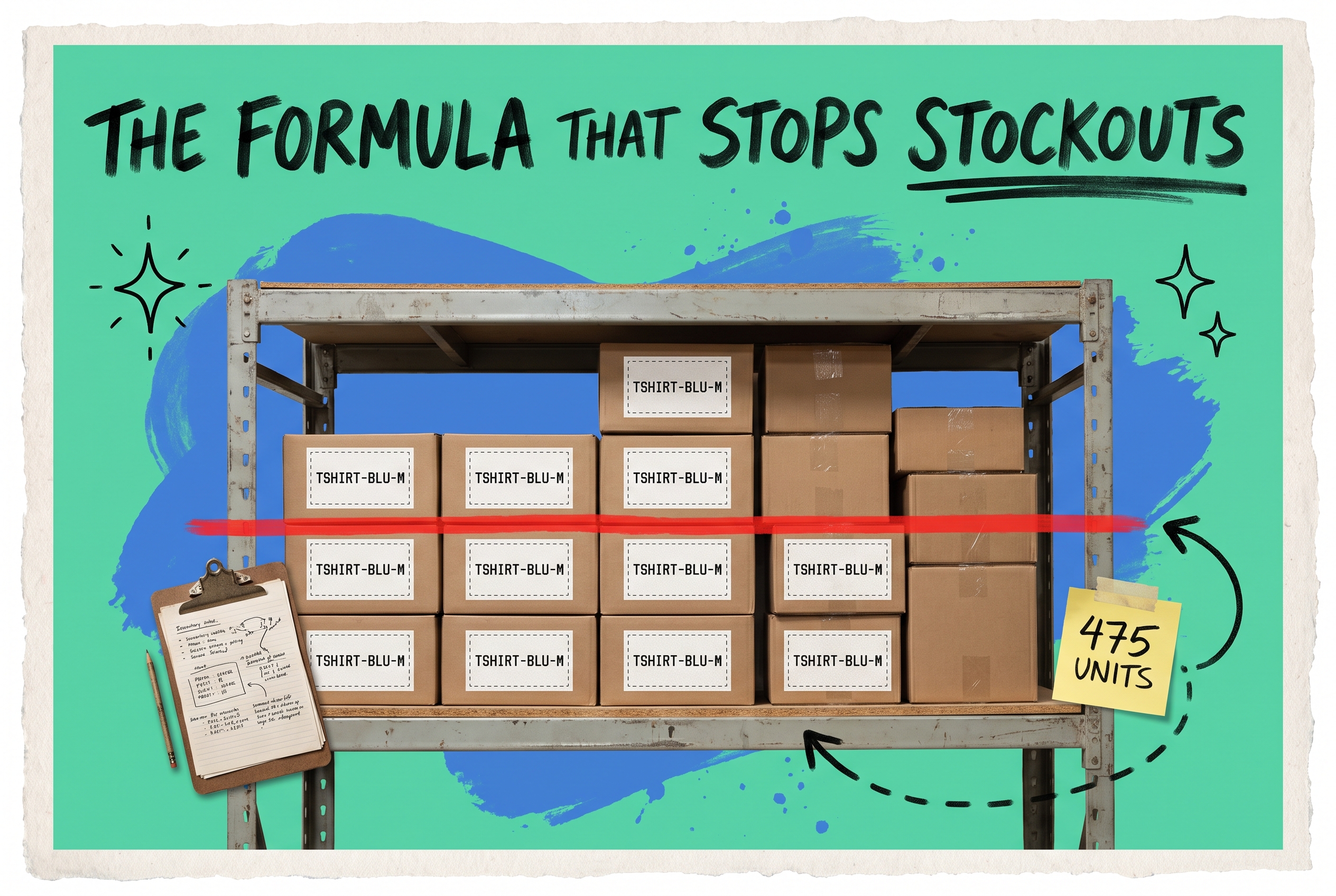
Warehouse shelf of TSHIRT-BLU-M boxes with a red reorder threshold line and a 475 units sticky note, illustrating the par level formula
Inventory

What Is Par Level in Inventory? Formula, Examples & How to Automate It

Learn what par level means in inventory management, how to calculate it per SKU and location with real examples.

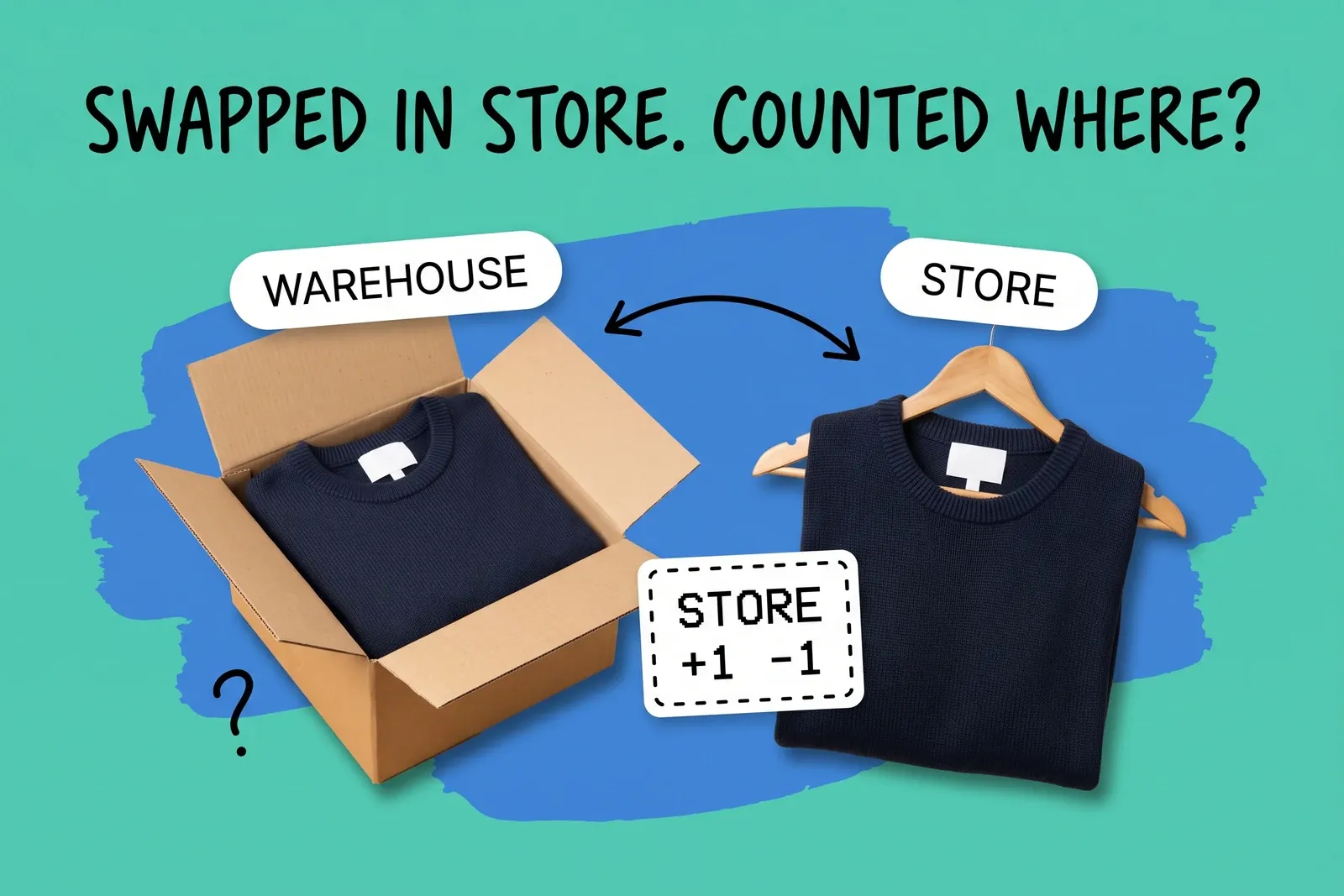
Online order exchanged in store — two navy sweaters, one folded in an open shipping box under a Warehouse card and one on a wooden hanger under a Store card, a double arrow between them and a dashed card reading Store +1 -1, under the headline Swapped in Store. Counted Where?
Order Management

Bought Online, Exchanged In Store for Another Size: Which Location's Stock Moves

On Shopify POS, an online order exchanged in store usually moves stock at the store, not where it shipped from. Which count changes, and where records break.

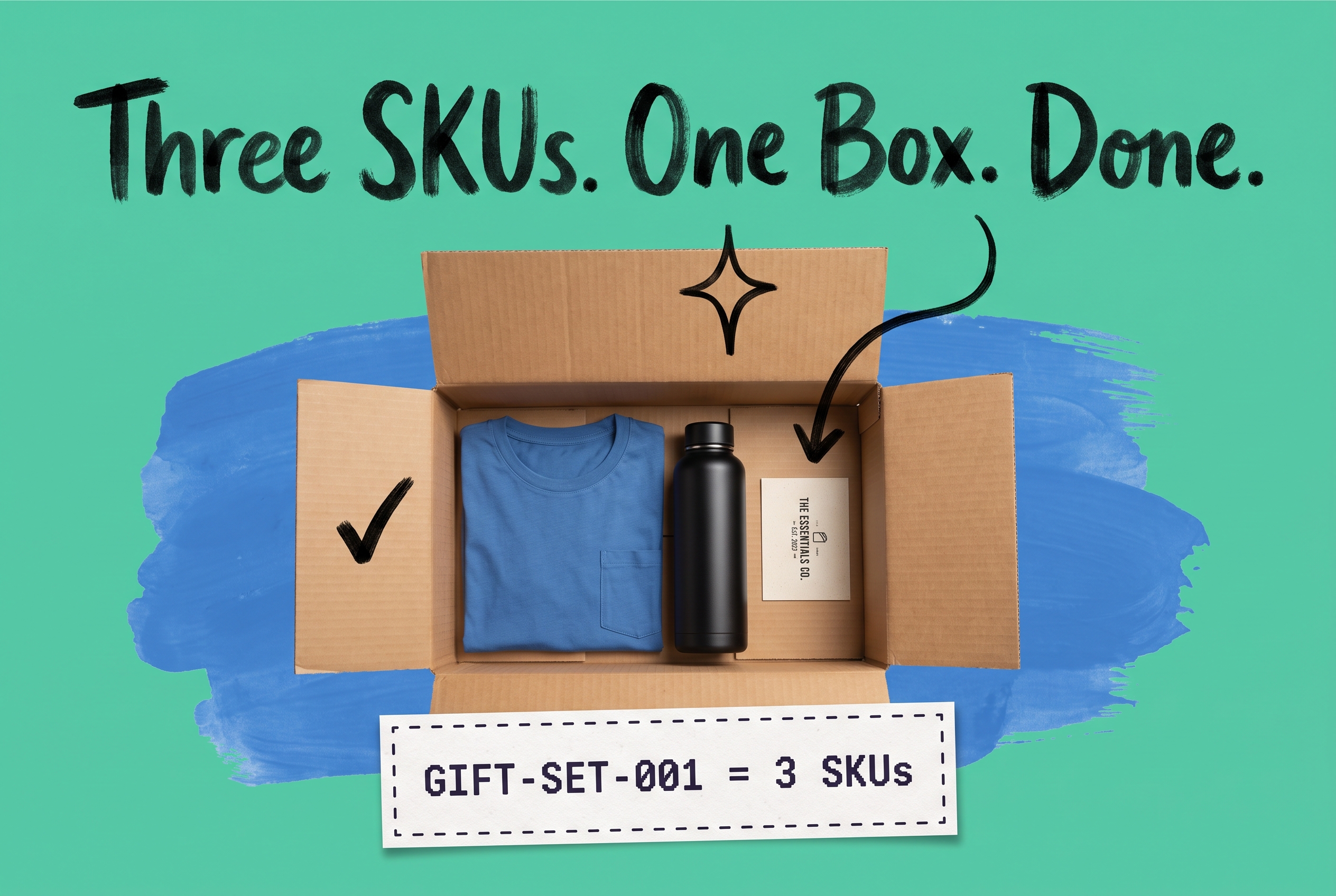
Open cardboard shipping box with a folded blue t-shirt, black water bottle, and branded card inside, teal background with a dashed-border label reading GIFT-SET-001 = 3 SKUs
Fulfillment

What Is Kitting? The Fulfillment Process Explained (+ When to Outsource)

Learn what kitting means in fulfillment: how to assemble bundles, manage component inventory, and decide when to outsource kitting to a 3PL.