We Sell Online and We're Opening a Shop: What Has to Change About Orders and Stock
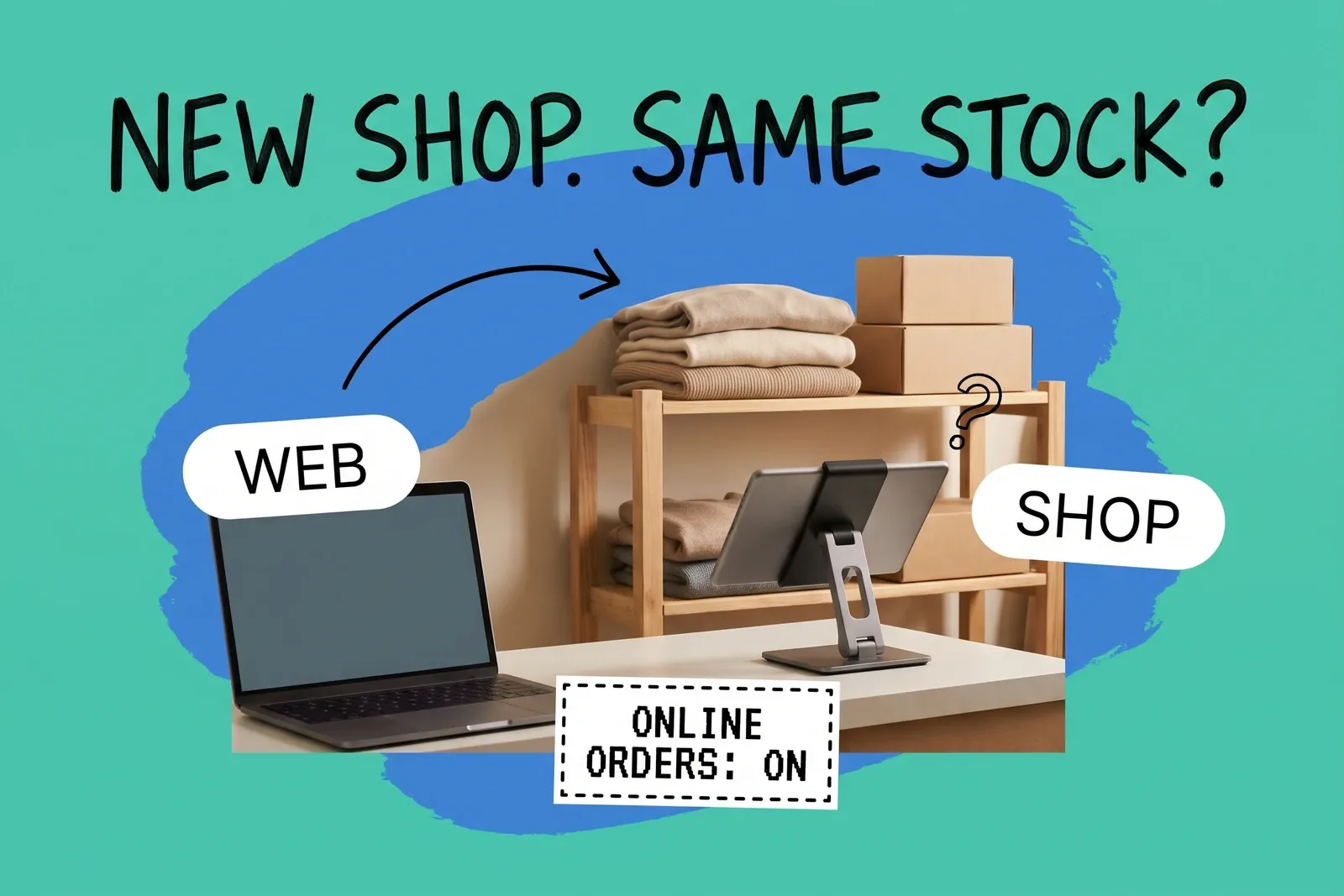
When an online brand opens its first shop, the biggest change is not the register. It is that you now have two places a unit can be, and your systems will start deciding which one sells it. On Shopify, which we use as the worked example here, a new location is set to fulfill online orders by default, so the website can sell, and route orders to, the stock on the shop's shelves as soon as it is received. Other platforms have equivalent settings with their own defaults.
That default is fine if you choose it. It is a problem if you find out on the first busy Saturday, when the till is short because the website took the last two units overnight. The decisions below are the ones to make before the shop holds stock.
Will the website start selling the stock in my shop?
Unless you change a setting, yes. When you add a location, Shopify's setup guide says the option "Inventory at this location is available to fulfill online orders" is "activated by default for each new location," and that "your inventory is made available for online purchases by default in each new location."
Once you have two active locations, order routing decides which one ships each web order. Shopify's help says "order routing requires 2 or more active locations." The default strategy runs three rules in order: "Minimize split fulfillments," "Stay within the destination market" and "Ship from the closest location," and "each rule is applied to the results of the previous rule." In practice, any order the shop can fill complete and the warehouse cannot goes to the shop, wherever the customer lives. When both can fill it, the closer one wins, so customers near the shop get shop stock.
You have three choices, and each has a cost:
- Keep online fulfillment on and accept it. The shop becomes a small fulfillment location. Someone in the shop has to pick, pack and label web orders between customers.
- Turn it off. Shopify's help says preventing a location from fulfilling online orders "removes any inventory assigned to the location" from online availability, and "also prevents Shopify POS ship-to-customer orders from using inventory from these locations." The shop's stock can still fulfill draft orders and "orders from other sales channels," including its own counter sales. If you plan to offer pickup at the shop, check in your admin that pickup is still offered there before choosing this.
- Keep it on but rank the shop below the warehouse. Ranked locations is not a default rule; you add it. It "prioritizes locations using a group-based ranking that you define." Put the warehouse in the first group and the shop in the second, and move the rule to the top of the strategy. Because rules run top to bottom, a ranking placed below "Minimize split fulfillments" only breaks ties, and the shop still gets every order only it can fill complete. Our post on which location should ship the online order covers the wider trade-offs.
For a showroom with a little stock, the third option keeps the shop as a fallback without making it the default shipper. The second suits a shop whose stock is for walk-in customers only. Doing nothing leaves you on the first.
How does the shop get its stock?
Shopify tracks inventory per location. Its locations page says you can "track inventory separately at each physical location," and its setup guide says "when you add a location, new products are stocked there by default with a quantity of 0." Stocking the shop means moving boxes and recording that you did.
That record is a transfer. Shopify's transfer guide says that once the transfer is shipped, "inventory is committed at the origin location" and "inventory is marked as incoming" at the destination, until it is received. While the van is on the road, the units are committed at the warehouse and only incoming at the shop, so neither location can sell them.
Receiving the transfer is the moment the shop's stock becomes sellable online. So set the shop's online availability and ranking first, then receive. And count what physically arrives and receive against that count, not against what was sent. A shortfall found on day one is a correction; one found in week six is a mystery.
What changes at the register?
Every Shopify paid plan includes a set of in-person selling features at no extra cost. Several things an operations lead will want sit in POS Pro, which Shopify's pricing page lists at "$89 USD/month billed yearly for each location" (read October 2026). On Shopify's comparison page, rows marked for POS Pro only include "Retail staff permissions and management," "Tracking and adjusting inventory," "Receiving stock transfers," "Pickup in store," "Ship to home" and "Exchanges." The same page shows "Shopify admin inventory management" and "Refunds" in both columns, so some of this work can still be done from the admin rather than the till, and offering pickup at checkout is set up per location in the admin.
Check that list against how staff will actually work. If the plan is for shop staff to receive transfers, hand over pickup orders and do exchanges on the POS app itself, the shop is relying on POS Pro.
One small setting matters on day one. Shopify's POS location page says to select the location "so that the correct tax rates are applied," and its tax page says "the Shopify POS app applies taxes based on the store location that you assign to your POS device." For sales handed over at the counter, the till charges the shop's rate.
Can customers pick up online orders at the shop?
Yes, if you set it up for that location. Shopify's pickup guide says "you need to set up pickup in store for each location where customers can pick up their orders," and customers then "can choose between Ship and Pick up options" at checkout.
One default shapes what customers see: "By default, pickup in store is available only when the entire order is in stock at the pickup location." A shop that holds only a few units of each item will often not be offered for pickup on a multi-item order. If pickup is part of why you opened the shop, it needs depth on the items people buy together. Shopify also caps locations by plan (10 on Basic); see store location limits for pickup and fulfillment.
Where do returns of online orders end up?
In the shop, if staff restock them there. Shopify's POS help says "if you restock refunded items, then they're added to the inventory of the assigned location," and the restock is a choice: "If you want to restock the item at your location, then activate Restock at this location."
There is one stated exception. Items fulfilled by a third-party logistics provider "can only be restocked to their original location, not the current POS location." If staff restock such a return, it goes back on the 3PL's count while the unit sits in your shop: the record says one place, the shelf says another. Either ship it back to the 3PL, or don't restock it at the counter and add it to the shop's count separately.
For orders you fulfill yourself, a different drift happens. Every web-order return restocked at the counter adds a unit to the shop and none to the warehouse that shipped it. A brand that promotes "return anywhere" can find its shop collecting the sizes and colors people send back. Plan a regular transfer back to the warehouse for returned stock the shop does not want to sell.
Exchanges have a further wrinkle: on Shopify's comparison page, refunds are available on every plan but exchanges at the counter are POS Pro only.
What about sales tax?
This is easy to leave until after opening. A shop is physical presence in its state. Texas says "you must have a tax permit for each active place of business," and lists having "a temporary or permanent location" in the state as engaging in business there. Minnesota's Revenue Notice 19-03 (2019) treats a retailer that "has or maintains an office, place of distribution, sales or sample room or place, warehouse" in the state as having nexus. Even if you already collect tax in the shop's state for online sales, the shop may need its own registration or outlet on your existing account.
The rate can also depend on where the customer receives the goods. Kansas's notice on destination-based sourcing (Notice 03-04, revised 2010) says a sale is sourced "to the retailer's business location if the buyer receives the merchandise there." Washington's revenue department says "retailers must collect sales tax at the rate based on where the customer receives the goods." In destination-sourcing states, then, the same item can carry the shop's rate at the counter and the customer's rate when shipped. Some states source by origin instead. How a web order collected at the shop should be taxed is a question for a tax advisor before you turn pickup on.
A checklist for the weeks before opening
- Decide whether the shop fulfills online orders, and if so where it ranks. Set it before receiving any stock.
- Create the location, then stock it with a transfer, received against a physical count.
- Choose the POS subscription against how staff will work: receiving and pickup handover on the POS, exchanges, staff permissions.
- Set the POS device's location so the till charges the shop's tax.
- Turn on pickup only once the shop holds enough depth for common orders.
- Agree where online returns taken at the counter go, and a routine for sending unwanted returns back.
- Register the shop for sales tax where the state requires it, and ask an advisor how pickup orders are taxed.
The register is the visible part of opening a shop. Whether your stock stays right depends on the second-location settings, and they are easier to set before the first customer walks in. For how the register and the website share one stock position, see our post on POS systems and inventory with a central OMS.
Frequently asked questions
Will my website start selling the stock in my new Shopify shop?
By default, yes. Shopify activates the option that makes a location's inventory available to fulfill online orders for each new location. Its default routing then prefers a location that can ship the whole order, then the closest one. To keep web orders off the shop, either turn that option off or add a ranked-locations rule at the top of your routing strategy with the warehouse ranked above the shop.
Where does an online order go when the customer returns it in my shop?
On Shopify POS, if staff choose to restock the returned item, it goes into the inventory of the location assigned to the POS device, which is the shop, not the warehouse that shipped it. Items fulfilled by a third-party logistics provider are the exception: they can only be restocked to their original location. Either way, plan how returned units physically get back to wherever you want them sold.
Do I need a new sales tax registration when I open a shop?
Usually the shop has to be registered in some form. Texas, for example, requires a permit for each active place of business, which can mean adding the shop as a new outlet on an existing account. The rate can change too: in destination-sourcing states such as Kansas and Washington, a sale handed over at the counter is taxed at the shop's location. Some states source by origin instead, so confirm with a tax advisor.
Start your 14-day free trial
See how OmniOrders connects your sales channels, 3PLs, and carriers into one operational layer — free for 14 days, no credit card.