A Store Is Closed Today: Pausing a Location Without Losing Its Orders
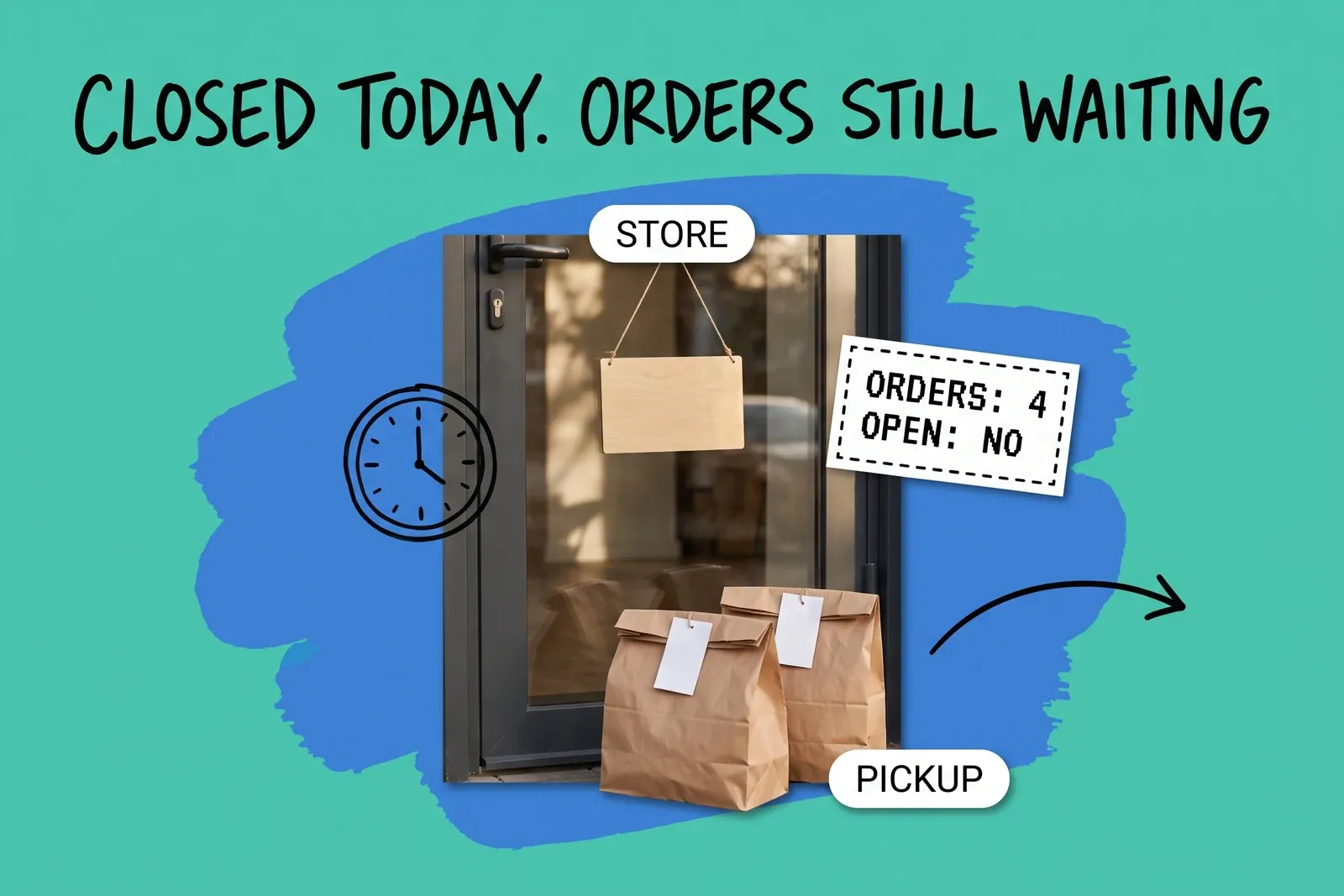
A burst pipe, a refit or a staff shortage: the store will not open today, and the website does not know. Closing a store for a day is two separate jobs. The first is stopping new online orders from choosing it. The second is dealing with the orders it already has: parcels it was going to ship, customers who chose it for pickup, and local deliveries its staff were going to drive.
How do I stop a store getting online orders for one day?
On Shopify, switch off what the store offers online, location by location, and expect the website's stock to drop. Square and BigCommerce handle it differently, covered below. Shopify has three separate per-location switches:
- Online fulfilment. Each location has a setting that makes its inventory available for online orders. Shopify's own help pages word it two ways: "Inventory at this location is available to fulfill online orders" on the location setup page, and "Use inventory at this location to fulfill online orders" on the fulfilment setup page. Turning it off "removes any inventory assigned to the location from a product's online quantity" and "also prevents Shopify POS ship-to-customer orders from using inventory from these locations."
- Pickup. From Settings, then Shipping and delivery, open the Pickup in store section, click the location and click "Turn off pickup in store."
- Local delivery. In the same Shipping and delivery settings, open Local delivery, click the location and deactivate "Deliver orders to customers directly from this location." Shopify says "Deactivating local delivery removes it as a checkout option for customers." Its setup page lists online fulfilment as a prerequisite for local delivery, but does not say what happens to local delivery if online fulfilment is switched off. Turn both off explicitly rather than relying on one to switch off the other.
The side effect: if the closed store holds a product's only units, that product's online quantity drops to zero for the day.
Square works differently. For Square Online orders received in its POS apps, Square documents a Pause Orders section where you pause pickup or delivery orders and choose when online orders resume. For pickup taken through its online ordering profile, Square lets you "Add dates when pickup ordering will not be available," with a "Repeat yearly" option, which suits holidays you know about in advance.
BigCommerce's Locations API carries an enabled flag, operating hours and special hours for each location; its reference page doesn't say whether they stop new orders or affect existing ones.
Should I deactivate the location for a one-day closure?
No. On Shopify, its conditions make it a poor fit for a temporary closure.
Shopify's location setup page says "You can't deactivate the location that's currently set as your default location," "You always need to have at least 1 active location," and "If the location is on the Shopify POS Pro subscription, then you must downgrade the location before you can deactivate it."
The admin and the API describe deactivation differently. In the admin, "Deactivating a location doesn't affect inventory quantities at that location," but open work blocks it: "The location has orders or inventory transfers that need to be completed or reassigned to another location first." The API's locationDeactivate mutation "Deactivates a location and moves inventory, pending orders, and moving transfers to a destination location." If you don't name a destination and the location holds stock, it returns "Location could not be deactivated without specifying where to relocate inventory stocked at the location." Either way, a store that reopens tomorrow has its orders, and possibly its stock record, moved out and then back.
You can bring it back ("You can reactivate a location at any time to continue fulfilling orders from it"), but Shopify adds: "When applicable, this reactivated location counts towards your locations limit." If you already run close to your plan's ceiling, read why platforms count your stores before you deactivate anything.
What happens to the orders already assigned to the closed store?
On Shopify, assume they stay with the store until someone moves or holds them. None of the Shopify help pages for the online fulfilment, pickup or local delivery switches says that turning them off moves existing orders, and Shopify's order routing page doesn't say whether routing changes reach orders already placed.
Order type | Can it move to another location on Shopify? | Shopify's wording |
|---|---|---|
Ship order, unfulfilled | Yes, item by item | "Select the items that you want to change the fulfillment location for." |
Pickup order | The help pages conflict; the pickup point itself cannot change | "You can't change the pickup location chosen by the customer at checkout." |
Local delivery order | No | "You can't change the location of a fulfillment for local delivery and in-store pickup orders." |
Orders the store was going to ship
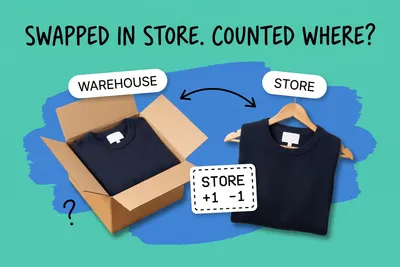
In the Shopify admin, open the order, use the menu in the Unfulfilled or In progress section and choose Change location. You select the items to move, so one line can go to the warehouse while another stays with the store.
Shopify's API documentation for moving fulfillment orders sets out the limits. A move fails if "The destination location doesn't stock the requested inventory item," and "Line items which have already been fulfilled can't be re-assigned." An order already sent to a fulfillment service may not be movable either: the same page says the location can't be changed while the request is submitted or accepted, until a cancellation request is accepted. Our post on which location should ship the online order covers how to choose a destination.
If the store holds the only unit and reopens tomorrow, use a hold instead: choose Mark as on hold, pick a reason, and the fulfilment stops. Shopify says "Your inventory can be reserved, but fulfillment is blocked until the hold is released." Release it with Release hold when the doors open. Shopify's holds page does not say whether the customer is notified.
Pickup orders
These are the orders a closure strands, and Shopify's pages disagree about them. The pickup page says that if you can't fulfil a pickup order, "then you can manually change the location of a pickup in store order," but also "You can't change the pickup location chosen by the customer at checkout." The general fulfilment page says "You can't change the location of a fulfillment for local delivery and in-store pickup orders." At best you can change where the stock comes from; the customer still collects from the closed store. Test Change location on one pickup order before you plan around it.
That leaves three options: someone opens the door at a set time for collections only, the customer is told the reopening date, or the order is cancelled and refunded so they can reorder for another store. Our order exception management post covers how to track that kind of stuck order.
One detail matters for the message. Shopify notes that "Location-specific pickup instructions are used in the notification even if the pickup option has been deactivated." Turning pickup off does not change what the Ready for pickup email says, so update the location's pickup instructions before anyone marks an order ready.
Square's order-timing article describes choosing Edit on an existing order and picking a new pickup time in 15-minute increments, or Other for a custom time. That changes the time, not the store. Saving passes the change to the integration partner, which notifies the customer or courier. The article we read is Square's Canadian help page, so check it applies in your region.
Local delivery orders
On Shopify these sit where pickup orders sit: the general fulfilment page says their location cannot be changed. The choices are a later delivery agreed with the customer, someone collecting the stock from the closed store and delivering it as planned, or a cancellation.
What do we tell the customer, and when does a delay become a legal question?
Tell them yourself, and early. None of the Shopify pages we read for Change location or holds says a customer notification goes out, so assume the customer hears nothing unless you send it.
For shipped orders in the US, the FTC's Mail, Internet, or Telephone Order Merchandise Rule (16 CFR 435) runs from the time you stated. Without a stated time, the seller must ship "within thirty (30) days after receipt of a properly completed order from the buyer," and "the seller shall have fifty (50) days, rather than thirty (30) days" where "the buyer applies to the seller for credit to pay for the merchandise."
If a seller can't ship in time, the rule forbids it "to fail to offer to the buyer, clearly and conspicuously and without prior demand, an option either to consent to a delay in shipping or to cancel the buyer's order and receive a prompt refund." That is the option notice. "Said offer shall be made within a reasonable time after the seller first becomes aware of its inability to ship," "but in no event later than said applicable time." It "shall provide a definite revised shipping date," or say "the seller is unable to make any representation regarding the length of the delay." What follows depends on how long the delay is, so read section 435.2(b) or ask your counsel.
The closure itself does not break the rule; missing the stated time without the option notice does. If the site promised dispatch within one business day and the only unit sits in a locked store, the notice may be due today. The rule defines shipment as "the act by which the merchandise is physically placed in the possession of the carrier," and does not address customer pickup, so whether a late pickup order raises the same obligation is a question for counsel.
What should the closing-day routine be?
- Switch off what the store offers online. On Shopify, turn off pickup in store and local delivery for that location; decide separately whether to turn off online fulfilment, knowing store-only products will drop out of the online count. For Square Online orders in the POS app, pause pickup or delivery orders, or add the date as pickup downtime if it is planned.
- Pull the store's open orders and sort them by type: ship, pickup, local delivery.
- Ship orders: move each unfulfilled line to a location that stocks it, or hold it if the store reopens tomorrow and holds the only unit.
- Pickup and local delivery orders: update the location's pickup instructions before anyone marks an order ready, then contact each customer with the reopening date and a collection or delivery time, or offer to cancel and refund.
- Check the stated ship times on any order that will now go out late, and send the option notice where 16 CFR 435 requires one.
- Switch everything back on reopening. Square lets you choose when a pause ends; none of the Shopify pages we read gives these switches an end date. Put the step on the store manager's opening checklist.
Frequently asked questions
Does turning off pickup at a store cancel the pickup orders it already has?
Shopify's help pages do not say it does. Turning off pickup in store removes the option for customers at future checkouts, and Shopify states "You can't change the pickup location chosen by the customer at checkout." Orders already placed for that store keep it as their pickup point, so contact those customers with a reopening date, or offer to cancel and refund so they can reorder elsewhere.
Can I move a closed store's ship orders to the warehouse for the day?
On Shopify, usually, item by item, while they are unfulfilled: open the order and use Change location. Shopify's API documentation says a move fails if the destination "doesn't stock the requested inventory item," and lines already fulfilled stay where they are. Pickup and local delivery orders are different: Shopify's help pages disagree on whether their location can be changed, so test one order before you rely on it.
Should I deactivate a store's location if it is closed for one day?
Usually not. In the Shopify admin, a location with open orders or transfers has to have them completed or reassigned first, the default location cannot be deactivated, and a POS Pro location must be downgraded first. The API version moves inventory and pending orders to another location. For one day, switching off online fulfilment, pickup and local delivery for that store changes far less.
Start your 14-day free trial
See how OmniOrders connects your sales channels, 3PLs, and carriers into one operational layer — free for 14 days, no credit card.