omniorders.com/blog OmniOrders blog hero illustration

All Things Commerce: Blog

Running an ecommerce brand gets messy behind the scenes. We cover the operational side most blogs skip: inventory that doesn't oversell, SKUs that stay sane, and fulfillment that works across channels. Real playbooks and honest numbers from people who've shipped the orders, not just written about them.

Tablet showing an ecommerce demand forecast line chart with seasonal peaks and a projected sales curve on a teal background, with sticky notes reading FORECAST and REORDER
Inventory

Demand Forecasting Methods: A Practical Guide for Ecommerce

A practical guide to demand forecasting methods for ecommerce: the four core techniques, when to use each, and how to improve forecast accuracy as you scale.

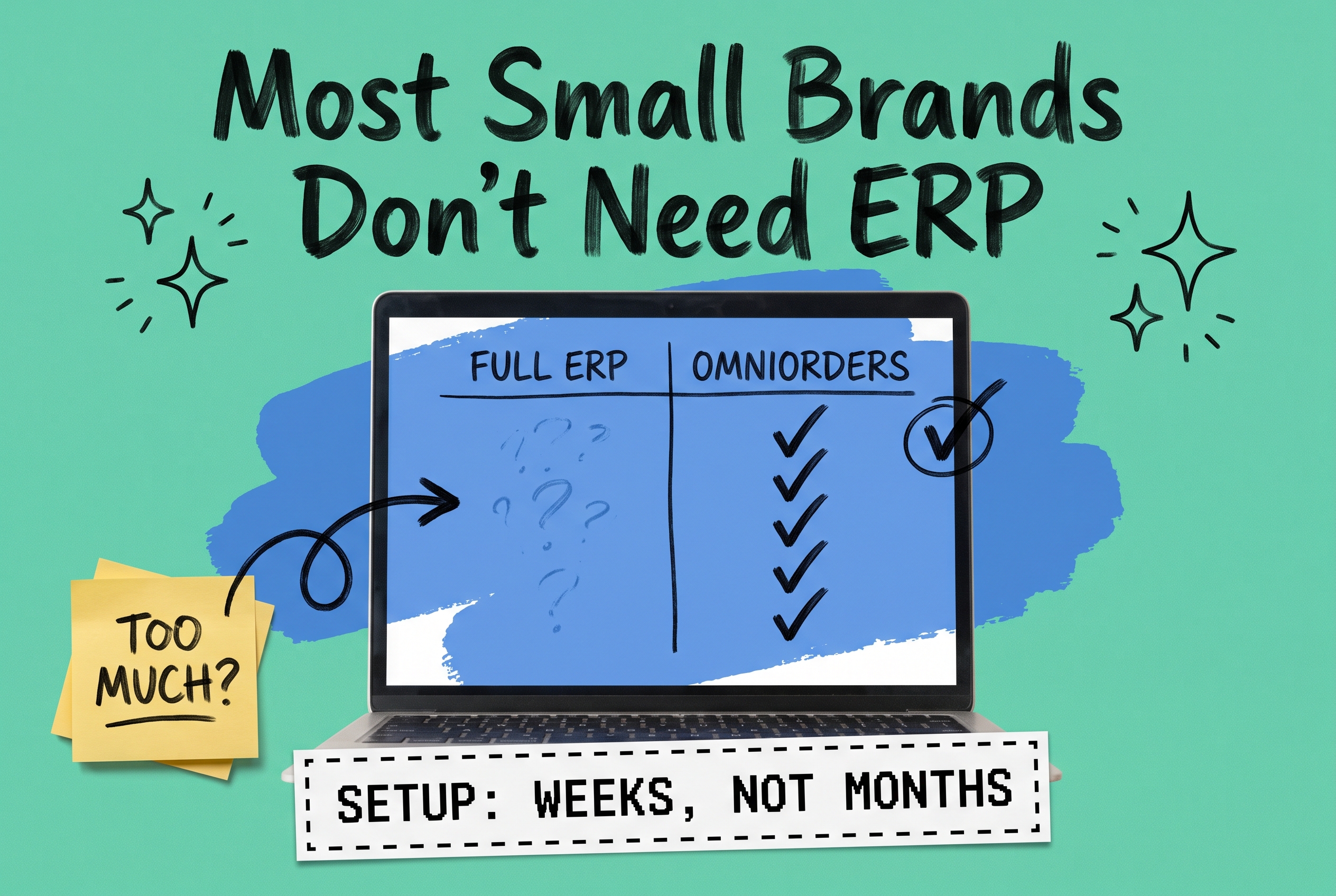
Tablet showing an ERP inventory dashboard with an on-hand quantity and a stock level bar chart circled by hand, on a teal background with a blue brushstroke shape, a yellow sticky note reading ERP vs OMS, and a pixel-font card reading SKU-1042 QTY 128
Order Management

ERP Inventory Management: Do You Actually Need an ERP?

ERP inventory management promises one system for stock, orders, and finance. Here is when your ecommerce brand truly needs an ERP, and when an OMS is enough.

Handheld barcode scanner reading a label on a shipping box in front of a warehouse shelf, with a screen showing stock counts updating, on a teal background with hand-drawn arrows and sparkle
Inventory

Barcode Inventory System: From Scanner Setup to Real-Time Stock Sync

A barcode inventory system replaces manual counts with scans that update stock in real time. Here is how it works, how to set one up, and what to buy.

Tablet showing a B2B customer portal reorder screen with order history list, a NET 30 invoice card, and an order status timeline on a teal background
Order Management

B2B Customer Portal: Self-Service Reordering, Status, and Account Management

A B2B customer portal lets wholesale buyers reorder, track order status, and manage their account around the clock. Here is how it works and what to look for.

Laptop showing a customer self-service order portal with an order list, status labels, and Track, Return, and Reorder buttons on a teal background with hand-drawn doodles
Order Management

Customer Self-Service Portal: Cut Support Tickets and Win Repeat Orders

A customer self-service portal lets shoppers track orders, start returns, and reorder on their own. See how it cuts support tickets and drives repeat sales.

Smartphone showing a branded order tracking page with a status timeline, on a teal background with a blue brushstroke shape and hand-drawn doodles
Shipping

Order Tracking Software: How to Turn Post-Purchase Into a Retention Channel

Order tracking software turns post-purchase anxiety into loyalty. See how branded tracking pages and proactive updates cut WISMO tickets and win repeat orders.

Black Friday ops countdown planner board on a dark navy background with a blue brushstroke, checklist sticky notes, and hand-drawn checkmarks and a warning triangle
Fulfillment

Black Friday Fulfillment Checklist: How to Survive Q4 Without a Meltdown

Use this Black Friday fulfillment checklist to forecast demand, beat peak season surcharges, and audit your OMS so Q4 orders ship on time without a meltdown.

Smartphone showing a Shopify product drop page with a pre-order button and a countdown, blue brushstroke shape and inventory gauge on a teal background
Order Management

Shopify Pre-Orders: How to Manage Product Drops Without Overselling

Learn how Shopify pre-orders work, how to reserve inventory across your channels, and how to run product drops without overselling or losing customer trust.

A parent bundle box linked to three component product SKUs on a teal background, with a stock counter showing available bundles limited by the lowest component
Inventory

Bundle SKUs and Kit SKUs Explained: Managing Assemblies Without Inventory Chaos

What is a bundle SKU? Learn how bundle and kit SKUs work, how component inventory decrements, and how to sell assemblies across channels without overselling.

Tablet displaying a 3PL partner evaluation checklist with checkboxes on mint teal background with blue brushstroke shape, yellow sticky note reading 3PL CHECKLIST, hand-drawn doodle annotations
Fulfillment

How to Choose a 3PL Partner: The Ecommerce Brand's Evaluation Checklist

A brand-agnostic 3PL partner evaluation checklist covering integration depth, SLA structure, pricing, location footprint, and inventory visibility.

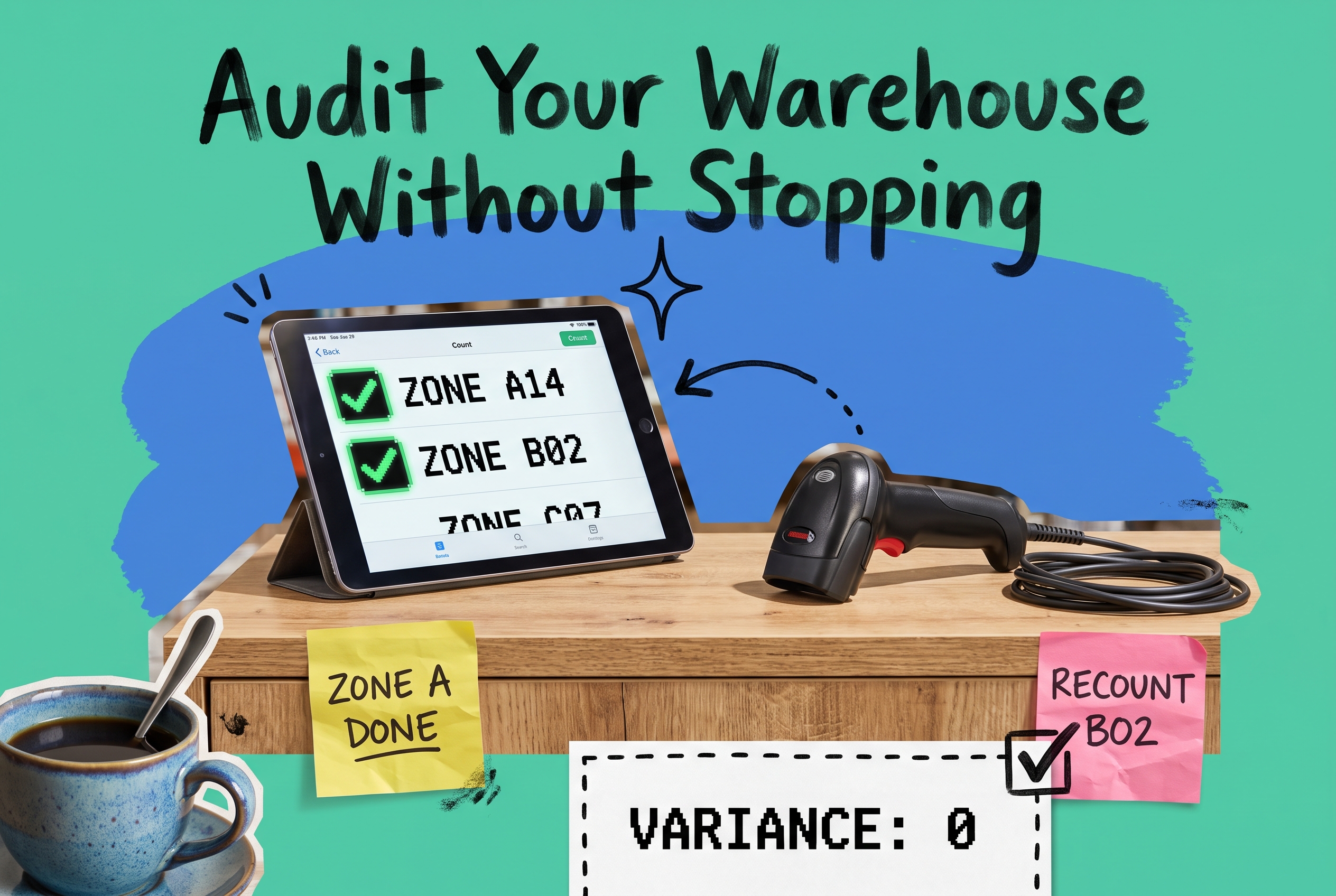
Cycle counting workflow — warehouse shelf with color-coded bin labels and a handheld barcode scanner on teal background, sticky notes reading COUNT IN PROGRESS and NO SHUTDOWN
Inventory

Cycle counting for ecommerce: fix inventory accuracy without a full shutdown

Learn how to run cycle counts without shutting down operations, investigate variances fast, and sync adjustments across all sales channels.

Tablet showing backorder management dashboard with In Stock, Backordered, Shipped columns and Notify Customers sticky note on teal background
Order Management

Backorder Management for Ecommerce: The Operational Playbook

Learn how to handle backorders without losing customer trust. Covers pre-order vs backorder mechanics, communication cadence, partial-shipment policies, and OMS-level.