Switching POS Without Losing Your Stock Counts
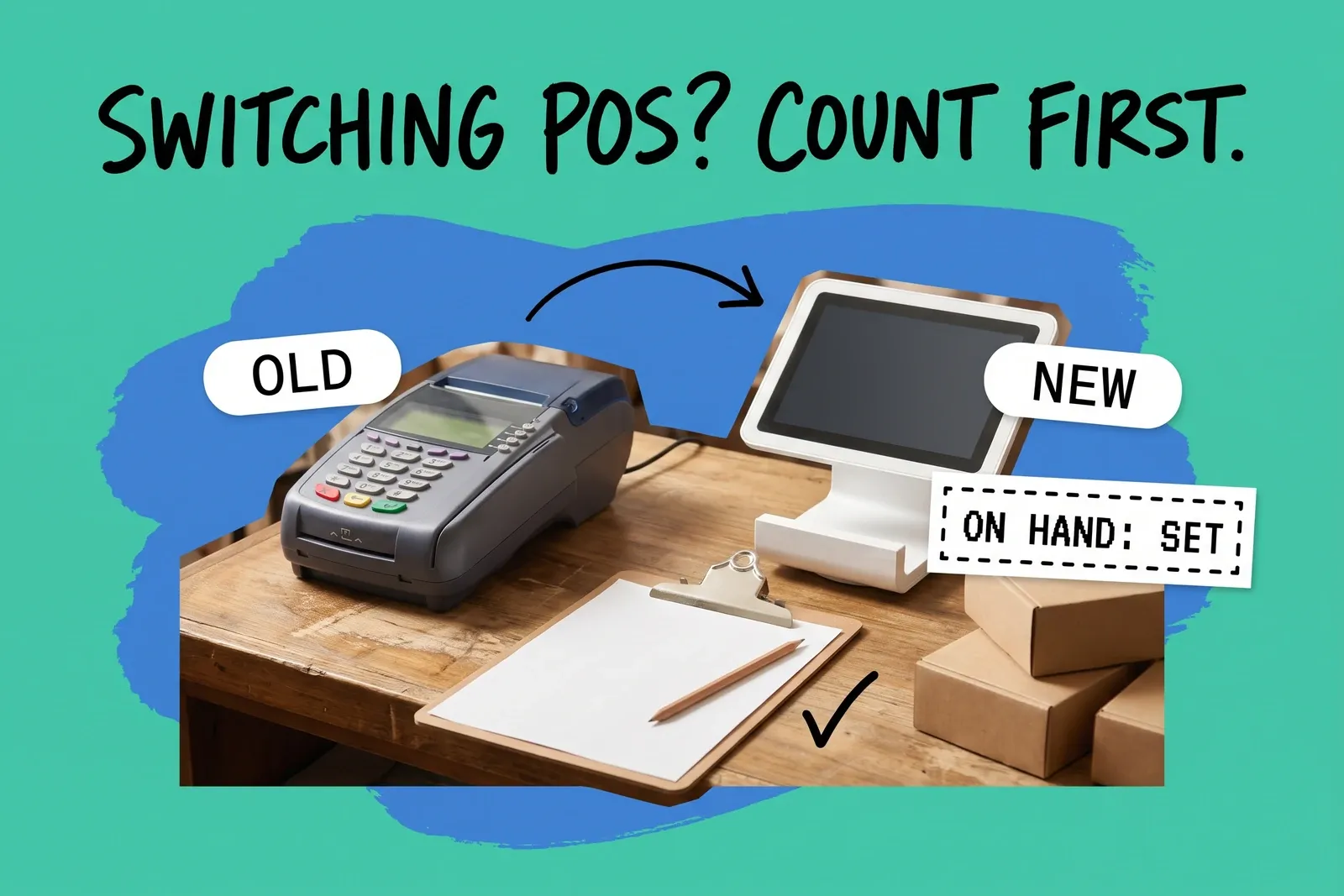
Your stock counts do not move from one register system to another on their own. Product lists, barcodes and prices can be imported; the quantity at each store is something you count and then load into the new system. That load sets the number. It does not add to it.
The specifics below are for moving to Shopify POS, mostly from Square or Clover, because that is where the vendor documentation is clearest. The principles apply to other systems too, but check your new vendor's import rules before you rely on any detail here.
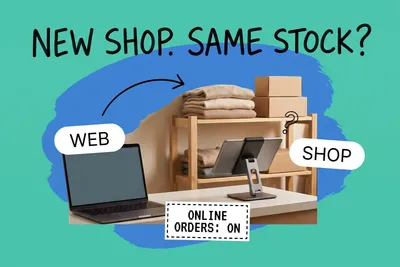
The bigger risk in a POS switch is not that counts vanish. It is that available stock starts too high by every unit already promised to a customer, and the website sells against it. Below is what moves, what does not, and the order to do things in on cutover day.
Will my stock counts come across when I switch POS?
Not by default. Shopify's guide to migrating from Square says the import method "doesn't import inventory by location" and that this "must be handled by a separate import or manually set." The Clover migration guide says the same about its import. Products and variants can be imported, within the limits below; per-location quantities cannot.
There are two separate files involved, and they are easy to mix up. The product CSV has an inventory quantity column, but Shopify says it "applies only to Shopify stores that have a single location"; with more than one location you use the inventory CSV, with one row for each variant at each location. Shopify says the location name in that file is case sensitive and must match exactly, which means a name that differs by even a full stop will not match.
Two smaller limits matter when moving from Square. Shopify allows three product options, and a product missing a variant option will not import. Shopify also does not support prices by location, so a store-specific price in Square needs a decision before the move, not after.
Does importing an inventory CSV add to my stock or replace it?
It replaces it. In Shopify's inventory CSV, "On hand (new)" is "the new inventory quantity that you want to set." Square's bulk import works the same way: a change in the New Quantity column "will replace the existing item quantity," and a zero in that column sets the item to zero at that location.
That has two practical consequences:
- Import counts, not adjustments. If someone loads "+12 received today" as 12, the location now holds 12.
- An export is a snapshot. Shopify compares the "On hand (current)" column in your file with the live quantity before it changes anything, and rows whose stock moved after the export do not import. That protection disappears if you clear the current column or use the simpler available-only file, which Shopify says "doesn't provide protection against accidental overwrites."
The safe pattern is export, count, edit only the On hand (new) column, import, with no sales in between.
What happens to layaways, special orders and pickups during a POS switch?
Shopify splits a location's on-hand stock into committed, unavailable and available. Committed means units "set aside" that "can't be sold," such as "units in an unfulfilled order" or units "reserved in a draft order." Available is what the register and the website can sell. When you count the back room on cutover day, the shoes on the layaway shelf and the special order waiting for pickup are physically there, so they go into the count as on hand.
In the old system, those units were already deducted or reserved by the open order, depending on how that system handles it. In the new one, nothing holds them unless an open order does. Shopify's Clover guide describes migrated orders as "historical orders (orders that have already been fulfilled)," and orders created through Shopify's orderCreate API do not claim inventory by default: the default inventory behaviour is "BYPASS," described as "Do not claim inventory." Migration apps may behave differently, so check yours.
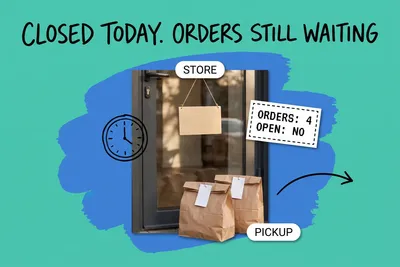
Our reading of those rules: on day one, every unit already promised to a customer can show as available, in the store and on the website. Nothing in the count is wrong. The promise simply did not move with it. The fix is manual:
- Before cutover, print a list of every open layaway, special order, pickup and unshipped web order from the old system.
- After you import the counts, record each one in the new system so it holds its stock, without charging the customer again or counting the sale twice. A draft order is one route, since Shopify counts units reserved in a draft order as committed. Check your notification settings first.
- If an order cannot be recorded in time, keep those units out of the import, then correct the count with a fresh export and import once the order exists.
Should we count stock on the day we switch?
Yes, with selling paused. Shopify's count-planning guide describes closing the store as "the most accurate option because no sales happen during the count." Closing the doors does not stop the website, though, so also stop online orders from drawing on that location while you count. Count after the old register rings its last sale, and import before the new register rings its first.
Do not stop at one count. Shopify's own go-live guidance suggests scheduling the first physical inventory count "within the first month," a good point to catch setup errors from the migration.
Keep the old system's records before you cancel it. If you are in the US and keep inventories, the IRS says you "must value your inventory at the beginning and end of each tax year," and your accountant may need stock figures from the start of the year. If the old POS is the only place those figures live, export them first. Square, for example, lets you export item counts and variance data from its inventory variance report. Shopify shows only the last 180 days of adjustment history per product, so keep your own exports for anything older.
Can customers' gift card balances move to the new POS?
Sometimes; how depends on your platform and plan, so confirm the method with your new vendor. Timing is where it goes wrong. Shopify's POS launch checklist says gift card data should be migrated "right before launching." Its Plus launch checklist explains why: you can't edit gift cards in Shopify, so a card used in the old store after its data was imported cannot be updated, and the same gift card number cannot be used again later.
Two more points. Square's eGift cards do not work "with any eCommerce partners or API integrations," so do not expect them to be redeemable on another platform's website during the changeover. And if you are leaving Shopify, its standard gift card export includes only the last four characters of each code and "can't be used to recreate cards" on its own. Plan the gift card move as the last step before opening, and stop selling and redeeming gift cards in the old system once the export is taken.
Do our customers and past sales come with us?
Partly. Shopify's launch checklist says you can import orders, products and customers, and calls importing orders from the past two to five years best practice. At minimum, import orders still inside your return window, so a customer bringing back something they bought last month can be found. Shopify notes that new order notifications are triggered for every imported order, so plan for that before you load several years of history.
From Square specifically, the customer export cannot be imported without editing the CSV first, and Shopify offers no data mapping for customer imports. Order history from Square moves through third-party migration apps.
Why won't our barcodes scan after the switch?
Shopify's scanner troubleshooting guide points to data problems first: the barcode number sitting in the SKU field instead of the Barcode field, extra zeros or special characters at the start or end of the number, and a product that is not active on the Point of Sale channel. If one product carries several barcodes, for example a supplier label and your own, Shopify's product CSV accepts up to 20 barcodes per product or variant.
Test-scan a shelf from every supplier before cutover day, so staff are not working around unscannable items on the first morning.
The cutover day, in order
- Weeks before: import products and barcodes, test scans from every supplier, and freeze catalog changes in the old system, or re-export what changed the week before.
- The week before: export the old system's sales, adjustment and customer history.
- The last evening: print every open layaway, special order, pickup and unshipped web order.
- After the last sale: make sure every sale on the old registers has gone through, including any taken offline, export a final stock report, then stop selling on them.
- Count with the store closed and online orders paused for that location, and import the counts into the On hand (new) column only, leaving On hand (current) as exported.
- Record the open orders so they hold their stock again.
- Migrate gift cards last, right before opening.
- Count again within the month.
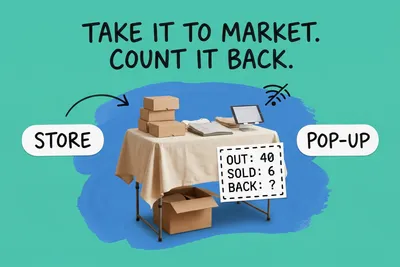
With several stores, cut them all over at once if you can. If you stagger them, keep each location on one system at a time, and do not let the website sell a location's stock until that location has been counted and imported. Decide which system is the one source of truth for every store and channel before the cutover starts, not during it. If you are also choosing how the new register should talk to the rest of your stack, our guide on connecting POS systems to a central order system covers that side, and our retail inventory management guide covers keeping store counts right after the switch.
Frequently asked questions
Does importing an inventory CSV add to my stock or replace it?
It replaces it. In Shopify's inventory CSV, the On hand (new) column is the quantity you want to set at that location, and Square's bulk import says a change in the New Quantity column will replace the existing item quantity; a zero sets that item to zero at that location. Count first, then import the count. Never import a delta, and never re-import an old file after stock has moved.
Will layaways and special orders come across when I switch POS?
Not reliably. Shopify's Clover migration guide describes migrated orders as historical orders that are already fulfilled, and orders created with Shopify's orderCreate API do not claim inventory by default; migration apps may differ. In our reading, units waiting in the back room for a customer get counted as on hand and can then show as available. List every open order before cutover and re-enter it so it holds stock.
When should we count stock during a POS switch?
As close to the cutover as you can, with in-store and online selling paused for that location. Shopify's count guidance calls closing the store the most accurate option because no sales happen during the count. Count after the old register's last sale and import before the new register's first. Shopify also suggests scheduling your first physical inventory count within the first month, a good point to catch setup errors.
Start your 14-day free trial
See how OmniOrders connects your sales channels, 3PLs, and carriers into one operational layer — free for 14 days, no credit card.