Which Location Should Ship the Online Order? Order Routing for Retailers With Stores and a Warehouse
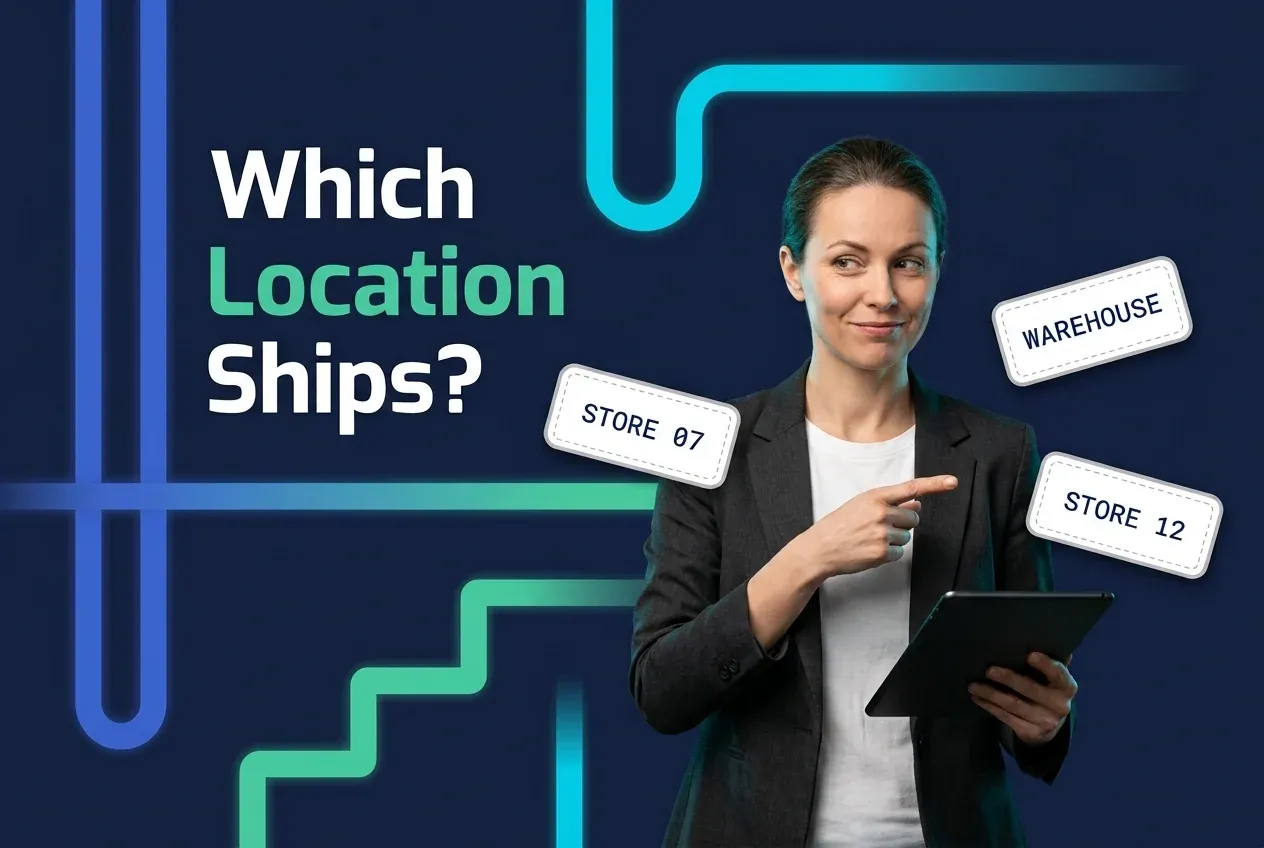
A retailer with one warehouse has a simple routing problem. Add stores that hold sellable stock and every online order asks a question the warehouse never had to: which location should ship this? The obvious answer, the closest location, is the last tiebreak in Shopify's default routing, and it is wrong often enough to cost real margin.
The better answer has five inputs, and they run in a different order than most people guess: ship from the location that can fill the whole order, from stock you can trust, without taking a unit a store would have sold at full price, in time to meet the promise, at the lowest all-in cost. Proximity earns a place as a tiebreaker. The rest of this guide takes the inputs in turn and ends with a rule order to start from.
How the default routing works, in the platform's words
Most multi-store retailers meet order routing for the first time inside their commerce platform. Shopify's Help Center describes order routing as a series of rules applied in sequence. The available rules are Minimize split fulfillments, Stay within the destination market, Ship from closest location, Use ranked locations, and Use location metafields. By default the platform applies the first three in that order: avoid a split, stay in the customer's market, then pick the location with the shortest straight-line distance to the shipping address. When no single location has every item, Shopify "prioritizes the locations that result in the fewest number of packages"; its locations documentation describes the same case as one where the order "is split across multiple locations or the highest-priority location oversells the product."
Two things follow. The defaults were built to avoid splits and keep shipping short, which is sensible. And the three default rules price nothing: they don't know what a store pick costs, whether the store's count is right, or whether that unit was about to sell at full price. Ranked locations and location metafields give you somewhere to put that judgement, but you have to supply it.
There is also a gate before routing runs. A location only participates in online fulfillment if it is enabled to; in Shopify's words, "preventing a location from fulfilling online orders removes any inventory assigned to the location from a product's online quantity." That sentence is the mechanism behind a complaint retailers post in almost the same words: the item is on a store shelf and the website says shipping is not available. The stock exists, but it is excluded from the online quantity because the store isn't an online fulfillment location. Enable the location and the store's inventory becomes promisable, which is where the next problem starts.
Input one: completeness
A split shipment is the most expensive routine outcome a routing rule produces; only a cancellation costs more. It means a second pick at a second location, a second package, a second carrier label and often a second delivery window to explain to the customer. McKinsey put fulfillment costs at roughly 10 to 20 percent of sales in omnichannel retail in 2021, and splitting an order that one location could have filled adds a second pick, a second box and a second label to an order that needed one of each. The platform defaults get this right, and any rule order you build should keep "fill the whole order from one location" near the top, as a strong preference with a cost override rather than an absolute: a two-line order the warehouse can fill from seven zones away may still be cheaper as two short shipments from nearby stores. Our guide to partial shipments versus split shipments covers how to communicate the difference when a split is the right call.
Input two: how much you trust the store's count
Routing guides tend to stop at distance and splits. This input is the one most likely to produce a cancelled order.
Routing to a store assumes the store's inventory record is right. The published evidence says it usually isn't. A 2020 ECR Retail Loss study, run over three years across seven retailers in four European countries, covering roughly 233,000 audited SKUs in about 100 stores, found that "for 59.54% of the audited SKUs, the (physical) quantity on stock did not match the quantity displayed in the information system at the time of the stocktake." A 2008 Management Science study by DeHoratius and Raman, covering nearly 370,000 inventory records across 37 stores of a single retailer, found 65 percent of records inaccurate. A 2021 analysis of 5.25 million items across 81 fashion stores estimated the resulting revenue loss at more than 1 percent of sales and more than 3 percent of gross profit.
These audits count any mismatch, in either direction, including off by one. A 60 percent error rate is not a 60 percent chance the shelf is empty. What it does mean is that a store count of one or two is not something to promise against. The samples are European grocery and fashion, one retailer's 37 stores in 2008, and 81 fashion stores in 2021; your own ship-from-store cancellation data will show how far your stores sit from those numbers.
The fix is a confidence threshold: only route to a store when its on-hand exceeds a minimum you set from your own data. Start by looking at where your ship-from-store cancellations cluster by on-hand level, set the floor above it, raise it for fast movers, and require a recent count. The ECR study also found that correcting records lifted sales by roughly 4 to 8 percent, which is the other half of the argument: store inventory accuracy stops being a back-office metric once stores ship orders.
Input three: what the store would have done with that unit
A warehouse unit has one job: ship. A store unit has two possible futures: sell at full price to a walk-in customer, or ship to an online one. Routing an online order to a store that is down to its last units of a fast-selling size takes the unit away from the customer who was about to pay full price for it and hands it to one who might have been served from the warehouse anyway. Weeks later the store marks down the sizes nobody wanted, having shipped away the one that would have sold.
Good routing therefore protects store sell-through. Exclude stores whose on-hand is at or below the presentation minimum for that SKU, and prefer locations where the unit is least likely to sell at full price. A per-SKU, per-store sell-through forecast is a demand-planning project, so start with a proxy you already have: weeks of supply at that location versus the chain average. A store sitting on twelve weeks of a size the chain turns in four is a good place to ship from. This is the rule that turns ship-from-store into a markdown-avoidance tool, and it is invisible to a distance-based default.
Input four: the promise
Each location has a carrier pickup time, and an order that lands after the truck has gone will not move until tomorrow, whatever the store's closing hours suggest. If the customer was shown a delivery date at checkout, the location chosen has to be one that can still make it. Routing rules that ignore pickup cutoffs produce late orders from the "closest" location while a warehouse with a later pickup sits idle. Our overview of omnichannel fulfillment covers how promise dates and location choice fit together.
Input five: distance, as cost rather than as geography
Distance matters for one reason: carrier prices rise with it. The US Postal Service assigns every origin-destination pair a zone, "local" or 1 through 9, based on the distance the piece travels, and "postage rates for zoned mail are based on mail piece weight and the distance the mail piece travels using these zone assignments." UPS and FedEx also price ground by zone, though their zone maps and surcharge structures differ from USPS's. A location one zone closer is usually cheaper, and sometimes a day faster.
But the routing decision should be about the delivered cost of the order, and straight-line distance is a rough proxy for it. Two locations in the same zone are close to a wash on line-haul, so the miles between them tell you little; what differs is the contracted rate at each origin, the surcharges that attach, and when the truck comes. A store one zone closer than the warehouse saves a zone step on the label but adds a store pick, which McKinsey found in 2021 runs "typically 1.5 to 2 times higher on a cost-per-pick basis" than a distribution center pick for a majority of retailers. The right way to use distance is as a cost term, ideally through carrier rate shopping at the moment of routing, with proximity as the tiebreaker when rated costs are equal.
A rule order to start from
Putting the inputs in sequence produces an order that looks nothing like the default:
- Destination market first. Only consider locations that can legally and practically serve the destination. Cross-border orders stay inside their market; this is a filter, not a preference.
- Complete fill. Prefer locations that can ship every line. Allow a split only when no location can, or when the rated cost of two shipments beats one.
- Confidence threshold. Drop any store whose on-hand for an item is below your minimum, or whose last count is older than your rule allows.
- Protect sell-through. Drop stores at or below presentation stock for that SKU; prefer locations with the highest weeks of supply relative to the chain.
- Store capacity. Cap units per store per day so one well-stocked location doesn't absorb the whole channel and bury its staff.
- Cutoff and promise. Drop locations that cannot meet the promised date given their carrier pickup time.
- Cheapest delivered cost. Rank the survivors by rated shipping cost plus handling cost.
- Closest as tiebreaker. When cost is equal, the nearer location wins.
If steps 3 through 5 leave no store standing, fall back to the warehouse. Don't relax the filters; the filters are the point.
Two of these steps depend on data most platforms do not hold about a location: a per-SKU presentation minimum and a count recency. Both are things to check any order management layer for, ours included, before you assume the rule order is buildable. Steps 1, 2, 6, 7 and 8 are a quarter's work with the data you already have; steps 3 through 5 need count recency by store and a presentation standard agreed with merchandising, and at twenty-five stores that is closer to two quarters.
Where the platform stops counting
One more constraint shapes this decision for growing retailers: the platform counts your stores. Shopify's location limits are 2 active locations on Starter, 10 on Basic, Grow and Advanced, and 200 on Shopify Plus; deactivated locations don't count, and fulfillment apps don't count toward the limit. On Plus the constraint effectively disappears. Below it, at ten locations, it binds fast: a retailer with 14 stores and a warehouse on a non-Plus plan cannot make every store a location, which is the situation behind another recurring complaint, that pickup works in nine stores plus the warehouse and the other five are invisible. Whether every location you want to ship from can exist in the system is worth confirming before the routing rules are designed.
Where an order management system fits
OmniOrders routes each order to the location that should fulfill it, a warehouse, a store or a partner, based on rules the retailer sets, and can split an order across locations when no single location can fill it. It supports ship-from-store fulfillment alongside warehouse and partner locations, and it connects to the storefront through the Shopify integration. Buy-online-pick-up-in-store flows can be supported in setups where store inventory is connected.
The one thing to change first
If you change one thing first, add the confidence threshold. Every other input in this guide costs margin when it is wrong; a wrong count costs the order. Set a minimum on-hand for store fulfillment from your own cancellation data, exclude stores that haven't counted an item recently, and watch the cancellation rate on ship-from-store orders.
Frequently asked questions
Should online orders ship from the closest store?
Only when the closest store can fill the whole order from stock it actually has and the sale won't cost the store a full-price unit. Distance matters because carrier prices rise with zone, but a store pick typically costs more per unit than a warehouse pick, and a split shipment adds a second box. Treat proximity as a tiebreaker after completeness, inventory confidence and store sell-through.
When should an order be split across locations?
When no single location can fill it and the alternative is cancelling a line or delaying the whole order, or when the rated cost of two short shipments is lower than one long one. A split adds a second pick, second package and second carrier charge, so it should be a considered choice, and the system should try every complete-fill option first.
Why does my website say shipping isn't available when a store has the item in stock?
Because the store location is not enabled to fulfill online orders. On Shopify, for example, turning off online fulfillment for a location removes its inventory from the product's online quantity, so a unit sitting on a store shelf is invisible to the website. Enabling the location brings that stock into the online quantity, but then the store's inventory record has to be accurate enough to promise against.
Start your 14-day free trial
See how OmniOrders connects your sales channels, 3PLs, and carriers into one operational layer — free for 14 days, no credit card.