POS Systems With Inventory Management: Why Your Register Needs a Central OMS
You opened a second location. Maybe a third. You're selling on Shopify too, and someone on the team just talked you into Amazon. Your POS system promised inventory management as a feature, and for a while, it worked. Counts matched. Nobody oversold. Life was fine.
Then it wasn't. A shirt sells at the register in Austin, and the Shopify listing in Dallas doesn't know about it for six hours. A customer orders the last hoodie online; turns out the floor staff sold it twenty minutes earlier. You're refunding orders and apologizing in DMs, and the common thread is always the same: your POS knows what happened at your POS. It doesn't know what's happening anywhere else.
That's not a flaw, exactly. It's a boundary. Square, Clover, Lightspeed: they're built to run a register, not a network of channels. If you're selling in one place, POS inventory management is enough. If you're not, you need something sitting above it.
What POS inventory management actually does well
Give credit where it's due. A modern POS with inventory management handles the job it was designed for:
- Deducts stock the moment an item is scanned and sold
- Tracks variants (size, color, SKU) at a single register or store
- Flags low stock so you can reorder before a shelf goes empty
- Ties sales history to specific items so you know what's moving
For a single-location retailer, that's the whole job. The register is the system of record, and there's nothing else for it to talk to. Clover POS inventory management, for example, is solid for a shop running one storefront: real-time deduction, barcode scanning, low-stock alerts, all built into the hardware you're already using to ring people up.
The trouble starts the moment you stop being a single-location retailer.
POS inventory management vs. OMS inventory management
People search for "pos and inventory management system" and "inventory and pos system" as if they're the same thing. They're not, and the difference is exactly where most multi-channel sellers get stuck.
POS inventory management | OMS inventory management | |
|---|---|---|
Scope | One register, one store | Every store, channel, and warehouse |
Update speed | Often a delayed sync or manual pull | Real-time, per SKU |
Marketplaces (Amazon, eBay, Walmart) | Not connected | Connected and reconciled automatically |
Ship-from-store | Not possible | Built in |
Order routing | Manual | Automated, based on proximity and stock |
Forecasting | Reorder alerts at one location | Demand patterns across the whole business |
Neither one replaces the other. The POS handles the register. The OMS handles everywhere else, including the register.
Where POS inventory management hits a wall
Most POS platforms were built around one assumption: there's one place where inventory lives, and the POS sits right next to it. Add a second store, a warehouse, or a marketplace listing, and that assumption breaks in a few predictable ways.
Multi-location stock isn't really synced. It's reconciled later. Some POS systems will show you inventory across locations, but the update isn't instant, and it's rarely bidirectional with anything outside the POS ecosystem. You're looking at a snapshot, not a live number.
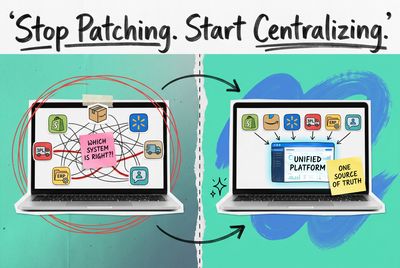
Marketplaces don't talk to your register at all. Amazon, eBay, Walmart: none of them know your POS exists. If you're managing those listings by hand, or through a separate app that only half-connects to your POS, you've built a second source of truth without meaning to. Now you've got two systems, and each one thinks it's right.
Ship-from-store isn't possible. If your e-commerce orders can't see what's sitting on a store shelf across town, you can't route an online order to the nearest location and ship same-day. That inventory is invisible to anyone outside the four walls it's sitting in.
And one bad sync costs you more than you'd think. Oversell once on Amazon and you're not just refunding an order. You're eating into account health metrics, and repeated oversells can get a listing suppressed.
None of this means your POS is bad at its job. It means the job changed, and the POS didn't.
The real fix: a central OMS sitting above every channel
This is the part most "POS vs. inventory software" comparisons skip. You don't replace your POS. You connect it.
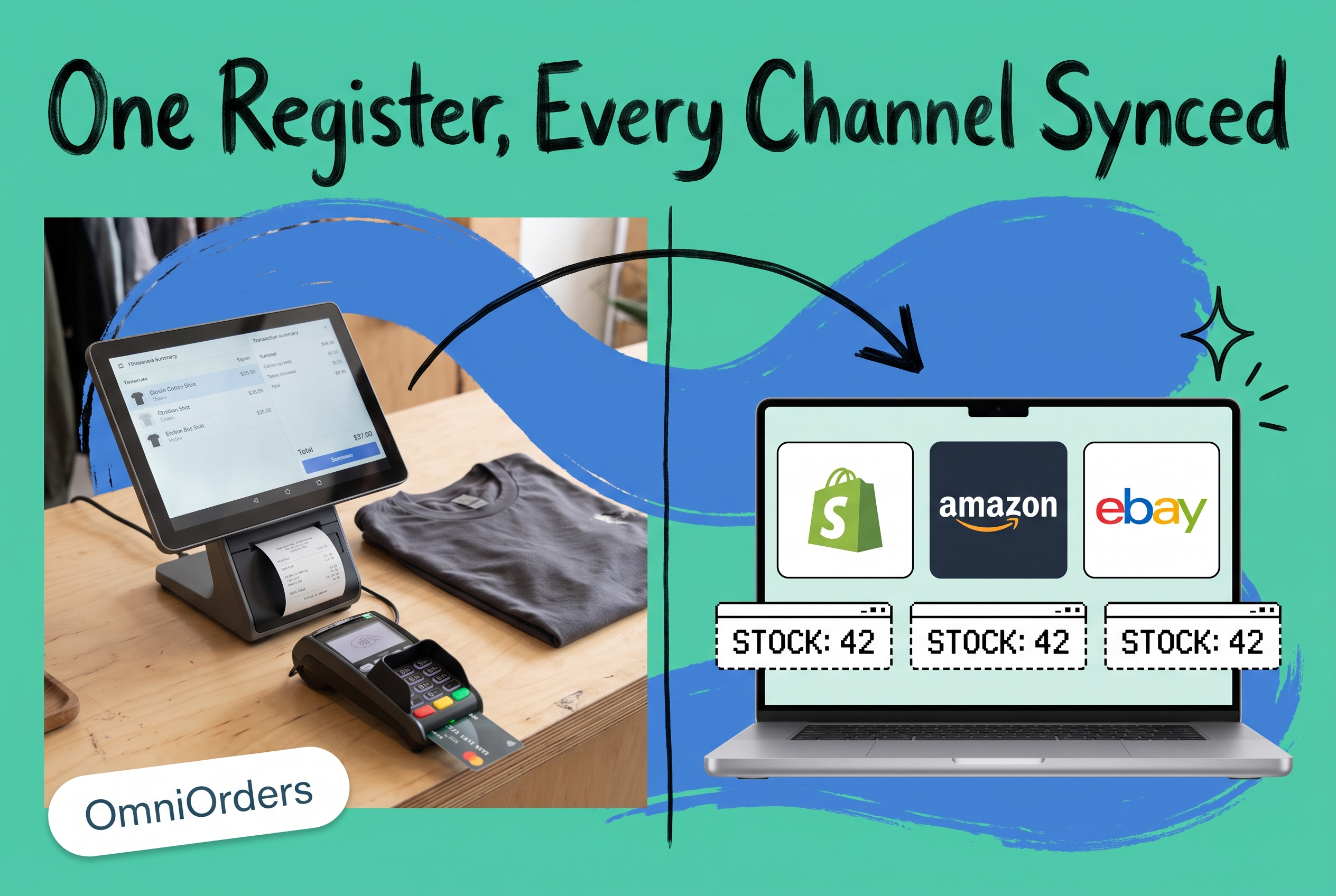
A central order management system, which is what OmniOrders does, doesn't compete with your register. It sits one layer up, pulling real-time stock data from every POS, every marketplace, every warehouse, and resolving it into one number per SKU. When that shirt sells in Austin, the OMS updates the count everywhere else within seconds. Not hours.
Here's what changes once a central OMS sits on top of your POS and inventory management setup. Every channel reads from the same live count (POS, Shopify, Amazon, eBay), so nobody's reconciling spreadsheets at the end of the day. Stock moves between locations show up the moment they happen instead of on the next manual pull. Online orders can route to whichever location has the goods and the fastest path to the customer, including your own retail floor, which is what ship-from-store actually requires.
Two more things shift, and they matter:
- Automated order routing: orders get sent to the warehouse, store, or 3PL that makes sense, based on proximity, stock level, or cost, without someone manually deciding every time
- AI-driven forecasting: instead of reacting to a stockout, you're looking at demand patterns across every channel and reordering before you run dry
Your register still rings up the sale. It just stops being the only thing that knows about it.
A practical example
Say you run three storefronts on Clover, plus a Shopify store and an Amazon listing. Clover POS inventory management keeps each store's counts accurate in isolation. That part works fine. But nothing in Clover tells Shopify that Tuesday's in-store rush just sold through half your stock of a bestseller, and nothing tells Amazon either.
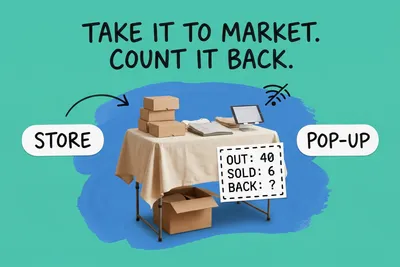
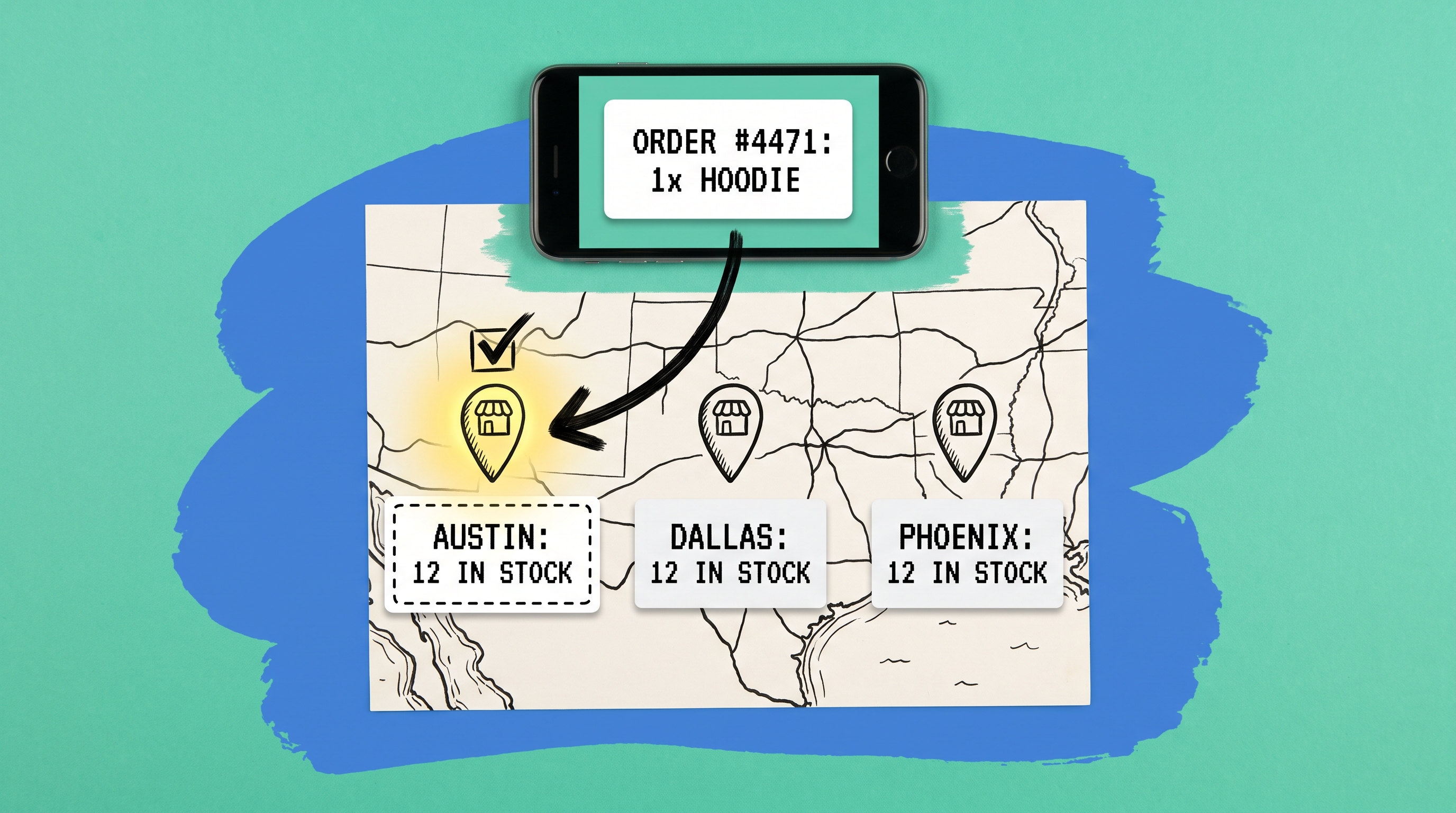
Connect all three Clover locations, the Shopify store, and the Amazon listing to a central OMS, and the math changes. One SKU, one number, read by every channel in real time. If a customer in Phoenix orders online and the nearest Clover location has stock, the order routes there instead of your warehouse three states away. That's the gap between inventory management at the register and inventory management across your whole business.
How to connect your POS to a central OMS
You don't need to rip anything out. The usual path looks like this:
- Audit what's actually connected today. Most multi-channel sellers find at least one channel, usually a marketplace, that's being updated manually or through a brittle one-off integration.
- Pick an OMS built for multi-channel, multi-location sync, not a glorified spreadsheet exporter. Look for native connectors to your POS, your sales channels, and your fulfillment setup, plus support for EDI if you're working with larger retail partners.
- Connect your POS first. This becomes your real-time source of in-store stock.
- Layer in marketplaces and your warehouse. Each connection narrows the gap between what you think you have and what you actually have.
- Turn on automated routing once the data is trustworthy. Don't automate order routing on top of inventory counts you don't trust yet. Fix the sync first.
Keep the register. Add the brain.
Your POS isn't the problem. It was never built to track stock across five locations, three marketplaces, and a warehouse. That was never the job. A central OMS like OmniOrders takes the real-time count your POS already produces and makes it visible everywhere your business sells, so the only thing that runs out is patience for spreadsheets.
Frequently asked questions
Does a POS system do inventory management?
Yes, most modern POS platforms include basic inventory management: stock deduction at sale, low-stock alerts, and variant tracking. It works well for a single location. It doesn't extend natively to other stores, marketplaces, or your warehouse.
What's the difference between POS inventory and OMS inventory management?
POS inventory management tracks stock at the point of sale, usually for one location. OMS inventory management centralizes stock data across every location and channel (POS, e-commerce, marketplaces, warehouse) into one real-time number per SKU.
Can I keep my POS and add a central OMS on top?
Yes. A central OMS connects to your existing POS rather than replacing it. Your register keeps handling in-store sales; the OMS handles syncing that stock data everywhere else.
Do I still need POS inventory management if I have an OMS?
Your POS still needs to track sales as they happen at the register. That's the source data the OMS pulls from. The OMS doesn't replace that function. It aggregates it alongside every other channel.
Is multi-channel inventory management worth it for a small operation?
If you're selling on more than one channel, even just a Shopify store plus one marketplace, the math usually works out. A single oversold item costs you a refund, a customer, and sometimes a marketplace penalty. Multi-channel inventory management is what keeps that one true stock number accurate everywhere, regardless of how many locations or channels you're running.
Start your 14-day free trial
See how OmniOrders connects your sales channels, 3PLs, and carriers into one operational layer — free for 14 days, no credit card.