Order Exception Management: How to Catch and Resolve Problem Orders Automatically
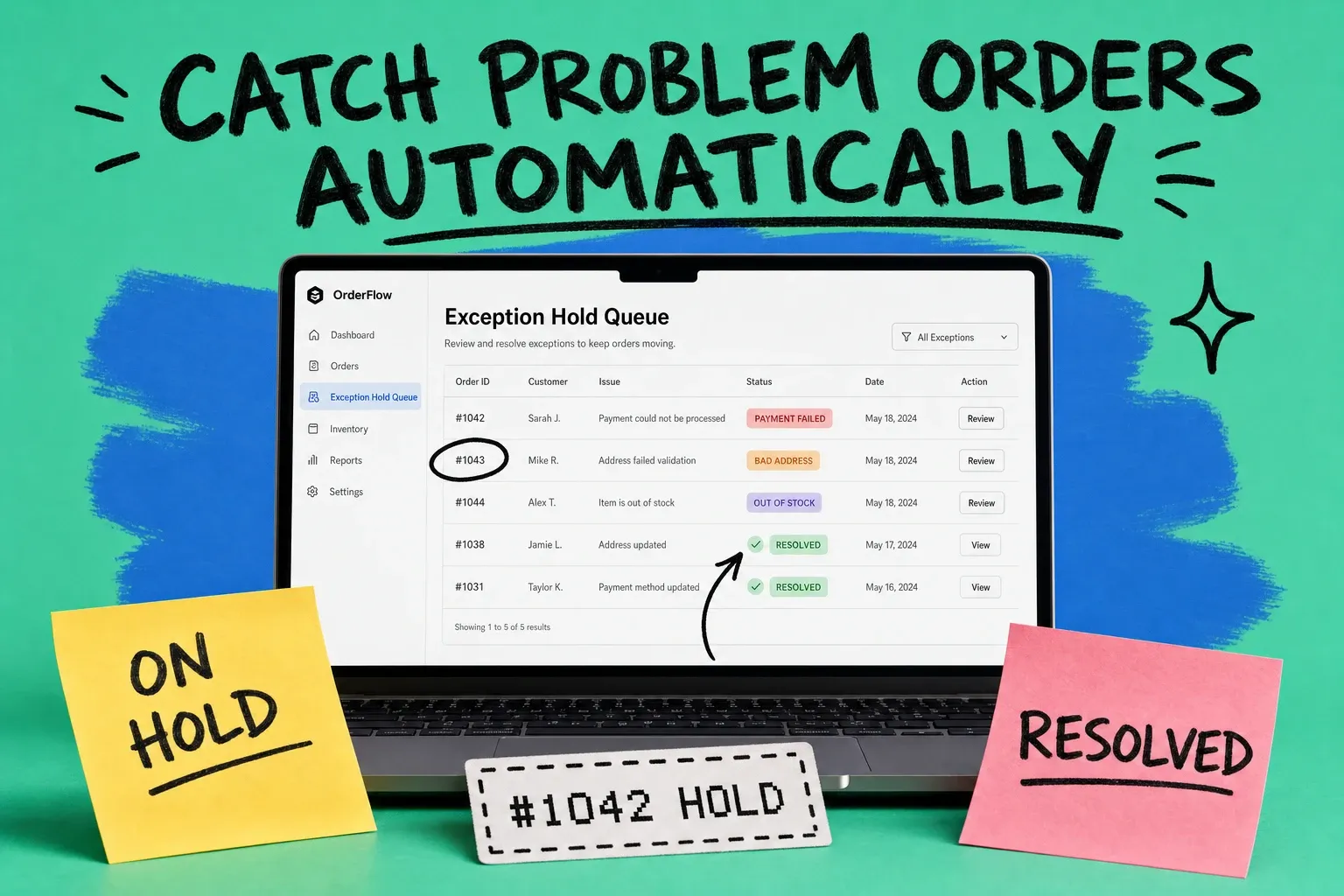
Order exception management is the process of automatically detecting, holding, and resolving orders that cannot flow straight through to fulfillment. These are the orders with a declined payment, a bad address, an out-of-stock item, or a fraud flag. Instead of letting them stall silently or ship by mistake, you catch each one, route it to a hold queue, and clear it before it delays a shipment.
An order exception is any order that cannot move through your normal workflow without a manual decision. Most of your orders should ship untouched. The few that cannot are the ones that quietly cost you the most, because each one pulls a person away from real work to investigate, message a customer, and fix it by hand.
If your team spends its mornings hunting through spreadsheets for orders stuck on "processing," you do not have an order volume problem. You have an exception handling problem. Here is how to fix it.
What is order exception management?
Order exception management is the set of rules and workflows that identify problem orders, pause them safely, and get them resolved with as little manual effort as possible. It sits inside your broader order processing flow, the path an order takes from checkout to shipped, and acts as the safety net that catches anything that falls off that path.
Think of it in three moves. First, detect the exception the moment it appears. Second, hold the order so it is not fulfilled with a problem still attached. Third, resolve it, either automatically with a rule or by handing it to the right person with the context they need. A good system does the first two instantly and shrinks the third to a single click.
Without this, exceptions hide. An order looks normal in your store dashboard, but it never actually ships because the payment never captured. You find out three days later when the customer emails asking where their package is. Multiply that across a busy week and you get late shipments, refund requests, and a support inbox full of avoidable questions.
What are the most common order exceptions?
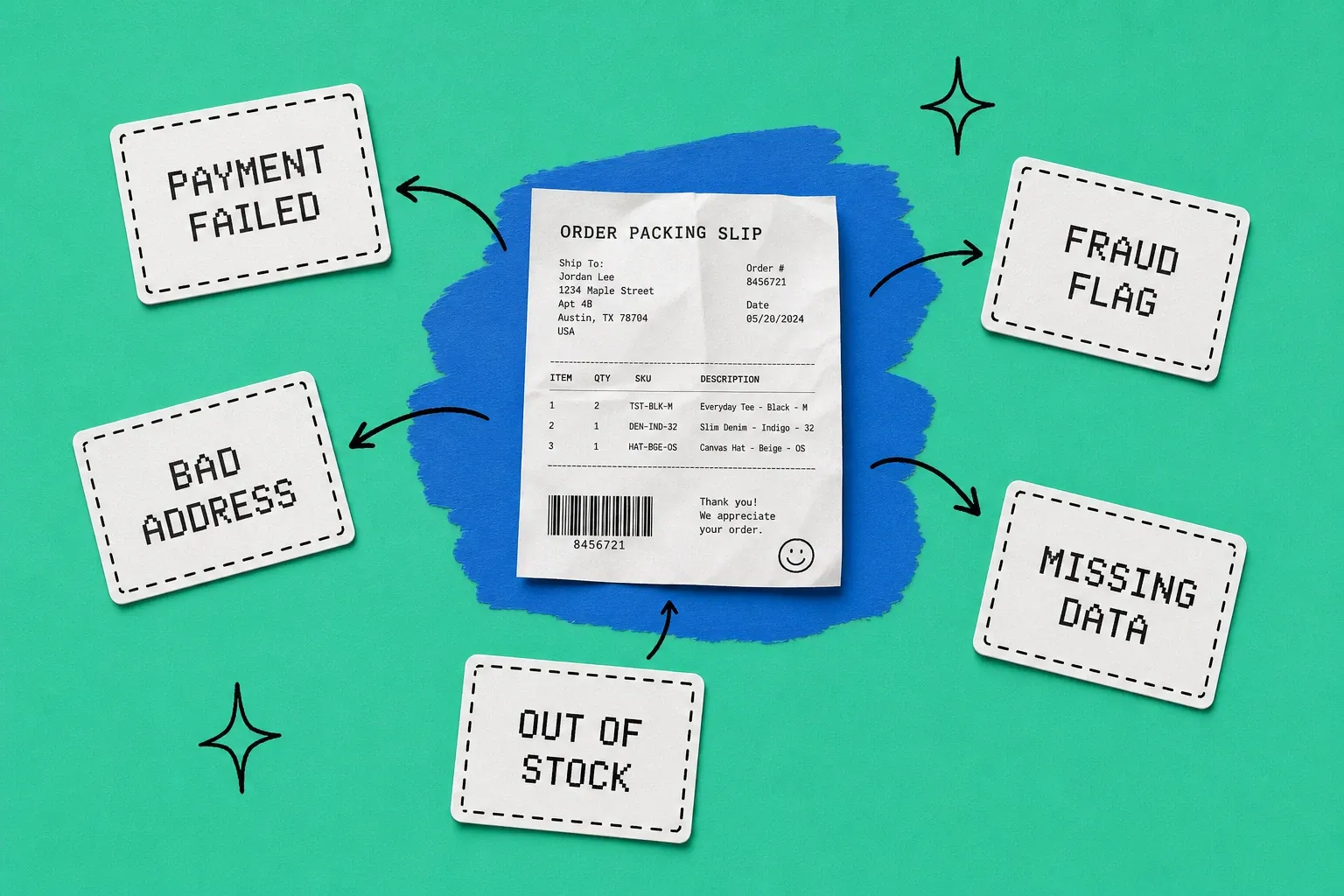
Most exceptions fall into five buckets. Knowing them by name is the first step, because you handle each one differently.
Failed or declined payments
The payment authorized at checkout but never captured, or the card was declined outright. Sometimes the culprit is a genuine issue like insufficient funds. Often it is a false decline, where a fraud filter rejected a real customer. Either way, the order cannot ship until the money is settled.
Incorrect or incomplete addresses
A missing apartment number, a misspelled street, a PO box on an item that ships freight. Bad address data is one of the most expensive exceptions because the failure often happens after you have already paid to ship the package.
Stockouts and oversells
You sold an item you do not actually have on hand, usually because inventory was not synced across channels in time. Now the order is stuck waiting on stock you cannot allocate. This overlaps heavily with backorder management, and the two workflows should talk to each other.
Fraud and risk flags
Your risk scoring flagged the order as suspicious. Real fraud needs to be stopped, but overly aggressive rules reject good customers and cost you far more than fraud does. This exception is about making the right call quickly, not just blocking everything.
Missing or mismatched product data
A SKU (stock keeping unit, the unique code for each product variant) that does not map to a warehouse location, a bundle with a missing component, a personalization field left blank. The order is valid but your system does not have enough information to fulfill it.
Why do order exceptions quietly drain your order processing?
Because the cost is spread out and invisible until you add it up. Each exception looks like a five-minute fix. The problem is the volume and the downstream damage.
Start with payments. According to the Merchant Risk Council's 2025 Global eCommerce Payments and Fraud Report, the global order rejection rate sits at 5.0 percent, with a fraud rate by order of 3.0 percent. That gap matters. A meaningful share of the orders you reject are legitimate customers, and getting the decision wrong is expensive. Signifyd's analysis found that 27 percent of customers who experience a false decline never come back. You do not just lose the order, you lose the customer.
Addresses are worse because the money is already spent when they fail. Loqate's "Fixing Failed Deliveries" research reports that 8 percent of first-time deliveries fail in the US at an average cost of about $17.20 per parcel, and that 74 percent of businesses say poor address data causes up to a quarter of their failed deliveries. Every one of those is an order exception you could have caught at checkout or before the label printed.
Now layer on the human cost. Someone has to notice each stuck order, figure out why it is stuck, decide what to do, act, and follow up. When that work is manual, it does not scale. Your best season becomes your worst operational week, because order volume climbs and exceptions climb with it.
How to build an automated order exception workflow
The goal is simple to state and harder to do: catch every exception the instant it appears, and resolve as many as possible without a human. Here is the workflow that gets you there.
Step 1: Define your exception rules
Write down the specific conditions that make an order an exception. Payment status is not captured. Address failed validation. Requested quantity is greater than available stock. Risk score is above your threshold. Be precise, because vague rules either catch too much or miss the real problems. Start with the five buckets above and add rules as new patterns show up.
Step 2: Route every exception to a hold queue
The moment an order trips a rule, it should stop and land in a dedicated hold queue, not sit in your normal "processing" list where it blends in. A hold queue does two things. It prevents the order from being fulfilled with a problem attached, and it makes the backlog visible so nothing gets forgotten. This is the difference between an order hold that protects you and an order that silently rots.
Step 3: Resolve automatically where you can
Many exceptions do not need a human at all. A soft payment decline can trigger an automatic retry. An oversell can reallocate stock from another warehouse. A known bad address format can be corrected against a validation service. Every exception you resolve with a rule is one your team never touches. Aim to automate the repetitive, low-judgment fixes first.
Step 4: Assign the rest with full context
Some exceptions genuinely need a person, like a real fraud review or a customer who wants to change an item. When you hand those off, hand off everything with them: the order, the reason it was flagged, the customer history, and the suggested next action. A reviewer who has the full picture resolves an order in seconds instead of digging for five minutes.
Step 5: Measure and tighten
Track how many exceptions you get, by type, and how long each takes to clear. If failed payments are your biggest category, fix your payment retry logic. If addresses dominate, add validation at checkout. The workflow should get quieter over time as you push fixes upstream, closer to the point where the problem starts. If you run on Shopify, much of this can be wired up with no-code order automation rather than custom development.
Order hold vs order exception: what is the difference?
These terms get used interchangeably, but they are not the same thing, and the distinction shapes how you build your workflow.
An order exception is the problem. It is the reason an order cannot ship: the declined payment, the bad address, the missing stock. An order hold is a response to that problem. It is the action of pausing the order so it does not get fulfilled by mistake while you sort it out.
Most exceptions should automatically trigger a hold. But you can also place a hold for reasons that are not errors at all. A customer asks to add an item before it ships. A wholesale account is over its credit limit. A gift order needs to wait for a specific send date. In those cases there is no exception, just a deliberate pause. Keeping the two ideas separate helps you design rules that hold the right orders for the right reasons.
Turning exception handling into a system
The brands that stay calm during their busiest weeks are not the ones with zero exceptions. Exceptions are a normal part of order processing. They are the ones who stopped treating each problem order as a surprise and started treating exception handling as a repeatable system.
That is exactly what a modern order management system (OMS), the platform that centralizes orders from every channel, is built to do. Instead of chasing stuck orders across Shopify, Amazon, and your inbox, you set rules once and let them run. Tools like OmniOrders let you define no-code exception rules that auto-detect problem orders, route them to a hold queue, and resolve or assign them, so a clean order ships untouched and a broken one gets caught before it becomes a late shipment or a refund.
Start small. Pick your single most common exception type, write one rule, and route those orders to a hold queue. Once that runs on its own, add the next. Within a few cycles you will have replaced the morning spreadsheet hunt with a workflow that catches problem orders for you.
Start your 14-day free trial
See how OmniOrders connects your sales channels, 3PLs, and carriers into one operational layer — free for 14 days, no credit card.