What Happens After a Customer Clicks "Pick Up in Store"
Choosing pickup at checkout takes a customer about a second. On the store side it starts a sequence that runs for hours or days: someone has to pick the item, put it somewhere they can find it again, tell the customer it is waiting, hand it to the right person, and close the order.
Most of what goes wrong happens in the gaps between those steps. This is the operational walk-through, plus the two questions that decide whether a pickup program is calm or chaotic: what you do when the item is not on the shelf, and who is allowed to declare an order collected.
The order arrives as store work, and somebody has to own it
Where a pickup order is filled varies more than the marketing suggests. In some chains an associate picks it from the sales floor; in others it is picked in a back room by the same team that fills ship-from-store orders; in others again the goods are shipped to the store from a warehouse first and the store only stages and hands over. Those are three different workloads, and the software configuration that suits one does not suit the others.
Whatever the shape, the platforms model the progression as a small state machine. In Shopify POS, pickup orders arrive in a "Needs preparation" queue; a staff member holding the "Fulfill shipping and pickup orders" permission gathers the items, sets them aside, and taps "Ready for pickup." Square's Orders API describes a more granular version for pickup fulfillments: proposed, then reserved when the order is accepted, then prepared when it is marked ready, then completed when it is picked up, with separate canceled and failed states. Those are two vendors' models, not an industry standard — Shopify's own public fulfillment-order statuses, for instance, carry no pickup-specific value at all.
Two things are worth pulling out. Marking an order ready is a human action, not something the system infers. And it is gated by a permission, which means in a multi-store operation you are deciding who may take it. That question gets harder as the store count rises, which is the same territory as the limits platforms put on how many store locations can offer pickup at all.
The failure that actually happens: the item is not there
The single most common daily problem in store pickup is not the software. It is that the item the website promised is not on the shelf — sold an hour ago, damaged, mis-scanned at some earlier point, or never received correctly.
This is worth stating plainly because it is missing from most articles on the subject. The customer has already paid. There is no shipping label to hold back and no warehouse queue to quietly re-plan; there is a person who has been told to come in.
What determines whether this is survivable is entirely pre-decided policy. Who may substitute an equivalent item, and within what price difference. Who may refund a line, and how fast. Whether the order can be re-pointed at another store or a warehouse instead of cancelled. How long the customer waits before being told. And what happens to the rest of a multi-line order — partial handover now, or hold it all.
Behind all of that sits location-level stock accuracy, because a pickup promise is only as good as the number the store is carrying. Platforms that handle this well are location-aware about availability: BigCommerce's pickup options endpoint "returns only options from locations in which all requested items are available." That mechanism works exactly as well as the underlying per-location numbers, which is the broader problem covered in what one source of truth actually means.
Telling the customer is a separate step, and it is the one that slips
In Shopify POS, notifying the customer is its own explicit action — staff tap "Send notification" to let the customer know the order is ready. That is a sensible design, because the shop, not the software, knows when the bag is genuinely on the shelf.
It also means an order can sit prepared with nobody told, and nothing about that looks like an error. If you instrument one interval in this whole flow, make it the gap between marked-ready and customer-notified, because it is the failure with no symptom.
Handing it over
Collection is an identity check performed while a queue builds behind the customer. Shopify's documented approach is to confirm the order number and the customer's name, or to scan the QR code on a printed pickup slip to pull the order up directly; confirmation of handover can then go out by email or text.
Decide in advance how much that is worth to you. Order number plus a spoken name is a low bar — a forwarded confirmation email clears it — and collection by someone other than the purchaser is common, legitimate and also where card-not-present disputes concentrate. Whether that warrants a one-time code, ID above a value threshold, or nothing at all is a commercial decision, but it should be one decision made centrally rather than forty made at counters.
Who is allowed to say an order was collected
Here is the part worth going and checking in your own configuration today.
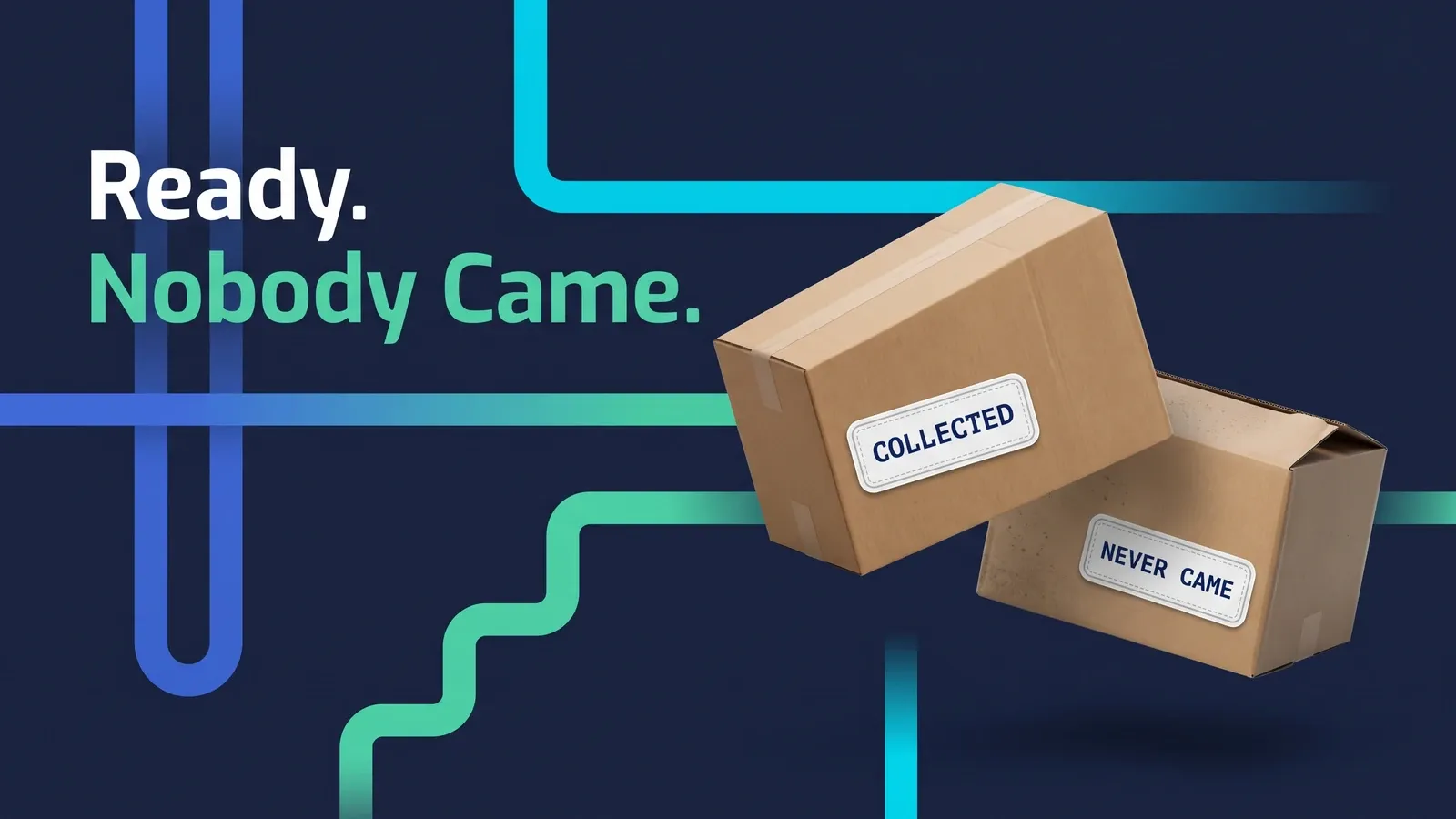
Square's pickup fulfillment object carries several time fields: a preparation duration, a pickup window after the scheduled pickup time, and an expiry timestamp, described as when the fulfillment "expires if it is not marked in progress," which "can only be set up to 7 days in the future." Those are ordinary scheduling fields. The one to look at twice is auto-complete, documented as "the duration of time after which an in progress pickup fulfillment is automatically moved to the COMPLETED state."
Nothing in that definition involves a handover. Where it is set — and it is set per fulfillment by whoever built the integration, not by a merchant toggle — an order can reach the same completed state whether a customer walked out with the goods or simply never came. The documentation does not define which states count as "in progress" for this purpose, so the precise scope depends on how your integration is written, which is a reason to ask rather than to assume.
The practical consequence is about reporting, not stock. The unit was decremented when the customer paid at checkout, so an auto-completed order does not corrupt your inventory. What it corrupts is your read of the program: if you count collected orders by looking at the completed state, that number silently includes orders that timed out. The fix is available in the same object — the read-only timestamps distinguish an order with a picked-up time from one with an expired time. Report on those rather than on the state, and go and find out what your auto-complete value is.
To be fair to the design: for a coffee order, an auto-complete timer is exactly right, and a queue of stale open tickets is the worse failure. For general merchandise sitting on a staging shelf, it quietly removes the one signal that tells you an order was never collected.
One order, two fulfilment methods
Before promising a mixed basket, check what your platform accepts. BigCommerce is explicit that "you can create only one pickup consignment per order" and that you "can only create orders that have either pickup or shipping consignments, but not both."
If that is your constraint, a customer who wants one item from the shop today and one posted is two orders, two confirmations and two reference numbers — and a support conversation when they try to return "the order." Know the answer before the checkout offers something the back end cannot record. It is closely related to the broader question of which location should fill an order in the first place.
What the store is actually being asked to do
Say it plainly, because it usually goes unbudgeted: pickup adds a picking task, a staging footprint, a naming and retrieval system, a notification step, an identity check, a short-pick procedure and a recurring job to clear out orders nobody came for. It lands on staff whose primary job is serving people in the shop, and it concentrates on Saturdays and in the weeks before Christmas rather than spreading evenly.
The staging space is the part that surprises people. A shelf that is adequate in week one is a floor-level pile by the first holiday weekend, and once orders cannot be found quickly the handover stops working and the queue at the counter becomes the visible symptom of a storage problem.
Five things to settle before you switch it on
Who may mark an order ready, and at which locations. What happens when the item is not on the shelf — substitute, refund, re-point, and who decides. How long a prepared order is held, what happens to the goods at the end of that period, and what happens to the customer's money, since the order is already paid. How you verify the person collecting. And whether anything in your setup closes a pickup order without a human confirming the handover.
None of that is difficult. It is just work landing on people who were not consulted, governed by settings nobody has opened.
Frequently asked questions
How long should we hold an order before giving up on the customer?
None of the platform documentation we checked sets a hold period for you, so it is your policy to write. Pick a period you can defend, put it in the confirmation message, and make the system prompt someone at the end of it rather than relying on memory. Decide at the same time what happens to the money, because a pickup order is already paid.
Can one order have some items picked up and the rest shipped?
Sometimes, and sometimes not. BigCommerce's documentation states that an order can carry either pickup or shipping consignments but not both, and only one pickup consignment per order. Check your own platform before the checkout offers a mixed basket, because the fallback is two separate orders, which the customer experiences as two confirmations and two reference numbers.
What should a store do when the item for a pickup order is not on the shelf?
Treat it as the normal case rather than an exception, because it is the most common pickup failure in general merchandise. Decide in advance who may substitute, who may refund a line, how quickly the customer is told, and whether another location can fill it instead. A store associate improvising this at speed on a Saturday is how a pickup program earns its reputation.
Start your 14-day free trial
See how OmniOrders connects your sales channels, 3PLs, and carriers into one operational layer — free for 14 days, no credit card.