What Actually Breaks Between One Store and Ten
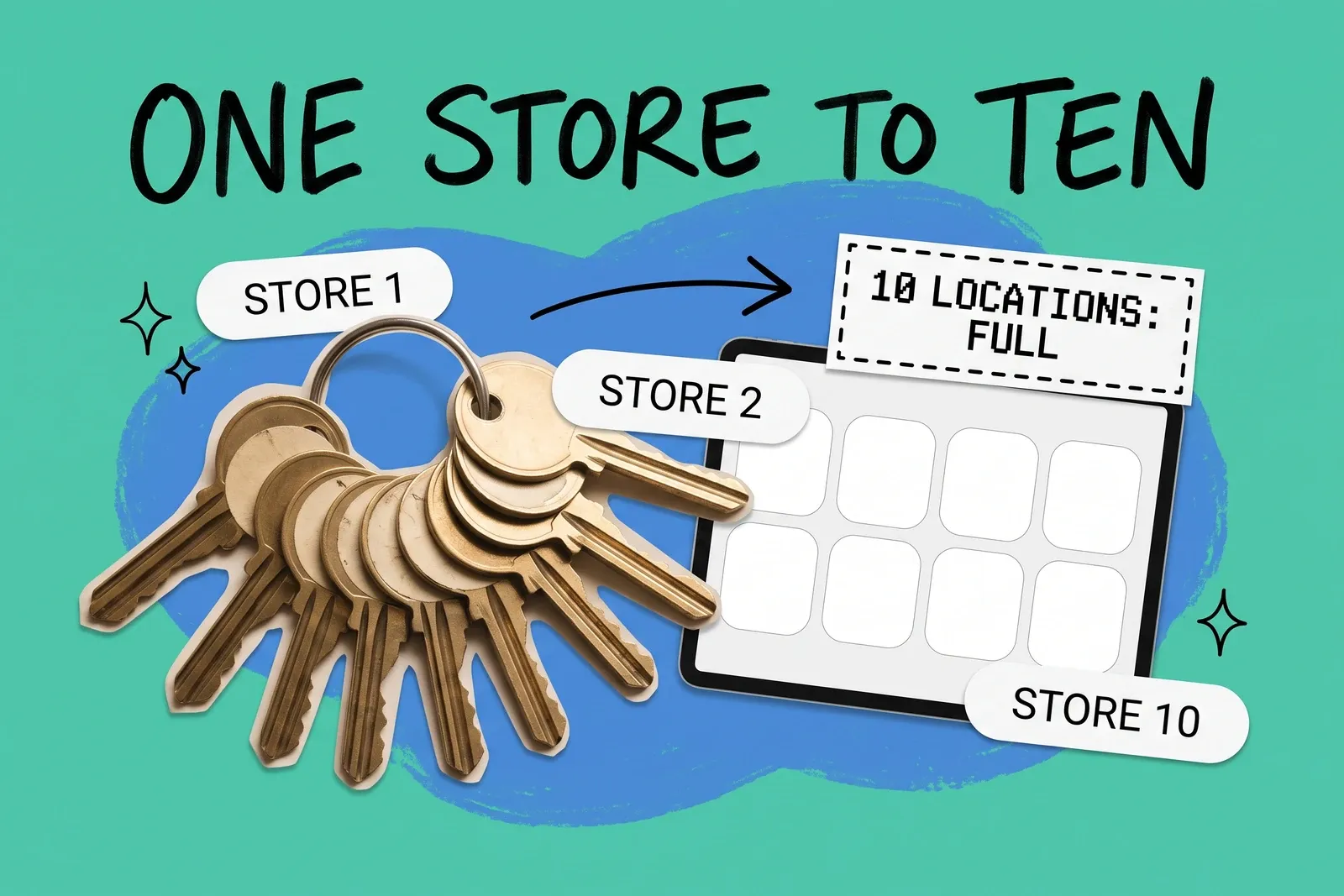
The short answer: order volume is rarely the first thing to break. What multiplies is everything that has to be true at each store: its stock count, who is allowed to sell, count and transfer there, and whether it can ship or hand over an online order. Those break in a fairly predictable order, and on Shopify the hard wall arrives at ten locations on Basic, Grow and Advanced, with a warehouse counting as one.
This guide walks through what changes at the second store, around five, and at ten, using the platforms' own documentation. It is written for the person who runs the stores.
Why doesn't order volume break first?
Because inventory is stored per location, not per product. Shopify's developer documentation defines an inventory level as "The quantities of an inventory item at a specific location," and each level carries several states: available, on hand, incoming and committed. Its Help Center adds that on hand "is made up of the total of your Committed, Unavailable, and Available inventory."
The arithmetic that follows is ours, not Shopify's. A retailer with 2,000 SKUs and one store has 2,000 stock numbers to keep right. The same catalog across ten stores is 20,000, each with its own committed and available split, so there are ten times as many numbers that can be wrong at any moment.
That matters online because the storefront reads those per-store numbers directly. Shopify says pickup in store "is available only when the entire order is in stock at the pickup location," and its routing rules choose a location by checking which ones can fill the order. When stock is low, a store whose count is off by two can hide stock that is on the shelf or offer stock that is not there. For what a single position across stores has to look like, see one source of truth for inventory across stores and marketplaces.
What changes at the second store?
Three things appear that did not exist with one shop.
Transfers. Stock now moves between stores. On Shopify a transfer starts as a draft, and the inventory in a draft "isn't committed"; once it is marked ready to ship, it "is committed at the origin location," and once it is in progress it shows as incoming at the destination until someone receives it. In order: draft, then ready to ship (committed at the origin store), then in progress (incoming at the destination), then received. Staff have to know which step they are on, because the origin store stops being able to sell those units before they leave the building.
Returns at the other store. Customers bring things back wherever is convenient. Shopify's POS pricing page lists "Returns at original purchase location" as included and "Returns and exchanges at any location" as a POS Pro feature. If the second store is not on Pro, a customer who bought at store one may be sent back there.
Staff who belong somewhere. Shopify says staff added in the POS app "only have POS access and are assigned only to the location of that POS device," while staff added in the admin are "assigned to all locations unless you un-assign them from specific locations." With one store that difference is invisible. With two, an admin account set up for a store manager is assigned to both stores unless someone removes the other location.
What changes around five stores?
There is no switch at five; it is a rough guide to when this gets hard. The question stops being "do we have it" and becomes "which store sends it."
Shopify's order routing "applies only when your store has two or more fulfillment locations," and a location is only considered if "Fulfill online orders from this location" is turned on and it sits in an active shipping zone. Routing starts at two locations and gets harder with each one added. The default strategy uses three rules: minimize split fulfillments, stay within the destination market, and ship from the closest location, which Shopify says to apply last "For best results." Ranked locations and location metafields let you prefer some stores over others. Writing those rules down, and deciding which stores should never ship, becomes a regular decision rather than a one-time setting. The trade-offs are in which location should ship the online order.
Pickup becomes a per-store job too. Shopify says "You need to set up pickup in store for each location where customers can pick up their orders," so every new store is a setup task.
Staff accounts start to run out on the smaller plans. Shopify's pricing page lists additional staff accounts as not included on Basic, 5 on Grow and 15 on Advanced. POS logins are a separate allowance: the POS pricing page lists "Unlimited POS logins" on Grow and Advanced.
What happens at ten stores?
On Shopify, the location ceiling. The Help Center says "The maximum number of active locations that you can have depends on your store's Shopify subscription plan," and lists Starter at 2, Basic, Grow and Advanced at 10, and Shopify Plus at 200. The detail that is easy to miss: moving from Basic to Advanced buys staff accounts and other features, but not one extra location. The next step is Plus, which Shopify's pricing page lists "from $2,300/mo."
Two exceptions are worth knowing before you plan around the limit. Apps that physically stock inventory for you "are treated as locations" but "don't count toward your location limit," and "Locations that you deactivate don't count toward your location limit." A deactivated location "can't fulfill orders," though, so it is not a way to keep an eleventh store selling. What the ceiling does to pickup in particular is covered in store location limits: why pickup stops at 9 stores, which is the ten-location limit with a warehouse taking one place.
Other systems put the wall elsewhere. Square says "There is a 300-location limit per master account." Lightspeed X-Series says "Merchants on a Lite plan are restricted to one outlet," and that "each location requires an outlet that separate inventory levels can be assigned to."
What does each extra store cost to run?
The point-of-sale subscription scales with stores, not with sales. As listed on each vendor's own pages in October 2026:
System | Per-store charge | Source |
|---|---|---|
Shopify POS Pro | "$89 USD/month for each POS Pro location"; Plus includes the first 20, and with Shopify Payments the fee is waived for the first 200 | Shopify pricing and POS pricing pages |
Square for Retail | Plus $49/mo and Premium $149/mo; "the monthly fee applies to each location you run" | Square retail pricing page |
Lightspeed X-Series | An outlet per store; "Each outlet includes one free register, any additional registers will be charged at an additional cost" | Lightspeed support articles |
Prices change; check the current pages before you budget.
Why did counting and transfers get harder in 2026?
Because Shopify retired Stocky, its own inventory app. Shopify's Help Center says "On February 2, 2026, Stocky was delisted from the Shopify App Store" and "Stocky is no longer available as of August 31, 2026," and tells merchants "You now need to manage inventory in the Shopify admin and Shopify POS."
Doing counts and transfers on the shop floor in POS is tied to POS Pro; the admin route works without it. Shopify says that "At locations with a Shopify POS Pro subscription, staff can also perform the count in the Shopify POS app," and that receiving or sending transfers in POS needs a Pro location and staff with the "Inventory and the Manage transfers" permissions. Custom POS roles likewise apply only "if your POS locations are on the POS Pro subscription." For a retailer with several stores, doing counts and transfers on the shop floor has become a per-location subscription decision.
A checklist by stage
At two stores
- Decide where returns from the other store go, and whether both stores need to take them.
- Un-assign admin staff from stores they do not run.
- Write down the transfer steps: who raises, who marks it ready, who receives.
Around five
- List which stores fulfill online orders, and which never should.
- Set routing rules on purpose, not by default, and review them every month.
- Set up pickup per store, with hours staff can actually cover.
- Count the staff accounts you need against your plan's allowance.
Before ten
- Count active locations, including any warehouse, and know your plan's limit.
- Price the per-store point-of-sale cost at the store count you expect in two years, not today's.
- Decide how counts happen at each store now that the old app route is gone.
None of these steps needs new software to begin. They need someone to own the list of stores and what each one is allowed to do.
Frequently asked questions
How many store locations can a Shopify store have?
Shopify's Help Center lists 2 active locations on Starter, 10 on Basic, Grow and Advanced, and 200 on Shopify Plus, as of October 2026. Apps that physically stock inventory for you are treated as locations but do not count toward the limit, and deactivated locations do not count either. Upgrading from Basic to Advanced adds staff accounts and other features, but no extra locations.
What is the first thing that breaks when a retailer opens more stores?
Usually the count, not the order volume. Each store holds its own quantity for every product, so ten stores with the same catalog mean ten times as many stock numbers that have to be right. Pickup and routing read those per-store numbers directly: Shopify offers pickup only when the whole order is in stock at that location, so when stock is low, one wrong store count can hide or oversell stock online.
Does running more stores cost more per location?
On Shopify, Square and Lightspeed X-Series, the paid store-level tiers are priced per location. Shopify lists POS Pro at $89 per month for each POS Pro location, Square charges its Plus and Premium monthly fees per location, and Lightspeed X-Series needs an outlet per store and charges for each register beyond the first. Shopify Plus includes its first 20 POS Pro locations. Check current pricing before budgeting.
Start your 14-day free trial
See how OmniOrders connects your sales channels, 3PLs, and carriers into one operational layer — free for 14 days, no credit card.