Retail Inventory Management for Omnichannel Brands: Keep Every Location in Sync
Running a single store makes inventory management manageable. Running three channels, two warehouses, a Shopify store, Amazon, eBay, and a pop-up storefront? Now you're coordinating a moving system where any node going out of sync by even a handful of units creates overselling, missed fulfillment, and customers who ordered something you can no longer ship.
That's the real challenge of retail inventory management for omnichannel brands: it's not about counting stock in one place. It's about keeping accurate counts everywhere, simultaneously, as orders flow in from every direction and stock moves between locations.
This guide covers what multi-location inventory management actually requires, where most brands lose control, and how to build a system that stays accurate as you scale.
What Makes Omnichannel Inventory Different
In a single-location retail setup, inventory is straightforward. One stock pool, one point of sale, one fulfillment location — counts stay accurate because there's nothing to desynchronize.
Add a second location and things get complicated fast. Add Amazon and eBay on top, and you now have multiple systems claiming ownership of the same SKU. When TSHIRT-BLU-M sells on Amazon at the same moment someone at your Brooklyn store takes the last unit to the register, which system knows first?
For most brands without a centralized system: neither — at least not fast enough to prevent a problem.
This is what separates omnichannel inventory management from traditional retail stock control. The challenge isn't counting. It's latency and synchronization across nodes that were never designed to talk to each other.
The Real Costs of Inventory Discrepancies
The most visible failures are overselling and stockouts, but they're symptoms of a deeper issue.
Overselling happens when you sell units on one channel that were already committed on another. A customer buys online, you go to fulfill, and the item isn't there. That's a refund, a negative review, and a carrier dispute you'll spend a week resolving.
Phantom inventory is subtler. Your system shows 12 units of JACKET-BLK-L in Stock Location B. Your picker goes to the shelf and finds 4. The gap could come from a return that was received but never restocked, a shipment recorded as arrived that never came, or a transfer that was initiated but never confirmed. Either way, you're making fulfillment decisions against numbers that don't match reality.
Stockouts often follow because reorder points are calculated on incomplete counts. If your OMS thinks you have 40 units on hand but you actually have 11 — with one location counted wrong — your reorder trigger fires too late.
The cost isn't just lost sales. Inventory errors cascade: wrong fulfillment decisions, emergency freight, return handling overhead, and customer service costs that hit before you even notice the root cause.
Multi-Location Inventory Sync — How It Should Work
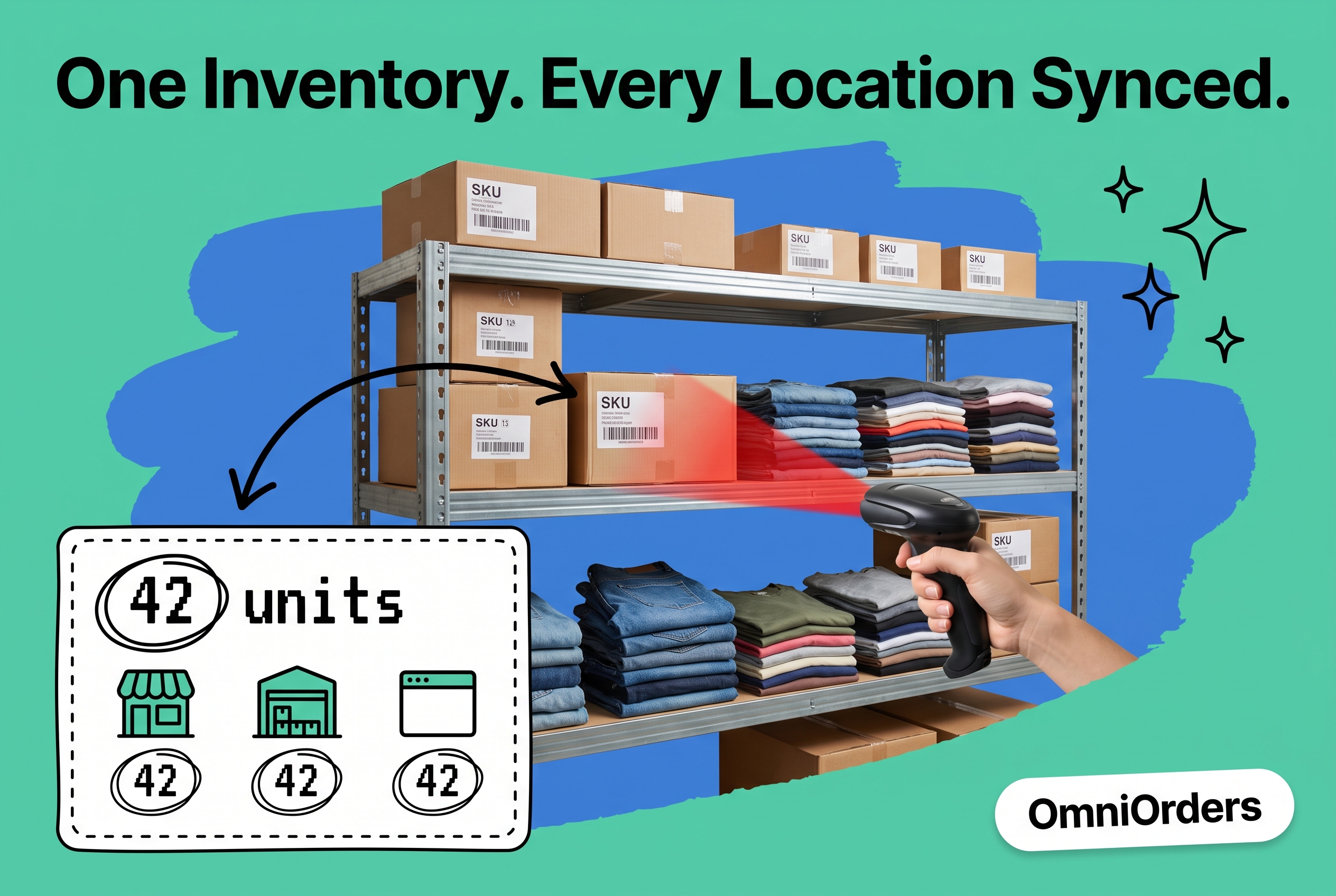
The fix is a single inventory record that updates in real time across every location and every channel.
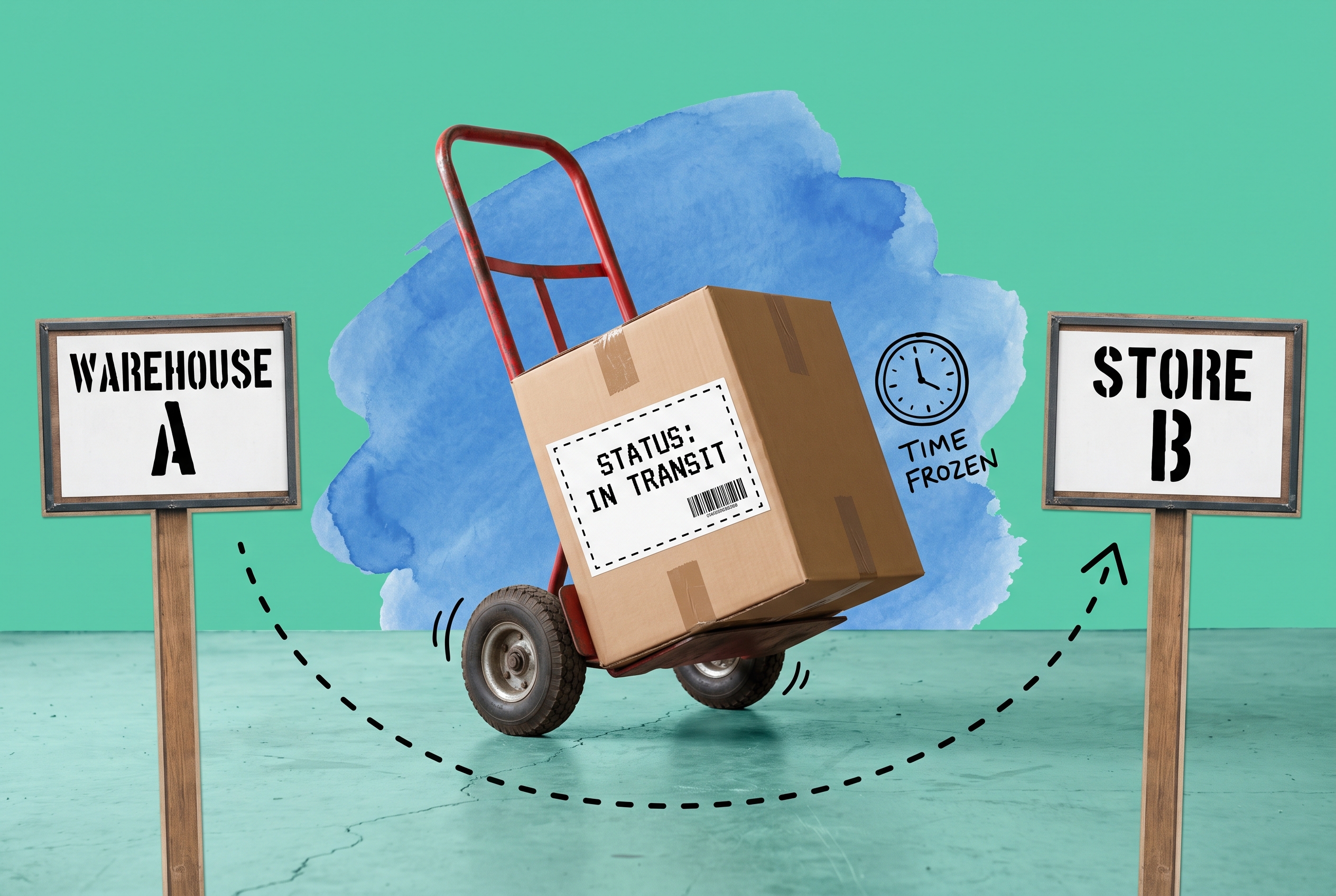
Here's what that looks like in practice: a sale on eBay immediately decrements the available count in your master inventory, which cascades to every other channel's listing. A return processed at your Boston store adds back to that location's count — and the overall pool — within seconds. A stock transfer from Warehouse A to Store B moves units through an "in transit" status so they're never double-counted during the move.
This is what multi-location inventory sync does: it treats every location and channel as a node in one live inventory graph rather than independent silos you reconcile at the end of the day.
The key is that sync happens at the order event, not on a schedule. Batch syncs — pushing counts every 15 or 30 minutes — leave enough of a window for a busy sales hour to create overselling. Real-time, event-driven sync closes that window.
AI Inventory Forecasting — What It Does in Practice
Knowing what you have is one problem. Knowing what you'll need is another.
Retail inventory forecasting has historically relied on static reorder rules: when stock falls below X, order Y. That works fine when sales are predictable and lead times are stable. When you're selling across channels, running promotions, and dealing with variable supplier performance, static rules overshoot or undershoot constantly.
AI-powered inventory forecasting works differently. It models demand at the SKU-location level, factoring in seasonality, channel velocity differences, promotion history, and lead-time variance. Instead of a fixed reorder point, you get a dynamic recommendation that adjusts as conditions change.
In practice: fewer emergency reorders at premium freight rates, tighter safety stock without increasing stockout risk, and better warehouse space utilization because you're holding less excess.
Your buyers also spend less time running spreadsheet scenarios and more time acting on recommendations the system surfaces automatically.
Connecting Every Sales Channel Without Manual Work
Accurate multi-location inventory starts with clean data coming in from every channel. That requires direct, real-time connections — not CSV exports, not manual entry, not overnight batch files.
OmniOrders connects directly to Shopify, Amazon, eBay, Etsy, and Walmart, pulling order data into a single queue. Every order from every channel arrives in one place with a consistent data structure, so routing rules can apply uniformly rather than per-channel.
This matters because each channel has its own quirks: Amazon's fulfillment designations, eBay's return windows, Walmart's labeling requirements. Automation rules can handle channel-specific logic without your ops team touching every order. For brands using EDI with retail partners, the same applies — EDI orders come through the same pipeline, get routed by the same rules, and draw from the same inventory pool.
How to Manage Retail Inventory Across Multiple Locations
Whether you're setting up multi-location inventory management from scratch or fixing a broken system, five priorities determine whether you succeed:
Establish a single source of truth. Every location should pull available stock from one master record, not its own local count. Location-level records are views into the master, not independent ledgers. The moment you let each location own its own counts, reconciliation becomes a recurring part of someone's job.
Define allocation rules explicitly. When a channel makes a sale, which location fulfills it? Ship-from-store rules, proximity logic, and safety stock buffers should be configured in your OMS, not decided ad-hoc by your warehouse team at 3pm on a Friday.
Automate transfers and receiving confirmations. The biggest sources of phantom inventory are transfers recorded at origin but not confirmed at destination, and returns received but not restocked. Workflows that require a confirmation step at both ends close those gaps systematically.
Set per-location reorder points. A single global reorder point doesn't account for location-level demand differences. The warehouse feeding your highest-velocity channel needs different safety stock than the store that gets foot traffic only on weekends.
Run cycle counts — strategically. Even with real-time sync, physical counts matter. Prioritize high-velocity SKUs and recently transferred stock; those two categories account for most discrepancies.
Common Mistakes in Retail Inventory Management
A handful of patterns drive a disproportionate share of inventory problems:
Managing inventory inside each channel separately. Shopify's stock count is useful. Amazon's is useful. But neither knows what the other is selling. Brands that manage stock inside each channel spend hours reconciling numbers that a centralized OMS keeps synchronized automatically.
Using a spreadsheet as the master record. The problem isn't the spreadsheet — it's the latency. By the time a sale is recorded and the spreadsheet updated, the count is already stale. For any brand processing more than 50 orders a day, manual tracking creates errors faster than it resolves them.
Not accounting for in-transit stock. Inventory on a truck between your warehouse and a fulfillment center is real stock. Systems that don't model an "in transit" state either double-count it or create a temporary gap depending on which end they record first.
Treating returns as an afterthought. Returns are stock. They affect available-to-sell counts, per-location inventory levels, and reorder decisions. Returns management that connects directly to your inventory pool keeps those counts accurate without a separate reconciliation workflow.
Keep Inventory Accurate Across Every Location and Channel
Retail inventory management across multiple locations and channels is a coordination problem as much as a counting one. The data usually exists; the challenge is making it flow fast enough — and to the right places — to be useful in real time.
Centralizing inventory into one system that syncs across channels, applies location-specific allocation rules, and forecasts demand at the SKU level removes the manual reconciliation that creates most inventory errors in the first place.
If you're managing more than two locations or channels and still relying on per-channel tools or spreadsheets, the drift between what your system says and what's on the shelf only widens over time.
See how OmniOrders handles multi-location inventory sync, AI-powered forecasting, and multi-channel order routing — or view pricing to find the right plan for your operation.
Frequently asked questions
What is retail inventory management?
Retail inventory management is the process of tracking stock levels, movements, and availability across every location and sales channel where a retailer operates — including stores, warehouses, and online platforms. The goal is to keep counts accurate enough to fulfill orders correctly, prevent overselling, and maintain the right stock at the right locations.
What is omnichannel inventory management?
Omnichannel inventory management extends retail stock control across multiple selling channels (Shopify, Amazon, eBay, physical stores) and fulfillment locations simultaneously. Rather than managing separate inventory pools per channel, it uses a single master record that updates in real time as orders are placed and stock moves.
How do multi-channel retailers prevent overselling?
Preventing overselling requires real-time inventory sync across all channels — not batch updates. When a sale happens on any channel, the available count must update instantly on all others. Listing buffers (holding back a small percentage of stock from channel listings) add a secondary safety layer for high-velocity SKUs.
What's the difference between a WMS and an OMS for inventory?
A warehouse management system (WMS) manages physical stock movements inside a single warehouse: receiving, putaway, pick-pack-ship. An order management system (OMS) connects orders from multiple channels to the right fulfillment location and manages the inventory record across all locations. For multi-channel brands, an OMS sits above individual WMS instances and handles cross-location allocation logic.
How much safety stock should a multi-location retailer hold?
It depends on channel velocity, supplier lead times, and demand variability by location. AI-driven forecasting models that assess each variable at the SKU-location level produce tighter recommendations than static safety stock formulas — especially for brands with seasonal demand or inconsistent supplier lead times.
Start your 14-day free trial
See how OmniOrders connects your sales channels, 3PLs, and carriers into one operational layer — free for 14 days, no credit card.