Pickup and Delivery Slots: Dates, Areas and How Many Orders a Store Can Take
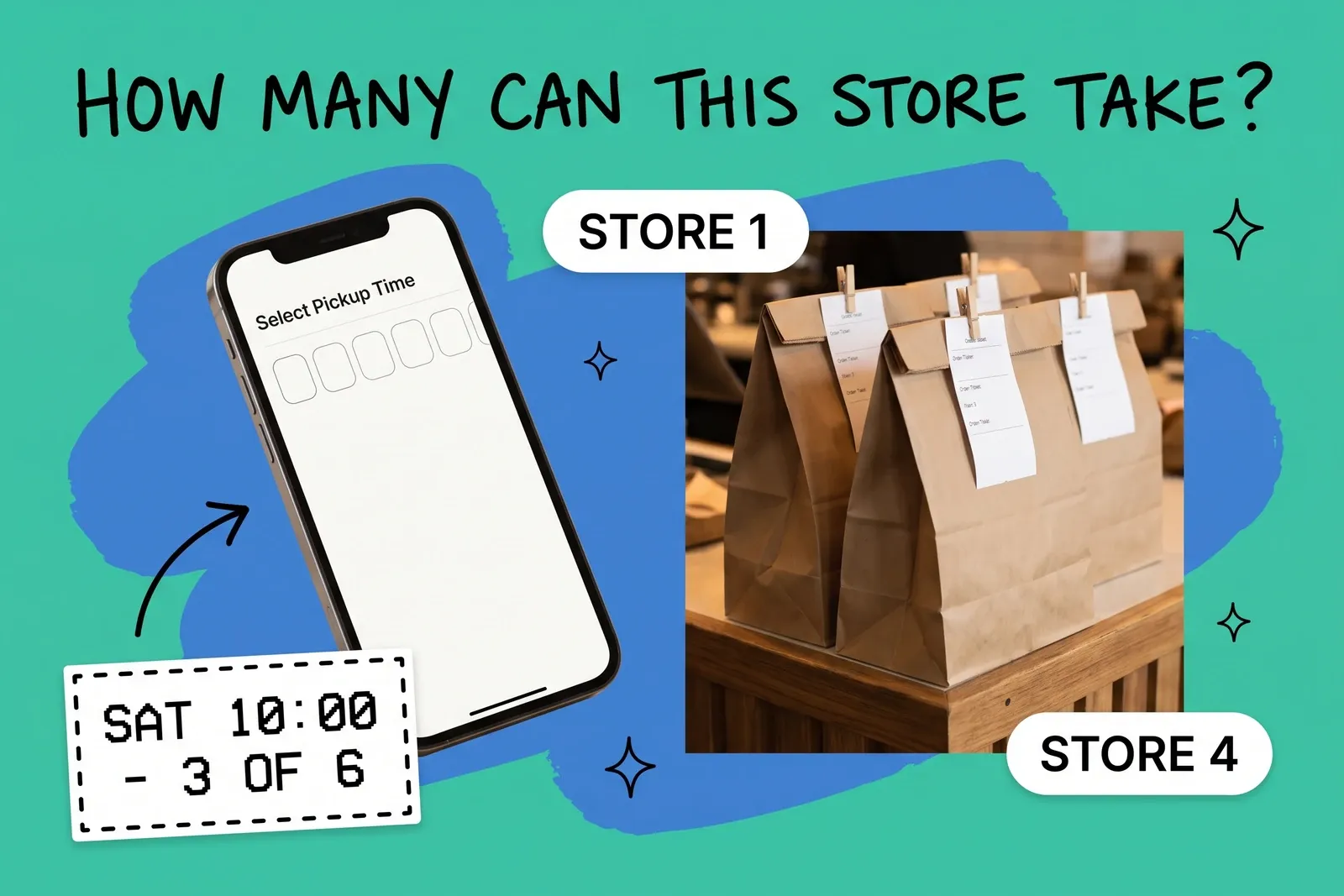
Before a customer clicks "Pick up in store" or "Local delivery," your site has already made three promises: which stores and areas can serve them, how soon or on which date, and, by implication, that the store has room for one more order that day. Shopify and Square let you set the first two per store; core WooCommerce pickup sets only the where. Few let you set the third, which is how a store that copes on a Tuesday can end up with a backlog of pickup bags on a Saturday morning and too few people to pick them.
This post covers what you can offer before checkout, what the main platforms actually let you configure, and how to work out how many orders each store can take.
What do customers see before they choose pickup or delivery?
Three things decide whether a pickup or delivery option appears and what it says:
- Where. Which stores offer pickup, and which addresses each store will deliver to.
- When. A ready time ("usually ready in 2 hours"), an estimated delivery date, or a slot the customer picks.
- How many. Whether the store can still take another order for that day or that window.
The first two are visible settings on the platforms covered here, at least in part. The third is usually invisible: if nothing caps it, every order that meets the "where" and "when" rules gets accepted.
How do pickup ready times work on Shopify?
Shopify sets up pickup in store location by location: "You need to set up pickup in store for each location where customers can pick up their orders." For each location you choose an expected processing time, and "the processing time that you select in the pickup in store settings is displayed at checkout." Shopify's admin API lists the options a location can have: usually ready in 1 hour, 2 hours, 4 hours or 24 hours, 2 to 4 days, or 5 or more days. You can set a separate processing time for orders that need stock moved in from another location.
Two things follow. First, the ready time belongs to the store, not to a time of day: nothing in the setting changes the promise by hour or day of the week, so a quiet Tuesday and a pre-holiday Saturday show the same ready time. Second, the customer chooses a location, not a pickup time. Shopify's pickup settings describe no date or slot choice.
Shopify also caps total locations by plan: 2 on Starter, 10 on Basic, Grow and Advanced, and 200 on Shopify Plus. The store location limits post covers what that means once you have more stores than your plan allows.
How are local delivery areas set?
Local delivery on Shopify is also per location: you "need to activate the local delivery option for each location that you offer delivery from." Each store can deliver "within a set distance from your location, or for certain postal codes." The limits are specific:
- a maximum delivery radius of 160 kilometers or 100 miles;
- up to 10 delivery zones per location;
- postal code lists of up to 3,000 characters;
- a delivery price per zone, with up to 3 additional price-based rules, and an optional minimum order.
Zones stay within one country. Shopify also warns that third-party shipping apps "might conflict with Shopify's local delivery method," which matters if the app you add for date selection is also a shipping app.
Both are approximations of drive time. A radius is quicker to set up; postal codes let you leave out areas that are close on a map but slow to reach.
Can customers pick a delivery date or time slot?
On Shopify, not natively. Shopify's own documentation describes two routes:
- A date picker on the cart page. Shopify's theme customization guide adds "a calendar on your cart page that allows customers to specify a delivery date." It works only on a cart page, not drawer or pop-up carts, and not on vintage themes.
- A checkout extension. Shopify's developer tutorial uses checkout UI extensions "to collect a delivery date for a specific shipping rate" and saves it to a metafield. The tutorial notes that checkout UI extensions "are available only to stores on a Shopify Plus plan."
Neither documented route describes a check against how many orders the store already has for that date. As documented, nothing stops a customer choosing a Saturday that is already full, unless the developer builds that check.
Other platforms draw the line in different places. Square Online's ordering profile, set per location, lets you set prep time in minutes, "Allow order scheduling" a set number of days ahead, a cut-off time after which orders move to the next day, and scheduled downtime for closed dates. It also has a capacity setting: "Limit order per pickup window" sets "the number of orders that can be picked up in a 15-minute window," with a matching limit for delivery windows. WooCommerce's core Local Pickup supports a location name, address, details and an optional fee; 30- or 60-minute time frames and order limits per day or per time frame come from a separately sold Order Delivery extension, where a time frame that reaches its limit "won't appear to be selected by the customer."
The question most setups leave out: how many?
Native settings mostly describe where an order can go and how soon it should be ready. Fewer describe how many a store can take. Shopify's pickup and local delivery pages have no orders-per-day or per-slot limit, and core WooCommerce has none; Square's 15-minute window cap is the exception among the three.
Google works the same way. To show store pickup, Merchant Center requires a pickup SLA, "the expected date when an order will be ready for pickup, relative to when the order is placed." A same-day SLA makes an item eligible for "pickup today"; next-day qualifies for both pickup today and pickup later; two days or more is pickup later only. For pickup later, your site must let customers choose the store and "indicate the pickup date and pickup fee." For same-day local delivery, Google asks you to define delivery distance and cut-off times per store. None of these requirements asks how many orders a store can handle.
So a multi-store retailer often ends up with the same promise in several places: a ready time in the store platform, a pickup SLA in the Google feed, perhaps a date picker in the theme. Each holds its own copy of "this store can do it today." None of them knows how many orders that store already has today. Unless something updates them together, each copy has to be changed separately when the store gets busy, and the one that is missed keeps promising pickup today.
How do you work out how many orders a store can take?
Start from the store, not the website.
1. Measure the time per order. Time a few days of pickup and delivery orders from the moment the order lands to the moment it is bagged and staged. Include the walk to the back, substitutions and the customer call when something is missing. Use your own numbers; they vary by basket size and layout.
2. Find the hours you can actually give it. List the staff hours per day that are not needed on the shop floor, at the till or receiving. Saturday afternoon rarely has the same spare hours as Tuesday morning.
3. Divide, then leave headroom. Hours available per day divided by time per order gives a ceiling for each store and day. Set the offered number below it. A hypothetical example: if a store can spare 6 staff hours on a Saturday and an order takes 12 minutes, the ceiling is 30 orders; offering 24 leaves room for the order that takes forty minutes.
4. Turn the daily number into slots if you offer them. Spread it across the hours customers want, with the most capacity where demand is. A window that is fully booked early every week is a sign to add capacity there, taken from quieter windows.
5. Decide what happens when a store is full. The options are to stop offering pickup or delivery from that store, push the promise out a day, or route the order to another location. Which location should take it is the same question as which location should ship the online order, with a shorter clock.
6. Keep one copy of the number. Wherever capacity lives, whether an app, an order management system or a person who switches stores off at noon, make it the only place the decision is made, and have every other promise follow it, for example by turning pickup off for that location or changing its pickup SLA in the feed as soon as the number is reached. A ready time of "usually ready in 1 hour" that is still showing on a full store is the setting customers remember.
Setting dates, areas and cut-offs that stores can keep
- Ready times by store, not by brand. A small store with one person on the floor should not share the flagship's one-hour promise.
- Cut-offs that match the last pick, not closing time. An order placed fifteen minutes before close is a next-day order in practice; say so before checkout. Square has a cut-off setting; on Shopify this needs an app or a longer ready time.
- Delivery zones by drive time. Postal codes that a driver can reach and return from in a reasonable loop beat a round radius that crosses a river.
- Closed dates entered ahead. Stocktake days, holidays and staff shortages should remove slots before customers book them.
- One review a week. Compare offered capacity with orders actually taken and with orders that were late. If a store is consistently late on Saturdays, lower the number before blaming the staff.
The short version
Pickup and delivery promises are made before checkout, and Shopify and Square let you set where and how soon per store. Capacity, how many orders a store can actually take, is usually not a native setting: Shopify's pickup and local delivery have no daily or per-slot limit, core WooCommerce has none, Square's 15-minute window cap is the exception, and Google asks for a readiness SLA, delivery distance and cut-offs, not a capacity number. Work out each store's daily capacity from its own order times and spare hours, set it in one place, and let every other promise follow that number.
Frequently asked questions
Can Shopify limit how many pickup orders a store takes per day?
Not in its native pickup settings. Shopify sets pickup up per location with an expected processing time, such as "Usually ready in 2 hours," shown at checkout, and its pickup and local delivery pages describe no orders-per-day or per-slot limit. Plus checkout customizations can hide a delivery method by day or time, not by order count, so a cap needs an app or a manual step such as turning pickup off for that location.
How far can Shopify local delivery reach from a store?
Shopify's help center gives a maximum delivery radius of 160 kilometers or 100 miles. You can also define delivery areas by postal code instead of distance, with up to 10 delivery zones per location, each with its own price and optional minimum order. Local delivery is activated location by location, and zones stay within one country, so each store needs its own zones.
What does Google need from a retailer to show "pickup later" or "pickup today"?
Google Merchant Center requires a pickup SLA for store pickup, which states when an order will be ready relative to when it is placed. Same day means pickup today; next day qualifies for both pickup today and pickup later; two days or more is pickup later only. For pickup later, your site must let customers choose the store and show the pickup date and any pickup fee.
Start your 14-day free trial
See how OmniOrders connects your sales channels, 3PLs, and carriers into one operational layer — free for 14 days, no credit card.