The Website Sold the Floor Model: Display and Damaged Stock Showing as Available Online
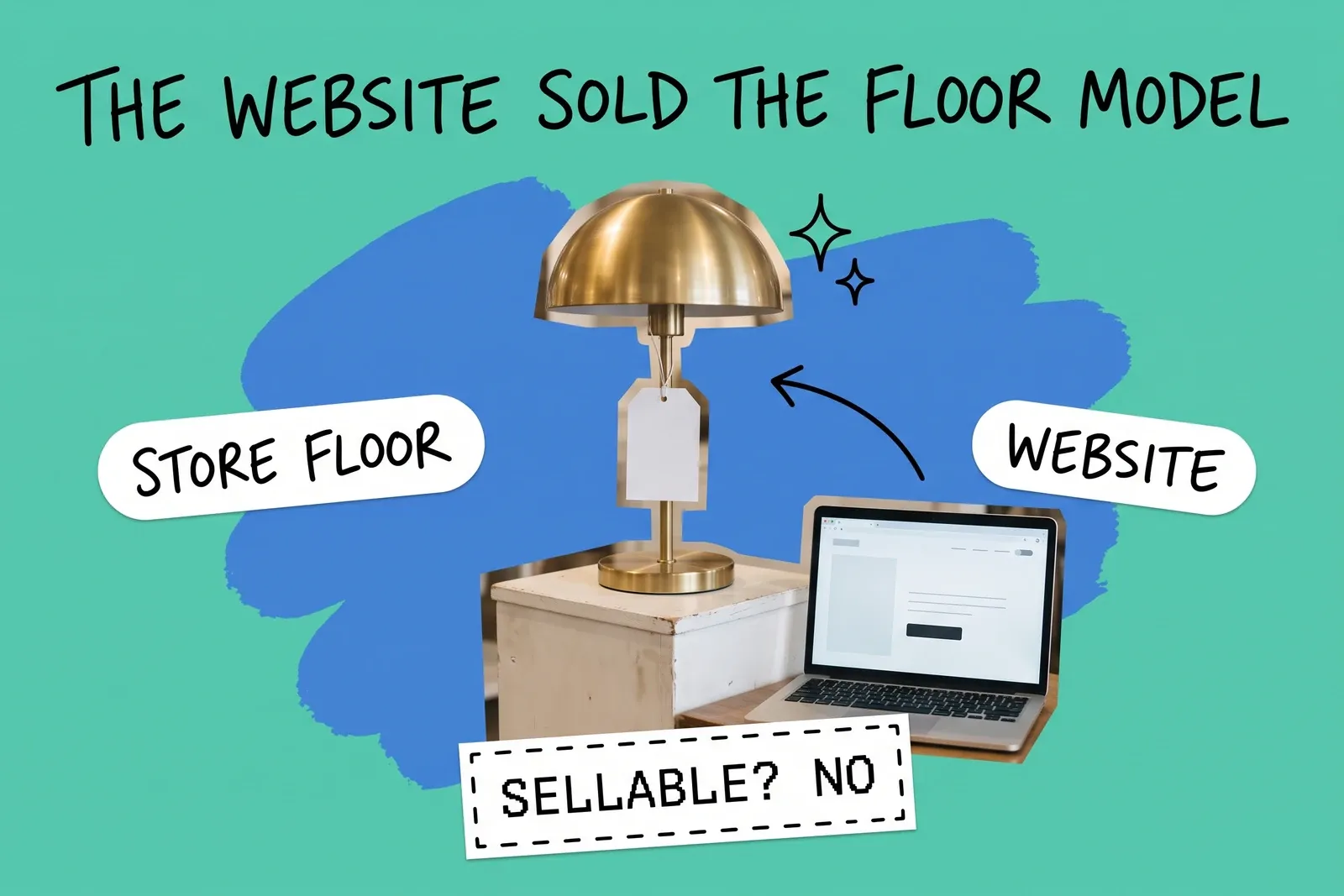
A retailer has two stores that both fulfil online orders. The north store has three of a lamp: one on the floor with a scuff on the base, one with a cracked shade, one boxed in the back. The website says three are available there. Over a weekend it routes three online orders to the north store, and on Monday the store has one unit it can ship and two orders it cannot fill.
Nothing here is a sync failure. The website sold what the system said was for sale.
Why does the website still sell stock we can't sell?
Because the count of units you have and the number you can sell are two different numbers, and only the second one decides what the website sells.
Shopify's help center splits them apart. "On hand inventory refers to all inventory units that you have at a location," and it is the total of Committed, Unavailable and Available. "Available inventory refers to inventory that you can sell." And Unavailable units are "set aside by apps or held for other reasons," such as "damaged, quality control, or safety stock."
So for the lamp, On hand should be three, Unavailable two and Available one. If nobody records the damage or the display, all three sit in Available, and Available is what gets sold. Amazon's fulfillment network also reports "Unfulfillable" inventory separately from "Fulfillable."
How do Shopify and Square mark a unit unsellable?
Differently, and it matters if you want to keep the count.
Platform | What the documentation describes | Does the unit stay in the count? |
|---|---|---|
Shopify admin | Move units from Available to one of four Unavailable states: Damaged, Quality control, Safety stock, Other | Yes. "Unavailable inventory is on hand, but can't be sold." |
Shopify developer docs | Unavailable states named reserved, damaged, safety_stock and quality_control; damaged is "Inventory can't be sold due to damage" | Yes. On hand "equals the sum" of available, committed and those states |
Square developer docs | Report damaged units and "deduct them from IN_STOCK inventory," changing their state "from IN_STOCK to WASTE" | Not as in-stock |
Square Dashboard | Adjustment reasons include "Damage, Theft, Loss, or Restock return"; Square Plus and Premium can add up to 10 custom reasons, each an increase or decrease | The help pages describe no on-hand-but-unsellable state |
The admin and developer docs label the states differently.
Of the two, only Shopify documents a state that keeps a unit on hand but out of Available. Its moves are also logged: "When you select an unavailable state as an origin or destination, the adjustment is recorded in your adjustment history." The exception is the bulk editor, where "a record of your inventory movements isn't tracked." For a chain-wide display reset, use logged adjustments, or check how your inventory app records moves, not the bulk editor.
On Square, the documented answer to damage is a decrease. That suits a unit being scrapped, not a floor model you still own and may sell later. For a unit going back to the supplier, a custom reason, where your plan has them, keeps returns to vendor apart from damage.
Which store is the display unit actually in?
One store, and that is where the adjustment has to go. In Shopify, stock states are per location. Shopify's developer docs say "Inventory levels connect one inventory item to one location," and its adjustment steps start with "select the location that you want to update inventory for." For Unavailable moves, "The destination is set by default as the location that's currently selected in your view."
That default invites a quiet mistake. An associate at the north store, with the south store selected, marks one lamp Damaged. A good unit leaves the south store's sellable count, and the scuffed floor model at the north store goes on selling.
Two rules help:
- The store that holds the unit makes the adjustment, at its own location.
- Know which stores feed the website. Shopify says "Fulfillable inventory controls whether products display on your online store," and that this "is based on inventory availability at locations that ship to your customers." A location without "Fulfill online orders from this location" turned on is also excluded from order routing. Even then, "Order routing doesn't prevent overselling." Choosing which location ships is covered in which location should ship the online order.
Should we sell the display model online as open-box?
You can, but as its own product, or nobody can tell which unit a customer bought.
Give it its own listing or its own product option, with its own SKU and a stock of one at the location that holds it. The floor model carries the same barcode as the boxed units, and a 2023 GS1 draft on non-new items says the "originally assigned GTIN is sufficient" when there is no need to tell new and non-new units apart. If the open-box SKU shares that barcode, a scan at the register can land on the new product, the new item's count drops, and the open-box listing stays live. Give the open-box SKU its own internal label or leave its barcode field empty so it is never scanned as the new item.
Describe the condition plainly. The FTC's synopsis of its decisions on damaged and defective merchandise lists as unfair or deceptive "to advertise in a manner which misrepresents that the merchandise is new or of good quality." It summarises cases from 1941 to 1974 and is not a disclosure rule, so take your listing wording to counsel.
What if a customer buys the floor model in the store?
It breaks the count if the floor model sits in Unavailable. A register sale takes the unit off whatever product it is rung up as; Square, for example, updates stock counts automatically for sales from its point of sale app. Ring the floor model up as the new product and a boxed unit leaves Available while the sold floor model stays in Unavailable.
Two ways to avoid it:
- Make the open-box SKU the default for anything on the floor, and ring floor-model sales as that SKU.
- Or move the unit from Unavailable back to Available at that store first, then sell it.
Tell the customer it is the floor model. The same FTC synopsis lists as unfair or deceptive "knowingly to deliver merchandise which is different from the floor model or sample displayed to the customer at the time of the purchase," so if the customer agreed to buy a boxed unit after seeing the display, hand over the boxed unit.
What do we owe the customer when the website sold one we can't ship?
The FTC's Mail, Internet, or Telephone Order Merchandise Rule (16 CFR Part 435) covers sales where the buyer ordered "by mail, via the Internet, or by telephone," "regardless of the method of payment." The eCFR text exempts collect-on-delivery orders, seeds and growing plants, serial subscriptions after the first shipment, and plans under the negative option rule. Ask counsel how it applies to pickup orders and to state law.
The Rule requires "a reasonable basis to expect that it will be able to ship" in the time stated, or within thirty days when none is stated (fifty when the buyer applies for credit). If you cannot ship in time, you must offer, "clearly and conspicuously and without prior demand, an option either to consent to a delay" or cancel, within a reasonable time of learning of the problem and no later than the shipping deadline. The notice "shall provide a definite revised shipping date" where you have a basis for one. For a delay of thirty days or less, the buyer who does not reply is "deemed to have consented." For a longer delay, or no date, the order "will automatically be deemed to have been cancelled" unless the buyer specifically consents or you ship within thirty days of the original time.
A prompt refund has two clocks. For cash, check or money order, and for payment through a third-party creditor such as a card issuer, the FTC's guide says "within seven working days after the order is cancelled." Where you extend the credit yourself, the Rule says "within one (1) billing cycle."
On substitutions, the FTC's guide says the Rule "provides only two ways of responding to a properly completed order": agreement to a delay, or a full and prompt refund. It says "you do not have the option of substituting merchandise that is materially different from your advertised merchandise" unless the customer agrees beforehand, and defines materially different as differing "in some manner that is likely to affect the customer's choice of, or conduct regarding, the merchandise." A scuffed display unit in place of a new one plausibly meets that test, so get agreement first.
So when the website sells a unit you cannot ship:
- Catch it fast. The offer must go out within a reasonable time and before the promised date or the thirty days. Same-day review is a sensible house rule.
- Check other locations immediately. If a transfer will not make the promised date, send the delay offer now and withdraw it if the transfer lands.
- Give the customer the choices: a definite revised date, cancellation with a refund, or, if they want it, the display unit at its own price with its condition described. The FTC's guide says you may notify by any means "such as the telephone, fax, mail, or email"; a written record is good practice.
- Refund on time if they cancel or the order is deemed cancelled under the Rule.
- Fix the number. Move the unit to Unavailable at its store.
If a fulfillment house ships for you, this stays with you: "the person soliciting the order, not the agent fulfilling it, is the seller under the Rule." For the rest of the out-of-stock path, see backorder management.
What should the routine look like across stores?
Record it when it happens, at the store where it happens, with one convention chain-wide.
- Display units: one state for all stores, for example Other, written into the store procedure, or the open-box SKU. Keep Quality control for units actually being inspected.
- Damaged units you still own: Damaged at that location. Units being scrapped are written off; units going back to the supplier get a return reason.
- Display units coming off the floor in sellable condition move back to Available at that location.
- The check: at every display reset and delivery, and at least weekly, the store manager selects the store's location on the inventory screen, compares its Unavailable quantities with the floor and the back, and fixes any mismatch with an adjustment and a reason.
The aim is one set of numbers per location, with every channel reading its sellable number from the same place, the point of inventory management across channels. The count says what you own; the sellable number says what the website can promise. The floor model belongs only in the first.
Frequently asked questions
Why does damaged stock still show as available on our website?
Because nobody has moved it out of the number the website sells from. The website does not see a scratch or a missing box; it sees a figure for each location. In Shopify, units stay Available until staff adjust them into an Unavailable state such as Damaged at that location. On Square, damage is recorded as a decrease. Until one of those happens, the damaged unit is for sale.
How do we stop the website selling a floor model without losing it from the count?
Use a state that keeps the unit on hand but outside Available. Shopify's admin offers four Unavailable states, Damaged, Quality control, Safety stock and Other, and counts them inside On hand, so the unit stays counted at its store. Square's developer docs record damaged units by moving them out of in-stock instead, so a Square store is better off listing a display unit under its own item.
The website sold a display unit we can't ship. What do we have to do?
For orders covered by the FTC's Mail, Internet, or Telephone Order Merchandise Rule that you cannot ship on time, offer the customer a delay with a definite revised date or cancellation with a prompt refund. Shipping the display unit instead needs the customer's agreement beforehand if it is "materially different," which the FTC defines as likely to affect the customer's choice. A note in writing is good practice, not a Rule requirement.
Start your 14-day free trial
See how OmniOrders connects your sales channels, 3PLs, and carriers into one operational layer — free for 14 days, no credit card.