The Customer Changed the Order After Paying: How the Edit Reaches the Warehouse
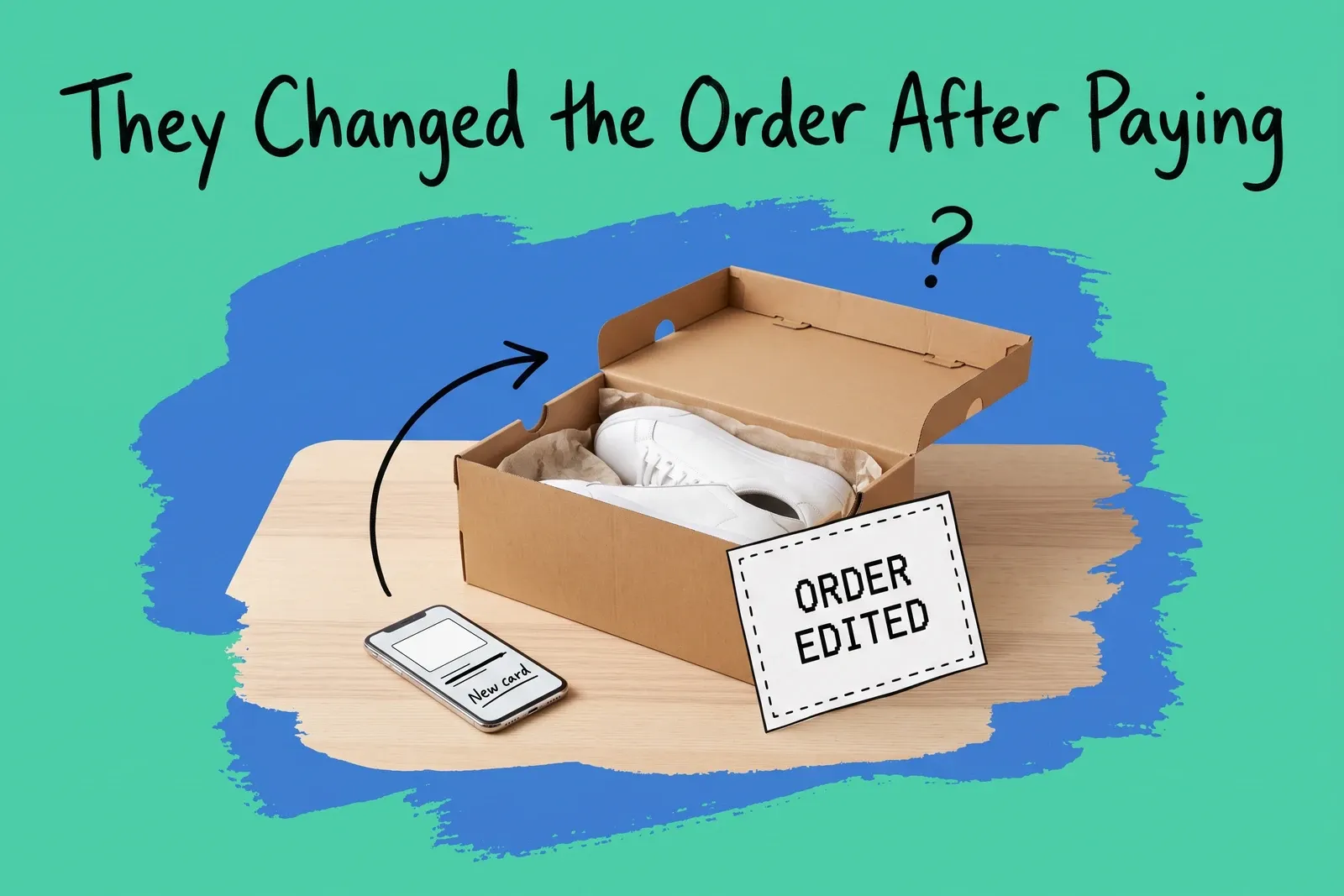
A customer pays online, then calls the store: they want the blue one instead, or a second unit. Someone on your team opens the order, makes the change and tells the customer it is done. Two days later the original order arrives at the original address.
The edit itself worked. The order was changed in one place and picked in another, and the change did not reach the picker first. Whether an edit changes what ships depends on where the order sits in fulfilment when you make it, and on whether whatever produces the pick list sees the change. This post uses Shopify's documentation for most of the detail, because it spells the states out; other platforms and warehouse setups behave differently, and the BigCommerce and Square differences are noted where they matter. On Shopify, before an order is sent to a fulfilment service app, an edit is an edit. After that, the change needs a cancellation request the service can turn down.
Can you still change an order after the customer has paid?
For lines that have not shipped, usually yes. Shopify's Help Center describes order editing as a way to "add or remove products, adjust item quantities, and update shipping fees", and says you "can edit unfulfilled items in an order, but you can't remove fulfilled items or adjust their quantity."
There are firm exceptions. On Shopify:
- "You can't edit any orders that are imported into your Shopify admin."
- "You can't edit orders that were paid for using Shop Pay Installments."
- "Orders that have local delivery as the delivery method can't be edited."
- "You also can't change the delivery method of your order, such as change from shipping to pickup."
- If an order is in Pending payment status, "you might be unable to edit order items and discounts."
- "You can edit in-store pickup orders only in your Shopify admin or on the Shopify app, not the POS app."
That last one matters for retailers with stores: for an in-store pickup order, staff cannot make the edit from the POS app. It has to be done in the admin or the Shopify app.
BigCommerce takes a different line on money. Its support article lists a wide set of editable fields, from products and quantities to the shipping address and method, but says "editing an order that has already been paid for will not change what the customer was charged at the time of placing the order." Where the charge is now wrong, it recommends "canceling and refunding the order" and creating a new one.
What happens to stock and money when you edit?
When you remove a product from an order on Shopify, "products that you remove are automatically restocked to their original location", unless you untick the restock option. Restocking makes the unit available to sell again at that location. If it has already been picked into a tote or onto a packing bench, make sure someone puts it back on the shelf before it is sold again, or the next order for it will send a picker to an empty bin.
On money, the order shows whether "a refund is owed to the customer or a balance is owed to you." If the total went up, you send the customer an invoice or take the payment directly; if it went down, you issue a refund.
Three details catch teams out:
- "Shipping methods and rates aren't recalculated when you edit an order." Adding a heavy item does not raise the shipping charge on its own.
- "Discounts on an order don't automatically update" when it is edited, so check them by hand.
- "If you edit an order after the day the order was placed, then the edit displays as a separate order in your reports." No new order was created, but your order counts will show one.
Why the warehouse can still ship the old version
Think of an order in three positions.
Position 1: not yet sent anywhere. The order is unfulfilled and no partner has been asked to fulfil it. An edit here changes the order, but the next pick list carries the new lines only if whatever produces that list reads the order again after the edit (more on that below).
Position 2: sent to a fulfilment service, not yet accepted. On Shopify, when you request fulfilment from a fulfilment service app, "a message is sent to your fulfillment service to begin picking, packing, and shipping your order." From then on: "After you request a fulfillment, you can no longer edit the order or refund items." You can still pull it back: "If fulfillment is requested but not yet accepted, then you can cancel it directly from your Shopify admin."
Position 3: accepted by the fulfilment service. Now you cannot cancel it yourself. You "need to send a cancellation request to your fulfillment service and wait for a response." If the service accepts, "the order status returns to Unfulfilled", and you can then edit the order and request fulfilment again. If it rejects, "the fulfillment service continues the fulfillment process." Shopify's developer documentation records the same outcomes as request statuses, including one named CANCELLATION_REJECTED: "The fulfillment service rejected the merchant's fulfillment cancellation request."
This is the gap that catches teams. The edit screen tells you what you are allowed to change. It does not tell you whether the building holding the stock has agreed to change anything. A support agent who promises a customer a change while the order sits in position 3 is promising something only the warehouse can grant.
Even in position 1 there is a gap if the order has already been copied into another system. Shopify's own warning is blunt: "some apps might not recognize order edits", and "if you edit an order to remove an item, then your fulfillment app might not remove the item. You can accidentally ship an item that was removed from the order and not paid for." If your store or warehouse picks from a list another tool pulled before the edit, that list can still hold the old lines. For partner-run warehouses, the Help Center's advice is to "contact your fulfillment services to verify whether you can edit items that are fulfilled by the fulfillment service."
Stores you run yourself have no accept-or-reject step, so positions 2 and 3 do not apply to them. The risk there is position 1's gap: a pick list printed or synced before the edit. If routing has already sent the order to a store, call or message that store to pull the printed list before you promise the customer anything. The post on which location should ship the online order covers how that choice is made.
Hold first, then edit
For orders that have not been sent to a fulfilment service, the safest way to make a change is to stop the order before you change it. On Shopify, a fulfilment hold does that: "When you put a fulfillment on hold, your order's fulfillment status changes to On hold and the hold details are displayed. Your inventory can be reserved, but fulfillment is blocked until the hold is released." The developer documentation describes the same status: "The fulfillment process can't be initiated until the hold on the fulfillment order is released."
A hold blocks fulfilment inside Shopify. It does not recall a pick list already printed or pulled into another tool, and for an order already sent to a fulfilment service the documented route is cancelling the request, not a hold. Apps can also place their own holds; Shopify's hold page cautions against overriding them. With that in mind, the order of work is:
- Check the position first. If fulfilment has been requested from a service but not accepted, cancel the request. If it has been accepted, send a cancellation request and wait for the answer.
- Place the hold on an order you fulfil yourself, note why, and ask the location that will pick it to pull any printed list.
- Make the edit. If a removed unit has already been picked, get it back on the shelf.
- Settle the money. Invoice or take payment for a balance, or issue the refund, and check the shipping charge and discounts by hand, since neither recalculates.
- Release the hold, or request fulfilment again, and confirm the new lines appear on the pick list at the location that will ship it.
- Tell the customer. While you wait on a partner, give them a holding line ("we've asked the warehouse to change it and will confirm by a set time") rather than "done"; confirm the change only after step 5.
If edits like this are frequent, they belong in the same queue as your other problem orders. The guide to order exception management covers building that queue.
When the change is not really an edit
Some requests look like edits but are better handled as something else.
Shipping to pickup, or pickup to shipping. Shopify does not allow a change of delivery method by editing. Our suggestion is to treat it as a cancellation and a new order.
A different size after delivery. Once the customer has the item, it is an exchange, not an edit. On a point-of-sale system such as Square for Retail, the support article describes an exchange as returning a product and giving the customer "a different product in its place", with the cart total "positive, negative, or even depending on the price of the replacement item." It is a return plus a sale, recorded as such, which keeps the stock movement at each location honest.
A paid order on a platform that will not re-charge. On BigCommerce, an edit does not change what was charged, and if the amount charged is now wrong, the platform recommends cancelling, refunding and re-creating the order.
The test in every case is the same: after the change, does the record match what will physically leave the building, and does the stock count match what is physically on the shelf? If either answer depends on someone remembering to tell the warehouse, the change has not been made yet.
Frequently asked questions
Can I edit an order after the customer has paid for it?
On Shopify, usually yes for lines that have not shipped. It lets you add or remove products, change quantities and adjust shipping fees on unfulfilled items, then invoice the difference or refund it. It does not allow edits to fulfilled items, imported orders, local delivery orders, or orders paid with Shop Pay Installments. On BigCommerce, editing a paid order does not change what the customer was charged.
Why did the warehouse ship the old version of an edited order?
Because the edit and the pick happened in different places. Once an order has been sent to a fulfillment service, Shopify no longer lets you edit it. After the service accepts the request, you can only send a cancellation request, and if the service rejects it, fulfillment continues. Some apps also do not recognize order edits, so a picking tool can keep the old lines.
Should we put an order on hold before changing it?
Yes, if the order has not been sent to a fulfillment service. On Shopify, a hold changes the status to On hold and blocks fulfillment until it is released, while stock can stay reserved. It does not recall a pick list already printed or pulled into another tool, so check that too. For an order already sent to a service, cancel the request or send a cancellation request instead.
Start your 14-day free trial
See how OmniOrders connects your sales channels, 3PLs, and carriers into one operational layer — free for 14 days, no credit card.