A Customer Asked Us to Hold One: Store Holds the Website Can't See
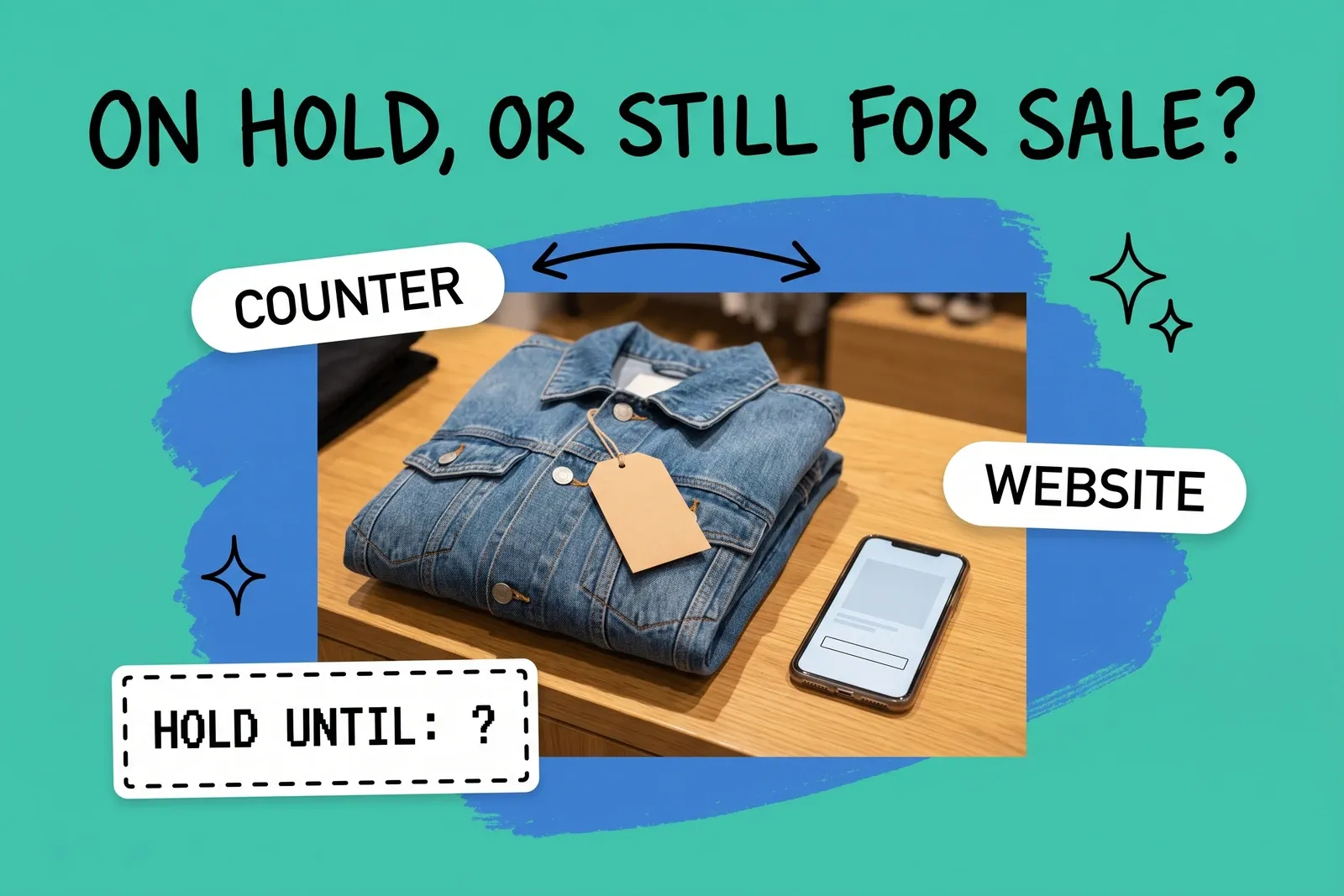
A customer at the counter likes the last jacket in their size, but wants to come back on Saturday with a partner. Could you hold it? Staff put it behind the till with a sticky note. On Thursday the website sells the same jacket to someone else, and a store associate has to pick a unit that is already promised.
Whether that happens has little to do with the shelf behind the till. It depends on how the hold was recorded in the system that feeds the website. Across the four vendors checked for this post (Shopify, Square, Lightspeed with its two retail products, and WooCommerce), the same request can take a unit out of the count or leave it in, depending on which button the associate pressed.
Does a unit on hold still count as available online?
It counts as available until something in the system says otherwise. A website sells from a stock figure for one or more locations, not from a shelf, and a sticky note does not change the figure.
Shopify's help center sets out the states that figure is built from. "Available inventory refers to inventory that you can sell." "Committed inventory refers to the number of units that are set aside and can't be sold," for example units "in an unfulfilled order" or "reserved in a draft order." "Unavailable inventory refers to the number of units set aside by apps or held for other reasons, such as damaged, quality control, or safety stock." And "On hand inventory is made up of the total of your Committed, Unavailable, and Available inventory."
So in Shopify, a unit held for a customer stops selling only when it leaves Available at its location, either because it is Committed to an order or because staff moved it to Unavailable. Physically moving the jacket behind the counter does neither. These states are per location: if your online store can sell from several locations, holding the last unit at one store does not stop it selling the same product from another. For why the website, the register and the stockroom disagree in the first place, see one source of truth for inventory across stores and marketplaces.
What happens on each platform when staff "hold one"?
The usual ways stores record a hold, and what the vendor's own documentation says each one does:
What staff do | Platform | What the docs say |
|---|---|---|
Create a draft order and reserve the items | Shopify | Units become Committed "and can't be purchased by other customers" until the reserve expires |
Move units to Unavailable (for example "Other") | Shopify | Units leave Available at the chosen location; nothing records who they are for or until when |
Save the cart at the register | Shopify POS | The cart is saved "as a draft order" (POS Pro locations only); the page does not mention reserving inventory |
Park the sale | Lightspeed X-Series | "Parking a sale doesn't remove any items from your inventory." |
Put the sale on layaway or on account | Lightspeed X-Series | "Inventory of a product will be deducted when the sale was created." |
Put the item on layaway | Lightspeed R-Series | Items are listed as "reserved for layaway"; whether online stock reflects this is not stated |
Save the cart | Square | "Saved carts function as open tickets"; the page does not say whether they affect stock |
Square does publish an item availability article saying Available is on hand "minus committed stock from open checks, saved carts, and scheduled orders," but that article describes a Dashboard view for specific setups, and the retail saved-cart article says nothing about stock. If you run Square, test whether a saved cart moves the number before relying on it.
The pattern is the point. The same counter request produces different outcomes: the unit leaves the sellable count with a customer attached, it leaves with nothing attached, or it never leaves at all. Unless the store writes down which one staff should use, each associate picks their own.
How long does a hold last, and who releases it?
Only some of these methods carry an end date.
- Shopify draft orders. When reserving items, staff "Select the date and time when the reserve will expire." The Admin API calls the same field the time "after which inventory reservation will expire." The help page states no default, so the expiry is whatever the associate picks.
- Square saved carts. "Carts left open longer than 180 days will be removed from your account."
- Lightspeed X-Series. The pages checked describe no automatic expiry for parked, layaway or on-account sales. They are closed by completing or voiding them, and Lightspeed's guide to closing old sales says voiding "will return the products on the sale to your inventory." A parked sale can only be resumed at the outlet where it was started.
- Lightspeed R-Series. Lightspeed's notes on reservation workflows say layaways and special orders are not cancelled with the sale: "They must be cancelled manually."
- WooCommerce. The only timer here that runs by default, and it is not for counter holds. The "Hold Stock (minutes)" setting holds products "for unpaid orders"; when the limit is reached, "the pending order will be canceled and held stock released back to available inventory."
Our reading of these documents: the holds with no customer and no end date are the ones that cause trouble. A Shopify Unavailable adjustment and a Lightspeed parked sale both leave nothing that tells anyone, a week later, who the unit is for or when to let it go.
Which way of holding should a store use?
Pick one method per platform, write it down, and make it the only one staff use for customer holds. The method should do three things:
- Take the unit out of the sellable count. Otherwise the website, other stores and marketplaces can still sell it.
- Carry the customer's name and contact. So the person releasing it can call first.
- Carry an end date. So the release is a routine, not a judgement call.
The strongest hold is often a paid one. If the customer pays in full or leaves a deposit, the hold becomes a real order: on Shopify, a pickup order is "held until the customer returns to collect it," and on Lightspeed X-Series a layaway takes a partial payment and deducts the stock when the sale is created. Money attached tends to settle the customer and the end date at once.
For an unpaid hold on Shopify, a draft order with reserved items and an expiry comes closest. It needs inventory tracking ("To reserve an item, inventory tracking must be activated for that product"), and Shopify's help page does not say what happens to the order when the reservation expires, or whether counter staff can set the reservation from POS. Test both at one store before rolling it out. A parked sale on Lightspeed X-Series fails the first test and should not be used for holds.
If your website or marketplaces draw stock from more than one store, decide also whether a store hold should only reduce that store's count, or what you offer online as a whole. That depends on how each channel reads each location, which is worth confirming with whoever set up the connection between your register and your storefront. The POS systems and a central OMS post covers the shapes that connection usually takes.
What should the daily routine look like?
A hold that nobody reviews is a unit that is neither sold nor sellable. A short routine fixes most of it:
- At a fixed time each day, each store reviews its open holds in whatever list its chosen method produces. Holds recorded as Unavailable adjustments or parked sales do not produce a usable list, which is another reason not to use them.
- After the promised day closes, staff call the customer once, then release the hold at the next opening by the method the platform documents: cancel the reservation, delete the cart, or void the sale.
- Units found behind the counter with no matching hold in the system are either recorded properly or put back on the shelf.
- One named role per store, such as the opening lead, owns the list on every shift.
This sits inside the wider discipline of keeping store counts honest; see retail inventory management for the rest of it.
Where does this break as stores are added?
At one store, the owner remembers who the jacket is for. At ten, holds are created by dozens of associates on several registers, and the website, a marketplace and every other store are reading the same counts. A hold recorded the wrong way, or never released, now affects channels the associate never sees.
The first fix is process, not software: one documented way to hold, one owner per store who releases, and a test, on one product, that shows the hold actually changes the figure the website sells from. If it does not, the website cannot see the hold, and the customer who comes back on Saturday may find the jacket gone.
Frequently asked questions
If we put an item aside in the store, will the website stop selling it?
Only if the hold is recorded in a way that changes the stock figure the website reads. In Shopify, reserving items on a draft order moves them to Committed, so other customers can't buy them at that location. A unit put aside with a sticky note changes nothing in the system. In Lightspeed X-Series, a parked sale does not remove stock, while a layaway does. Test your own setup with one product first.
How long does a store hold last?
It depends on the method. Shopify asks staff to choose the date and time a draft-order reservation expires. Square removes saved carts left open longer than 180 days. The Lightspeed pages checked describe no automatic expiry for parked or layaway sales; they close when completed or voided. WooCommerce's hold timer covers unpaid online orders, not counter holds. Whatever the platform, set your own limit and record it on the hold.
Who should release a hold the customer never collected?
Give the job to one named role per store, such as the opening lead, and check open holds at the same time every day. Releasing usually means cancelling the reservation, deleting the saved cart, or voiding the sale, which on Lightspeed X-Series returns the products to inventory. A hold nobody owns can keep a unit off sale for weeks, and with some methods the unit was never off sale at all.
Start your 14-day free trial
See how OmniOrders connects your sales channels, 3PLs, and carriers into one operational layer — free for 14 days, no credit card.