TikTok Shop Fulfillment: How Brands Handle Orders Without Overselling
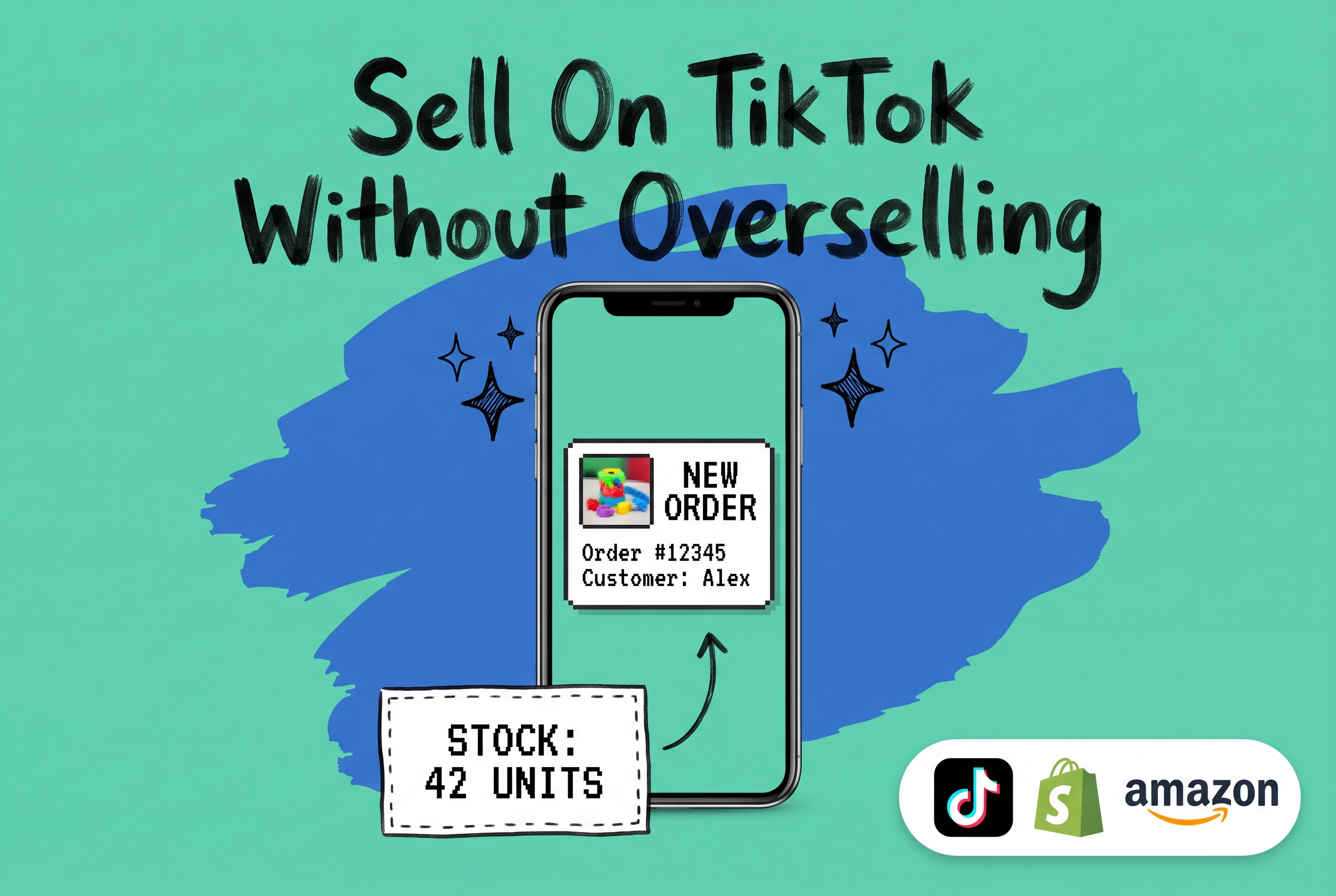
TikTok Shop fulfillment is the process of receiving, picking, packing, and shipping orders that arrive through TikTok's in-app commerce platform. You can handle it yourself from your own warehouse, outsource it to a third-party logistics provider, or use TikTok's own fulfillment network. The method you choose determines how fast orders ship, how much stock you commit to TikTok's system, and whether a viral product moment turns into clean revenue or a customer service problem.
Search interest in TikTok Shop fulfillment has grown sharply year over year, and it reflects an operational question brands are asking more seriously: once someone buys from your TikTok video, what happens next?
This guide walks through what TikTok Shop fulfillment actually involves, how to complete seller sign-up and your first listings, and why brands selling across multiple channels need a centralized order management system to stay in control when orders start arriving fast.
What Is TikTok Shop Fulfillment?
When a buyer purchases a product through TikTok's in-app store, an order lands in TikTok Shop's Seller Central. From there, it's your responsibility to fulfill that order within TikTok's required shipping window, typically within two business days for most product categories.
TikTok Shop gives you three fulfillment paths:
Fulfilled by Seller (FBS): You ship directly from your own warehouse or 3PL. You receive the order, print the label, pack the box, and hand it off to a carrier. This keeps you in control of packaging and the customer experience, but it requires reliable inventory visibility and fast pick-and-pack operations.
Fulfilled by TikTok (FBT): You send inventory to TikTok's warehouse in advance, and TikTok handles pick, pack, and ship when orders arrive. This works similarly to Amazon FBA. TikTok stores the stock, so accurate forecasting matters before you inbound shipments ahead of a campaign.
Dropshipping on TikTok Shop: Your supplier ships directly to the buyer. Margins are thinner and you have less control over shipping speed, but you don't need to hold inventory. TikTok permits dropshipping, though you're still responsible for delivery time compliance and any customer issues.
How to Set Up TikTok Shop Seller Sign-Up
Before your first order can ship, you need an approved seller account. Here's how the process works.
Step 1: Register in TikTok Shop Seller Central
Go to TikTok Shop Seller Central and create a seller account. You'll need a valid business entity, government-issued ID for verification, a bank account for payouts, and a business address in an eligible country. Most applications are approved within a few business days. Individual sellers can also register in some markets, though product category restrictions are broader for non-business accounts.
Step 2: Build Your Product Listings
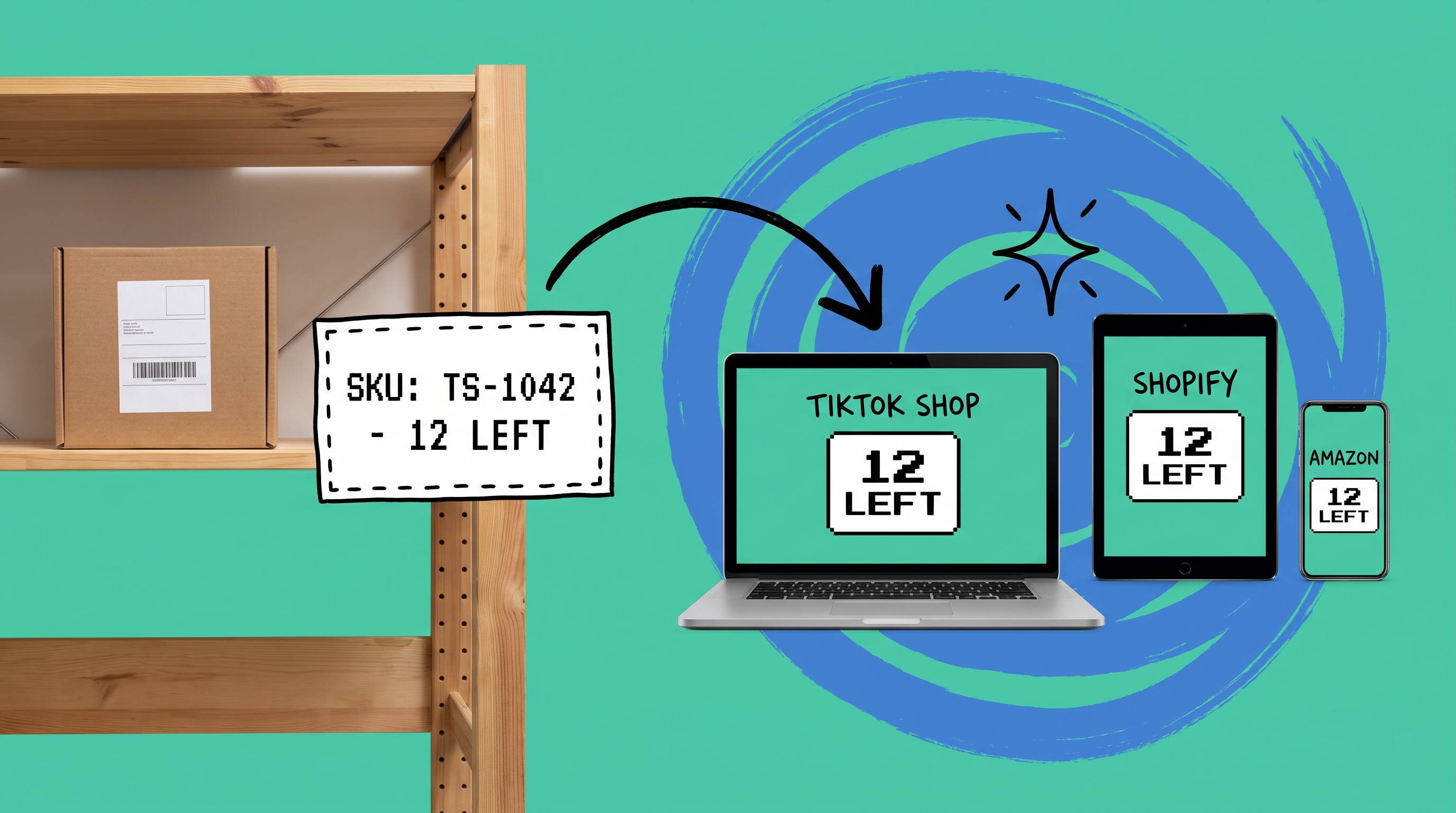
Once approved, you'll create listings inside Seller Central. Each product needs a title, category, images, price, and inventory quantity. That quantity field matters more than it looks. If you're also selling that SKU on Shopify or Amazon, the quantity you enter on TikTok should only reflect inventory actually available for TikTok orders. List the same 50 units of TSHIRT-BLU-M across three channels without a sync, and the first channel to clear those units leaves the others oversold.
Step 3: Configure Your Shipping and Fulfillment Method
In Seller Central, you'll link warehouse addresses, choose carriers, and set shipping templates for your products. TikTok requires default handling times that feed into the delivery estimate buyers see before they purchase. FBS sellers set up warehouse addresses and shipping profiles. FBT sellers initiate an inbound shipment to send stock to TikTok's fulfillment center before sales begin.
The Inventory Problem TikTok Shop Creates for Multi-Channel Brands
Selling on a single channel is manageable. Selling on TikTok Shop, Shopify, and Amazon simultaneously creates a specific operational challenge: your inventory lives in one place, but demand comes from three directions at once.
The risk becomes most obvious when a TikTok video gains traction. A short clip reaches the right audience at the right moment, and orders begin stacking up at a rate your ops team didn't anticipate. If your TikTok listing shows 200 units available but 150 of those are already committed to open Shopify orders, you're about to oversell, and the buyers who placed TikTok orders won't find out until after the payment clears.
This isn't a hypothetical. It happens regularly to brands that manage channel inventory manually or rely on batch sync jobs that run once a day. By the time the mismatch surfaces, real orders have already been accepted.
The fix isn't artificially low TikTok quantities. The fix is real-time multi-channel inventory sync where every sale on any channel immediately adjusts the available quantity everywhere else.
How an OMS Routes and Manages TikTok Shop Orders
A dedicated order management system pulls TikTok Shop orders into the same queue as your Shopify, Amazon, and Walmart orders. From there, routing rules decide where each order fulfills from, whether that's your own warehouse, a 3PL, or a dropship supplier.
With OmniOrders, you can configure automation rules that handle TikTok Shop order routing without manual decisions. For example: route TikTok orders above $75 to your East Coast warehouse; skip routing for SKUs tagged FBT-enrolled and let TikTok fulfill them directly; prefer the Los Angeles distribution center for California-bound orders to hit promised delivery windows.
Those rules run automatically, which means your team isn't manually triaging orders when a product hits the trending page at midnight.
Channel setup in OmniOrders connects TikTok Shop to your warehouse management system through a native TikTok Shop integration. Orders sync in, inventory updates sync back to TikTok, and tracking numbers post automatically when an order ships. You can review how channel connections work within an OMS to understand exactly which data flows bidirectionally and what stays on each side.
What Goes Wrong Without a Connected System
Without centralized operations, most brands default to a patchwork: download TikTok Shop orders manually each morning, forward them to the warehouse via spreadsheet or email, then update tracking numbers back in Seller Central by hand. That workflow holds at 10 orders a day. At 200, errors start compounding.
Wrong tracking numbers, missed TikTok SLA windows, and delayed fulfillment confirmations can result in account warnings and reduced listing visibility in TikTok's ranking algorithm. The downstream effect is worse than a single bad order; it's suppressed reach on future listings.
Returns are the other failure point. TikTok Shop has its own returns process, but if those returns don't feed back into your inventory system, you're restocking units in your warehouse while other channels still show them as unavailable. The unit is physically on your shelf but invisible to the market.
For a broader look at how order operations fit together across channels, the guide on sales order management covers the mechanics of keeping order data clean when you sell in multiple places.
Run TikTok Shop Without the Fulfillment Headaches
TikTok Shop is a real revenue channel, not a novelty. The brands that scale on it aren't necessarily the ones with the best content; they're the ones whose operations can handle demand when that content works.
That means real-time inventory sync, automated order routing, and a system that connects TikTok Shop to the rest of your fulfillment stack without manual workarounds in between. OmniOrders does all of that in one platform, with a native TikTok Shop connector that handles orders, inventory, and tracking automatically across every channel you sell on.
Start your free OmniOrders trial and connect TikTok Shop alongside your other channels today.
Frequently asked questions
What is TikTok Shop fulfillment?
TikTok Shop fulfillment is the process of picking, packing, and shipping orders placed through TikTok's in-app commerce platform. Sellers can fulfill orders from their own warehouse (Fulfilled by Seller), use TikTok's logistics network (Fulfilled by TikTok), or route them through a dropship supplier.
How do I complete TikTok Shop seller sign-up?
Register at TikTok Shop Seller Central with a valid business entity, government-issued ID, and a bank account. Approval typically takes a few business days. Once approved, you create product listings, set inventory quantities, and configure your shipping and fulfillment method before your first order can be placed.
How does TikTok Shop inventory sync work across multiple channels?
TikTok Shop does not natively sync inventory with other platforms like Shopify or Amazon. To maintain accurate stock counts across channels, you need an order management system with real-time inventory sync. Every sale on any channel deducts from a shared pool, preventing oversells when multiple channels sell the same SKU simultaneously.
Can I dropship on TikTok Shop?
Yes. TikTok Shop permits dropshipping, where your supplier ships directly to the buyer. You're still responsible for meeting TikTok's delivery time requirements and resolving any customer service issues, so reliable supplier relationships and clear shipping timelines are essential.
What happens if I oversell on TikTok Shop?
Accepting orders you can't fulfill forces you to cancel them. Repeated cancellations lead to performance warnings and reduced listing visibility in TikTok's algorithm. The most reliable prevention is real-time inventory sync across all selling channels so your available TikTok quantity always reflects actual available stock.
Start your 14-day free trial
See how OmniOrders connects your sales channels, 3PLs, and carriers into one operational layer — free for 14 days, no credit card.