What Is a Lot Code? A Complete Guide to Lot Tracking for Ecommerce Brands
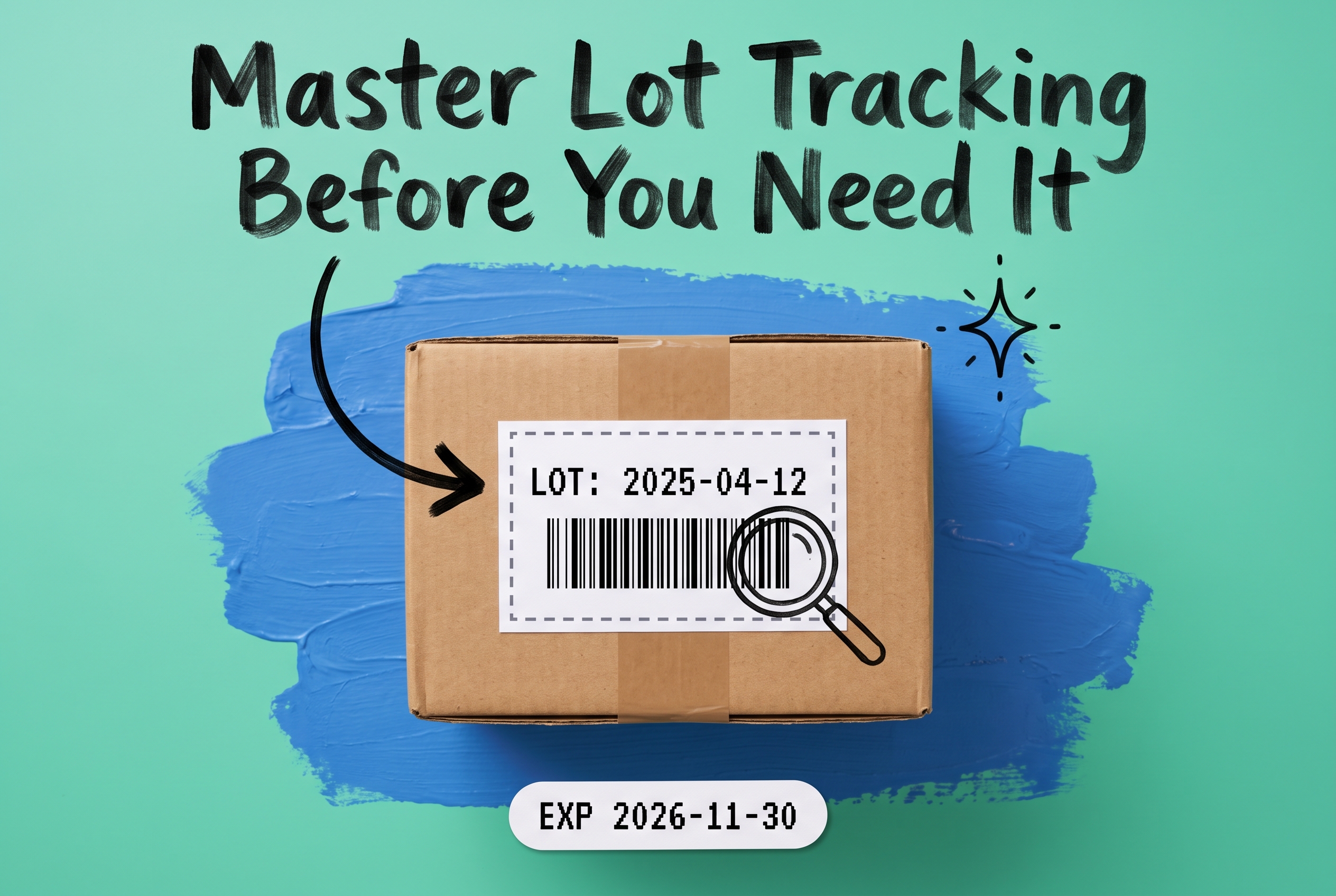
A lot code (also called a lot number) is an alphanumeric identifier assigned to a batch of products manufactured under the same conditions, at the same time, from the same inputs. It lets you trace any unit back to its exact production run, so you can pinpoint quality issues, enforce expiry-based picking, and execute targeted recalls without pulling your entire product line off sale.
Most ecommerce brands encounter lot codes first through a compliance requirement or a customer complaint. But once you understand how lot tracking works operationally across multiple warehouses and 3PLs, it becomes clear it's as much a fulfillment tool as it is a compliance one.
What Information Is in a Lot Code?
Lot codes aren't standardized across industries. A food manufacturer might encode the production date and facility in a string like `2025-04-12-ATL`. A cosmetics brand might use an internal batch number like `SERUM-B247`. A pharmaceutical company follows stricter conventions tied to regulatory requirements.
What they all share: a lot code links a group of units back to a specific production event. If you're selling a supplement with SKU OMEGA3-120CAP and a batch of 5,000 units was filled on April 12, all 5,000 units share the same lot code. When a customer says a capsule tasted off, you don't investigate all Omega-3 stock. You investigate lot 2025-04-12.
How to Find a Lot Number on a Product
For consumers checking a recall notice, the lot number is typically printed on the bottom of the container, the back panel near the expiry date, or on a label near the packaging seam. Food products often print lot codes directly alongside "Best By" or "Use By" dates. Canned goods typically stamp them on the bottom lid.
For ecommerce sellers receiving inventory, lot numbers appear on the manufacturer's certificate of analysis (COA), on pallet labels, and on inner carton labels. If your 3PL receives a shipment without lot documentation, flag it immediately: once units mix with unlabeled stock, traceability breaks.
Lot Numbers vs. Serial Numbers: Two Different Tools
These terms come up together often, but they track different things. A lot number identifies a batch. A serial number identifies a single unit.
If you manufacture 10,000 pairs of scissors, they might all share lot number SCI-2025-09. Each pair doesn't need its own serial number. A medical device, a firearm, or a piece of electronics typically requires a unique serial number so you can trace that specific unit through its entire lifecycle.
For most ecommerce brands, lot tracking at the batch level is what you need. Serial-level tracking adds cost and complexity that's only justified for high-value or heavily regulated goods.
Why Lot Tracking Matters for Your Ecommerce Operations
The practical case for lot tracking comes down to three scenarios: expiry management, quality investigations, and recalls.
Expiry management. If you sell food, beauty products, or supplements, every unit has a shelf life. Customers who receive a product expiring in three weeks feel cheated. General inventory tracking tells you how many units of OMEGA3-120CAP you have. Only lot tracking tells you which units expire in three weeks and which expire in 14 months.
Quality investigations. A customer complains that a cream separated in the jar. Without lot tracking, you pull samples across your entire inventory. With lot tracking, you check whether the complaint clusters around one batch. If three complaints point to lot CREAM-B107, you've isolated the issue without disrupting sales of the other 12 batches.
Recalls. This is where the stakes get highest. A broad recall, one that pulls all inventory regardless of lot, is far more expensive than a targeted one. You discard good product, issue refunds on unaffected orders, and damage customer trust unnecessarily. Lot-level traceability turns a potentially company-wide event into a contained one.
Regulatory pressure is also building. The FDA's Food Safety Modernization Act Section 204 (FSMA 204) requires businesses handling foods on the Food Traceability List to maintain lot-level records linking each lot to its supply chain events. For brands in those categories, compliance isn't optional.
FIFO vs. FEFO: Why Your Picking Method Depends on Lot Tracking
FIFO (First In, First Out) means you ship the oldest-received stock first. FEFO (First Expired, First Out) means you ship whatever expires soonest first. These sound simple, but enforcing either at scale requires your system to know which lot is in which bin and when it expires.
Without that data, you're relying on pickers to make the right call. In practice, they grab what's closest. A picker at a busy warehouse isn't cross-referencing lot dates manually; they're hitting their units-per-hour target. That's how goods expiring in two months ship while product with 18 months remaining sits in the back.
FEFO is the right choice for perishables, consumables, and anything with a regulatory shelf-life requirement. FIFO works well for non-perishables where the goal is inventory rotation rather than expiry management.
OmniOrders enforces FIFO or FEFO rules automatically at pick time, directing pickers to the correct lot rather than the nearest pallet. You configure the rule once using the no-code automation engine, and it applies consistently across every order without relying on individual picker judgment.
Lot Tracking Across Multiple Warehouses and 3PLs
Single-warehouse lot tracking is manageable with basic tools. Multi-location lot tracking is where most ecommerce brands run into trouble.
Say you store inventory at your own warehouse in Atlanta, a 3PL in Los Angeles, and another in Dallas. Each location receives and picks product. Each might have its own warehouse management system with its own lot records. When a recall hits, you need to know which lots are at which locations, how many units per lot remain, and which orders shipped which lots to which customers.
If those answers live in three separate systems (or three spreadsheets), you're assembling that picture manually under time pressure. That's the situation worth avoiding before a problem occurs.
Multi-location inventory management in OmniOrders gives you lot-level visibility across all your warehouse locations in one view. You can see exactly which lots are at each location, how much remains, and what the expiry dates are, without logging into each 3PL's portal separately. The multi-location warehouse configuration supports both owned warehouses and third-party fulfillment centers.
How Lot Tracking Powers Product Recall Management
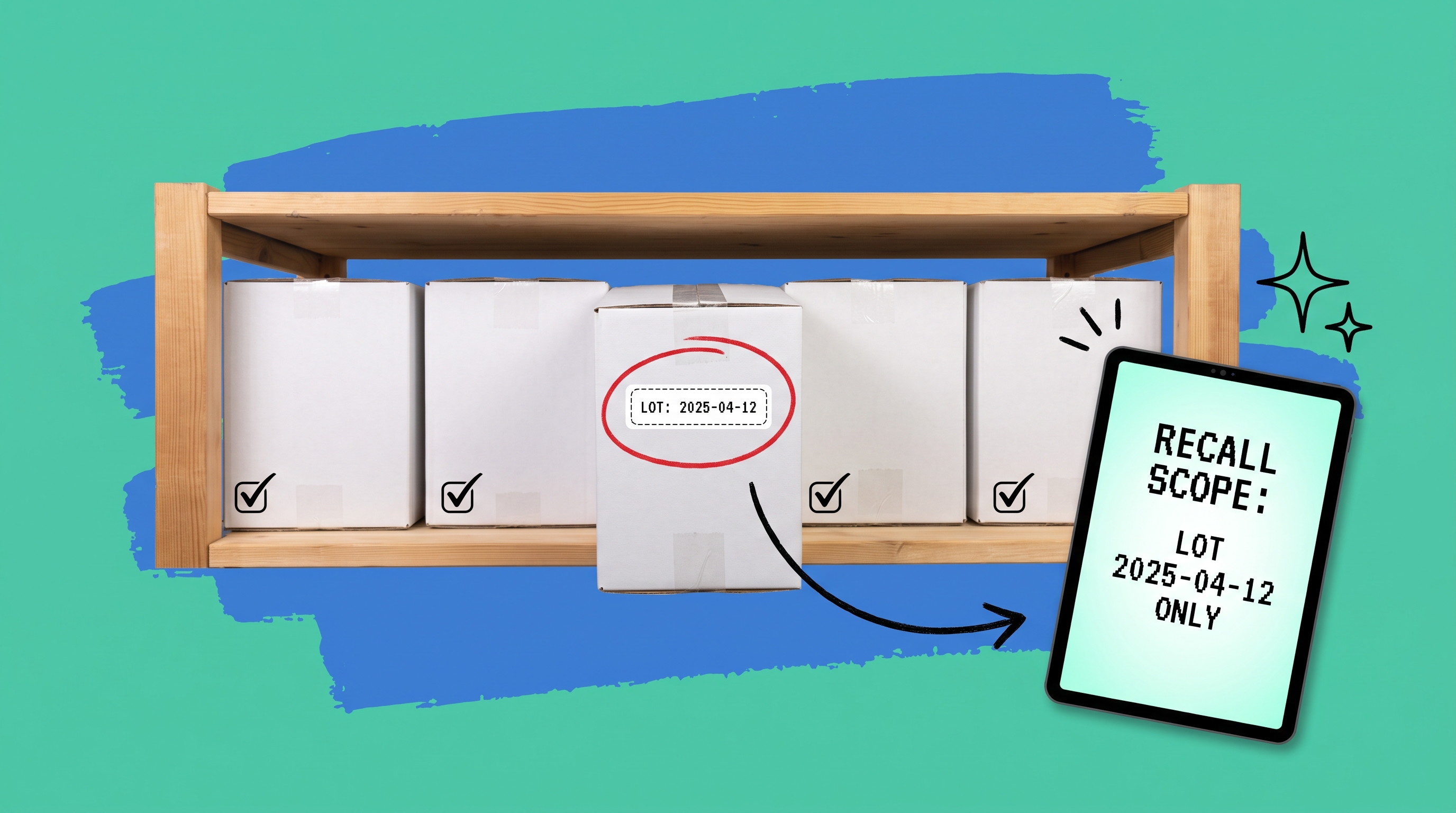
A product recall without lot tracking forces you to go broad. You halt all shipments of a product, issue recall notices to all buyers, and discard all inventory regardless of which batches were actually affected.
With lot tracking, the process looks different. You identify the lot in question (say, lot PROTEIN-B331), query your order management system to find every order that shipped that lot, generate a customer notification list, hold any remaining units of that lot, and continue selling unaffected batches. The financial and reputational impact shrinks substantially.
Speed matters here too. The faster you can generate the list of affected orders, the faster customers get notified, and the better your compliance outcome. OmniOrders lets you filter orders by lot number to generate that report immediately, rather than manually cross-referencing pick records across multiple systems.
What to Look for in Lot Tracking Software
Not every inventory and order management platform handles lot tracking with the same depth. Some treat it as a data field you can populate manually but don't enforce at picking. Others enforce it end to end. Here's what actually matters:
Lot assignment at receiving. The lot number should be captured when inventory arrives, tied to a barcode scan. If lot assignment is manual and optional, it won't happen consistently. A barcode-based receiving process makes this reliable even at high receiving volumes.
FIFO/FEFO rule enforcement. The system should direct picks to the correct lot automatically, not rely on pickers remembering which lot to pull.
Multi-location lot visibility. If your inventory spans multiple locations, you need a single view of which lots are where, including stock held at external 3PLs.
Recall reporting. You should be able to run a query: show me every order that shipped lot XYZ, and get results in seconds rather than hours.
Lot-level quarantine controls. When a lot is flagged for quality review or expiry, you need to mark that stock unavailable at the lot level without affecting other batches of the same SKU. This matters especially when you're running multiple active lots of the same product simultaneously.
Centralize Your Lot Tracking Before the Recall Happens
Lot tracking is straightforward when everything is working. The challenge appears when something goes wrong: a contaminated batch, a regulatory inquiry, a cluster of customer complaints pointing to a single production run. That's when you find out whether your system can give you answers in minutes or in days.
OmniOrders connects your lot data across all your selling channels, warehouses, and 3PLs in one platform. You get FIFO/FEFO enforcement at pick time, lot-level visibility across every location, and the ability to pull recall reports immediately. Start your free OmniOrders trial and see how centralized lot tracking works in practice.
Frequently asked questions
What is a lot code?
A lot code is an alphanumeric identifier assigned to a batch of products made under the same production conditions at the same time. It lets manufacturers and sellers trace any unit back to its specific production run for quality control, expiry management, and product recall purposes.
How do I find the lot number on a product?
Lot numbers are typically printed on the bottom of a container, the back panel near the expiry date, or on a label near the packaging seam. On food products, look close to the "Best By" or "Use By" date. On cosmetic or industrial products, it may appear as an internal batch code with a letter prefix like "B" or the label "LOT."
What is the difference between a lot number and a serial number?
A lot number identifies an entire production batch (potentially thousands of units sharing the same manufacturing event). A serial number identifies a single, specific unit. Lot numbers are the right tool for most ecommerce brands selling consumables or manufactured goods. Serial numbers are used for high-value items, electronics, or products with strict unit-level regulatory requirements.
How does lot tracking help with product recalls?
Lot tracking lets you scope a recall to the exact affected batch. Instead of pulling all stock of a product, you identify which orders contained the specific lot, notify only those customers, hold the flagged inventory, and continue selling unaffected batches. This reduces financial exposure, limits customer disruption, and speeds up the compliance response.
What is FEFO picking, and when should I use it?
FEFO (First Expired, First Out) means you ship whichever stock expires soonest, regardless of when it arrived. Use FEFO for anything with a shelf life: food, supplements, cosmetics, and pharmaceuticals. Without system-level enforcement, pickers default to grabbing the nearest stock rather than the soonest-expiring stock, which creates returns and customer complaints over time.
Start your 14-day free trial
See how OmniOrders connects your sales channels, 3PLs, and carriers into one operational layer — free for 14 days, no credit card.