Future-Dated Orders Are Consuming Stock We Need This Week
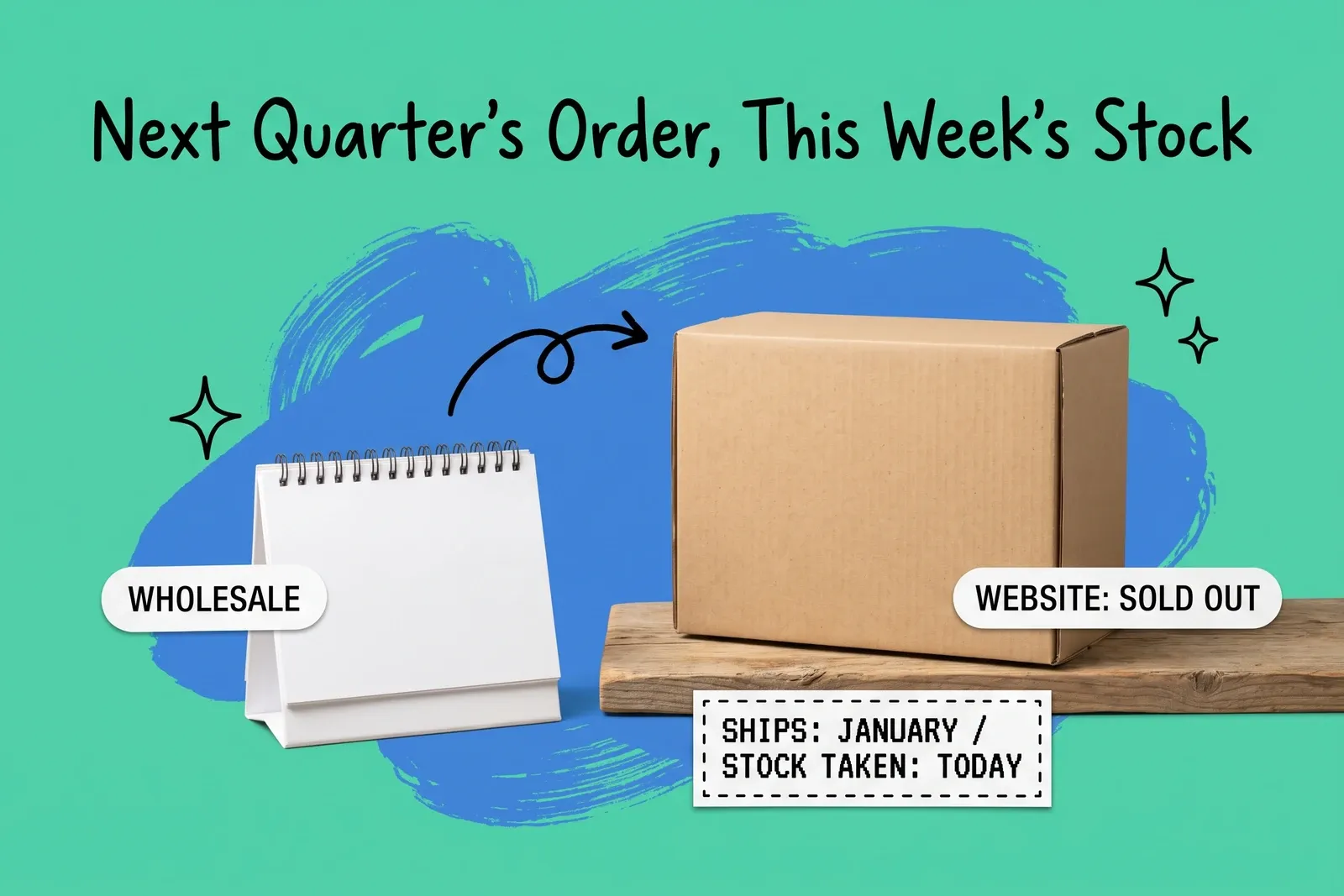
A wholesale customer places an order today for delivery in January. By tonight, the website, which sells from the same warehouse stock, shows the item as sold out, and the units are still sitting on the shelf. Nothing is wrong with the count. The order simply claimed the units the moment it was entered.
This is a common way for a business that sells wholesale, online and in stores to lose sales it could have made. The fix is not to stop taking early orders. It is to control when an order is allowed to claim stock, which is a setting, and to protect the wholesale order while you do it.
Why does an order for next quarter take stock today?
Because in the systems we checked, commitment happens at order entry or confirmation by default, not at the ship date.
Shopify's definition is direct. Committed inventory is "the number of units that are set aside and can't be sold, such as units in an unfulfilled order, reserved in a draft order." Available is "inventory that you can sell." An unfulfilled order is unfulfilled whether it ships tomorrow or in twelve weeks, so its units leave Available at that location as soon as it is placed. Every channel that sells from that location's Available sees fewer units.
NetSuite's help pages say that "by default, available items are committed from your inventory and reserved for that customer" when a sales order is entered, with each line's commit option defaulting to Available Qty. The Expected Ship Date on a line "defaults to show the transaction date", and on its own it does not delay commitment. If you set the preference Perform Item Commitment After Transaction Entry, NetSuite also allocates automatically as new stock arrives; if you clear it, you choose which orders to commit, from the Commit Orders page or on a Commit Order Schedule.
Other platforms make the timing an explicit store setting. BigCommerce can update stock levels "when an order is placed" or "when order status is changed to Completed or Shipped." Odoo offers three reservation methods: "At Confirmation", "Manually" and "Before scheduled date."
So the opening scenario is not a bug. It is the system doing what it was set up to do.
What does it do to the website and the stores?
It turns a timing question into an availability question, but only for channels that draw on the same location.
Commitment is tracked per location. A wholesale order assigned to your warehouse reduces the warehouse's Available, not each store's. The website loses the units if it sells from that warehouse, which is usually the case. Stores lose them only if they sell from that pool too, for example in-store orders shipped from the warehouse, or where stores read a combined figure. Map which channels read which location before deciding how big the problem is.
Where it does bite, you do not see a failed order; you see a stockout on an item that is physically present, so a shelf walk finds nothing wrong.
The risk runs both ways. Stock released to the website can sell through before the wholesale order ships, and an uncommitted wholesale order then turns into a backorder on its ship date. Every step below is built to avoid that.
Does putting the order on hold give the stock back?
Not reliably.
A hold is designed to stop fulfillment. Shopify's help page on holding fulfillments says that "your inventory can be reserved, but fulfillment is blocked until the hold is released." It does not say a hold returns units to Available, and it does not use the word Committed. In our reading the units stay committed while the order is on hold; check the item's Committed count in your own admin before relying on a hold either way.
NetSuite is explicit about how stock is released: quantities "are also de-committed if you set the commit option on order lines to Do Not Commit after an order has been committed." That is a change to the commitment, made line by line, not a hold on the order.
A hold stops the box from leaving the building. It is not the setting that decides who owns what is in the box.
Which settings decide when stock is committed?
These are the documented controls in four common systems. Your configuration, edition and plan may differ, so check your own account.
System | Out-of-the-box timing, as documented | Date-aware option, as documented |
|---|---|---|
Shopify | Units in unfulfilled orders are Committed at their location; draft orders commit only when you choose Reserve inventory | None found for one-time or B2B orders; prepaid subscriptions commit at the fulfillment date |
NetSuite | Available items committed at order entry, commit option Available Qty; manual commit via Commit Orders if the auto-commit preference is off | Supply Allocation: allocation methods tied to a Supply Required By Date, with an optional allocation period |
BigCommerce | Store or channel setting: when an order is placed, or when it is Completed or Shipped | None documented |
Odoo | Set per operation type: At Confirmation, Manually, or Before scheduled date | Before scheduled date reserves up to a set number of days ahead |
A few details matter in practice.
Shopify draft orders. Reserving stock on a draft order is a choice. When you do, the units go to Committed "and can't be purchased by other customers", and you select the date and time the reservation expires. A draft is not yet an order; it has to be converted before it can be fulfilled, so anything downstream that only sees orders will not see it until then. Shopify's documented future-dated mechanism is the scheduled fulfillment for prepaid subscriptions, where inventory "is reserved when the fulfillment date is reached." We found no Shopify page describing the same behavior for wholesale orders, so do not assume it applies.
NetSuite Supply Allocation. This feature "can expand inventory commitment calculations to consider future inventory on supply orders in addition to current, on-hand inventory", and when it matches demand with future ship dates to supply with future receipt dates, "on-hand inventory remains available to meet demand." Three details catch people out. The two predefined strategies "only consider inventory that is currently on-hand, not future inventory," so turning the feature on does not by itself protect on-hand stock. A limit on how far before the Supply Required By Date stock can be allocated is optional, and its days field starts at 180, so set it on purpose. And allocations come in two types: Reserved, which the system "can also reallocate" to other orders, and Firm, which only a person can move. Strategies can be set per customer, which takes priority over item and company defaults, so wholesale accounts can have their own. Test any strategy in a sandbox before relying on it.
Odoo. "Before scheduled date" sets "the maximum number of days before a scheduled delivery date that products should be reserved." Odoo's documentation says the day fields start at 0, which reserves only on the scheduled date itself, so set them on purpose.
How do you keep the wholesale order without emptying this week's shelf?
Work through it in this order.
- Decide the commitment window. Agree how many days before the ship date a wholesale order claims its stock, and write it down. This is a decision about who gets served first, and it belongs to someone senior enough to make it.
- Only release what you can cover. Before leaving a wholesale order uncommitted, check that on-hand stock plus confirmed purchase orders due before its ship date, minus a buffer for that account, covers it. If it does not, commit it now.
- Set the window in the system. Use a date-aware option where one exists. In NetSuite, use a Commit Order Schedule or a Supply Allocation strategy; once an order is inside its window, a Firm allocation stops the system moving its stock. In Shopify, a draft order with a reservation set to expire on the ship date protects the stock near the date; convert it in time for fulfillment. Run any manual commit often enough that no ship date falls between runs, and review any line that fails to commit in full the same day.
- Watch the supply you are counting on. Where a future-dated order is matched to a purchase order, alert when that purchase order's receipt date moves past the order's ship date.
- Stop using holds as reservations. If an order needs to stay out of fulfillment and keep its stock, say so explicitly. If it does not need the stock yet, change the commitment rather than holding the order.
- Report on it weekly. List committed units by the ship date of the order they belong to. Units committed to orders shipping beyond your window are the units that could be selling this week; start with SKUs showing zero Available online or in stores.
Where does this fit with the rest of your inventory?
Commitment timing is one part of a larger question: which number every channel should trust. If the website, the stores and the wholesale desk each read a different figure, a timing setting will not fix that. Our piece on one source of truth for inventory across stores and marketplaces covers what has to be true for a single stock position. Both matter; commitment timing is usually the quicker one to change.
Set the window, set it in the system, and check committed stock by ship date every week.
Frequently asked questions
Why does a wholesale order for next month make my product show sold out online?
Because the order committed the stock when it was entered. In Shopify, units in an unfulfilled order are Committed and no longer Available at that location, so any channel reading that location's Available sees fewer units. NetSuite, by default, commits available items to a sales order as it is entered. The ship date on the order does not change that by itself; only a rule that reads the date, or a line left uncommitted, does.
Does putting an order on hold release its inventory?
Not reliably. Shopify's help page on holds says inventory "can be reserved, but fulfillment is blocked until the hold is released", and does not say a hold returns units to Available. In NetSuite, quantities are de-committed when an order line's commit option is changed to Do Not Commit. A hold stops the box from leaving; check the Committed count in your own admin before relying on it either way.
Can I reserve stock only a few days before an order ships?
Some systems support it directly. Odoo has a "Before scheduled date" reservation method with a set number of days. NetSuite's Supply Allocation feature offers allocation methods tied to a Supply Required By Date and an optional limit on how far ahead stock is allocated. The only deferred-commitment mechanism we found in Shopify's documentation is for prepaid subscriptions. Where no date rule exists, commit on a schedule, with a buffer.
Start your 14-day free trial
See how OmniOrders connects your sales channels, 3PLs, and carriers into one operational layer — free for 14 days, no credit card.