Shopify NetSuite Integration (and Beyond): Sync Multi-Channel Orders & Inventory Through Your OMS
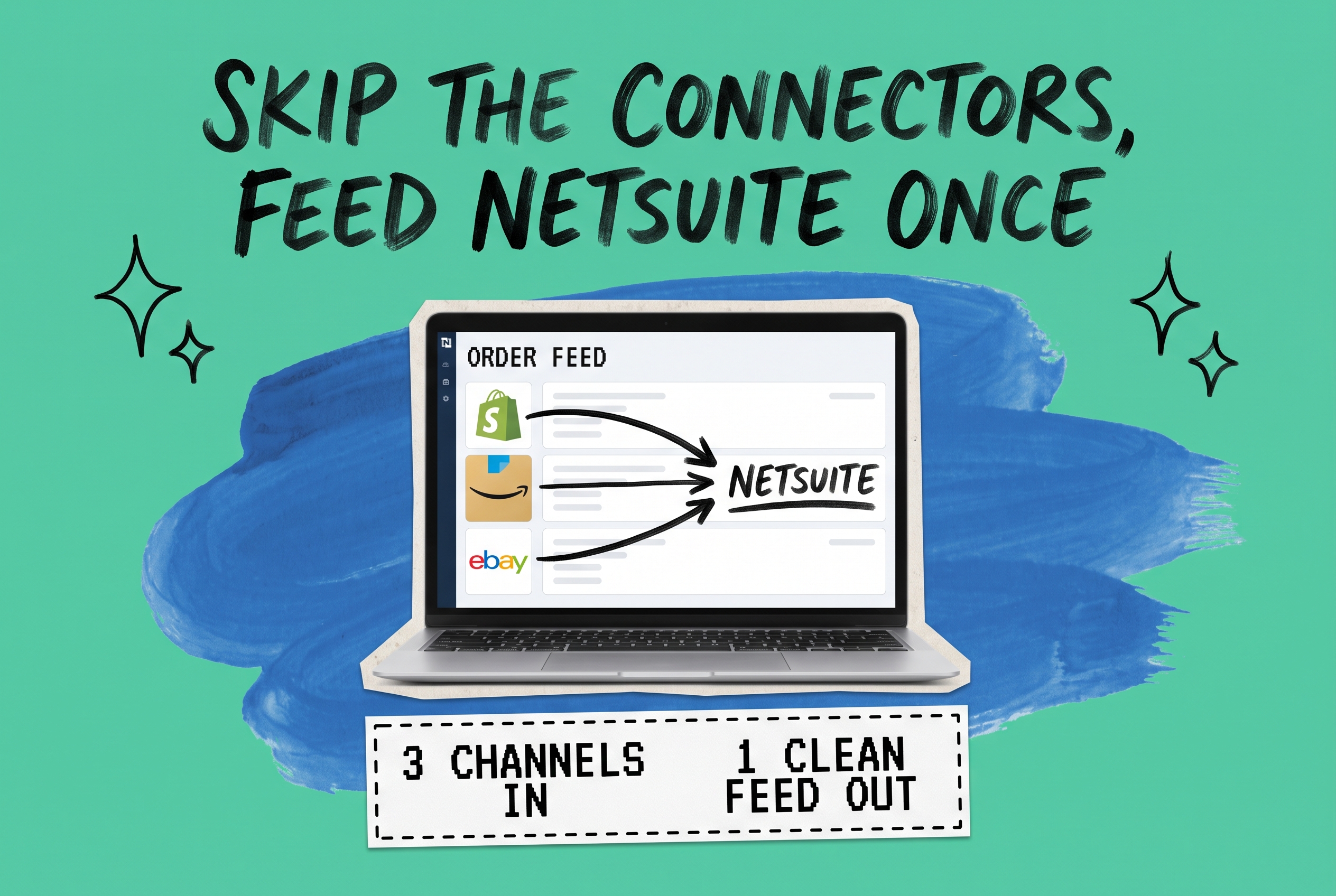
Most merchants approaching a Shopify NetSuite integration think they're solving one problem. Then it becomes clear they have three: Shopify, Amazon, and eBay each need their own connector into NetSuite — and every channel they add means another vendor, another field mapping, and another point of failure in their stack.
This guide covers why that approach breaks down, what the OMS-hub alternative looks like, and what you should verify before committing to either path.
The Standard Shopify–NetSuite Connector Setup
The default path for a Shopify NetSuite integration is to license a SuiteApp or middleware connector that maps Shopify orders, customers, and inventory to the corresponding NetSuite records. For a single-channel store, it works.
The challenge arrives when you add a second selling channel.
Say you're on Shopify, Amazon, and eBay. Each platform has its own order format, its own inventory location model, and its own requirements around customer data, tax codes, and shipping details. To keep NetSuite current, you need a separate connector for each — hor a middleware platform that handles all three but still requires you to configure each mapping independently.
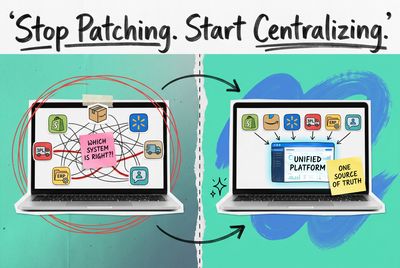
The result is a point-to-point topology: Shopify → NetSuite, Amazon → NetSuite, eBay → NetSuite. Each connection is its own pipeline, and when a NetSuite inventory count changes, the update has to propagate back through all three separately.
This works until it doesn't. A platform API change on one channel silently breaks that connector. A Walmart expansion means a fourth vendor contract and a fourth mapping. When you're troubleshooting a NetSuite inventory discrepancy, you have three places to look — not one.
Why Point-to-Point NetSuite Connectors Break at Scale
NetSuite is built to be your system of record for financials, inventory valuation, and fulfillment costs. What it is not built to handle is the raw inconsistency of multi-channel order data.
Each marketplace formats its data differently:
- Amazon uses ASINs alongside your merchant SKU, and FBA inventory lives separately from FBM stock
- eBay buyer and shipping data follows a different schema than Shopify
- Walmart has unique tax jurisdiction requirements that vary by fulfillment type
A point-to-point connector between Amazon and NetSuite must translate Amazon's data model into NetSuite's record types — reliably, for every order, every inventory update, every return. Multiply that by four channels, and you've built a fragile web that requires constant attention to keep synchronized.
Inventory is the sharpest pain point. Say you hold 40 units of SKU TSHIRT-BLU-M split between a 3PL in Ohio and your own warehouse in Texas. Both Shopify and Amazon need current availability — in near real-time. With separate connectors, that inventory signal has to leave NetSuite, split into two streams, and land correctly on each channel. When those streams fall out of sync — and they will — you oversell.
The OMS-as-Hub Architecture
The alternative is to put an order management system (OMS) between your sales channels and NetSuite. Instead of N connectors (one per channel), the structure becomes:
- One integration per channel → OMS: Each marketplace connects to the OMS, which normalizes every incoming order into a single standard format
- One integration OMS → NetSuite: A single, clean feed of normalized order and inventory data flows from the OMS to NetSuite
That's the shift. The OMS absorbs the messiness of channel-specific data formats, handles the inventory math across fulfillment locations, routes orders to the right node, and hands NetSuite one consistent stream of records.
NetSuite gets what it needs: sales orders with accurate line items, inventory decrements by location, and return records it can apply to financials — without needing to know whether an order came from Shopify or Amazon.
How OmniOrders Connects Your Channels to NetSuite
OmniOrders is built around this hub model. It connects to your selling channels — Shopify, Amazon, eBay, Walmart, and others — aggregates all incoming orders into a central OMS layer, and feeds normalized order and inventory data into NetSuite through one integration.
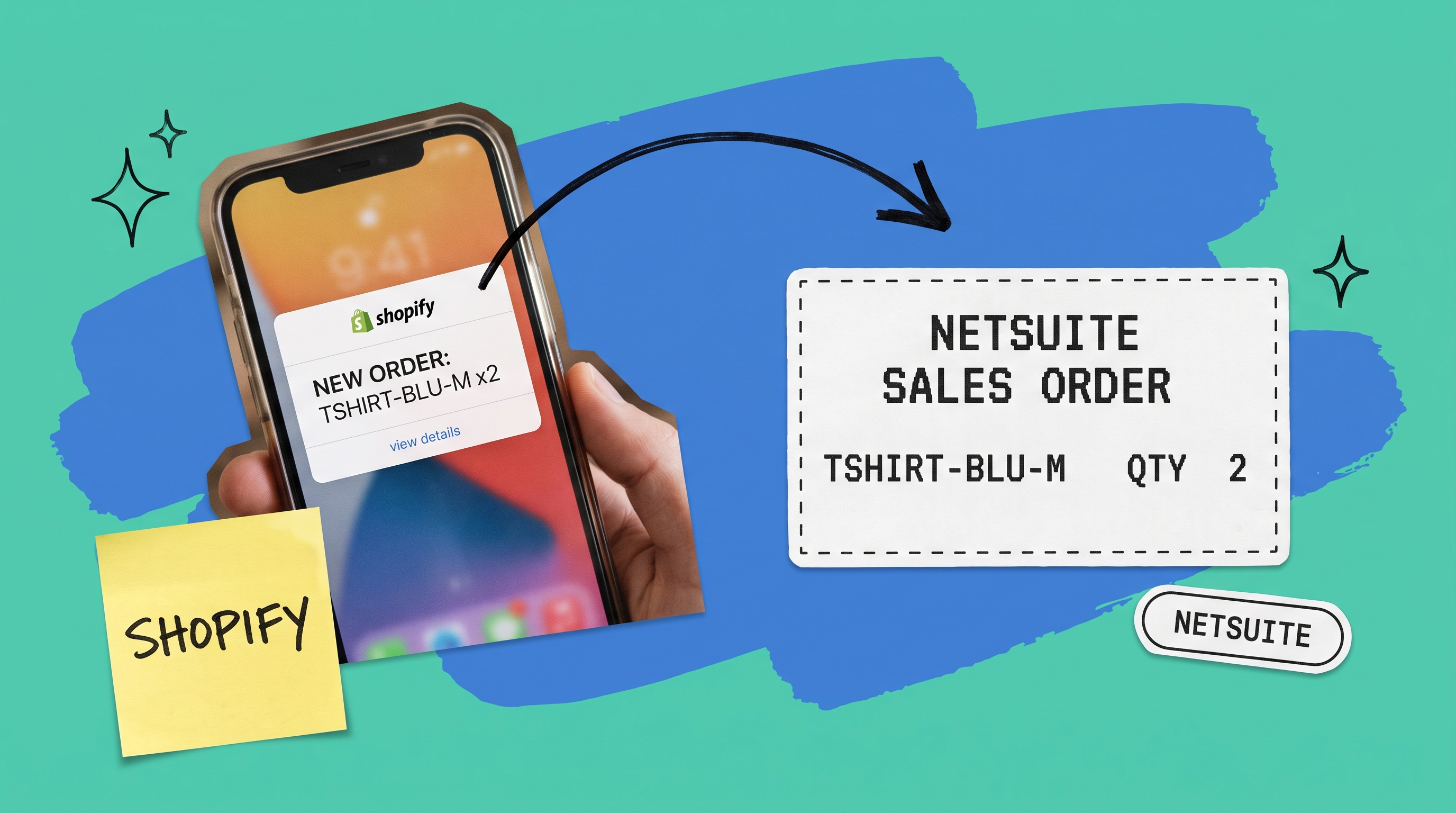
When a Shopify order arrives for SKU TSHIRT-BLU-M with two units, OmniOrders:
- Receives the order and maps it to a standard internal format
- Checks available inventory across your fulfillment locations
- Routes the order to the appropriate warehouse or 3PL
- Decrements available inventory across all connected channels simultaneously
- Pushes a clean sales order record to NetSuite
An Amazon FBM order for the same SKU follows the same path. OmniOrders normalizes both into the same internal format before anything reaches NetSuite — so the NetSuite integration stays stable regardless of which channel generated the sale.
On the inventory side, OmniOrders maintains a central inventory ledger. When you receive stock at a location, it becomes available across all channels automatically. When it sells on any channel, every other channel updates. NetSuite sees accurate on-hand quantities and can run inventory valuation, reorder point calculations, and demand planning against real numbers.
The Shopify–NetSuite Piece Specifically
If Shopify is your primary channel and you're connecting NetSuite for financial control or inventory management, OmniOrders gives you:
Order sync: Every Shopify order lands in OmniOrders and creates a corresponding sales order in NetSuite. Line items, shipping, discounts, and tax map accurately. Your finance team runs reports off NetSuite — not off Shopify data exports.
Inventory management in NetSuite: OmniOrders keeps your Shopify storefront inventory aligned with your NetSuite inventory module. Restock a SKU in NetSuite and it reflects on Shopify. A sale on Shopify decrements the NetSuite inventory record immediately.
Returns and refunds: Shopify returns processed through OmniOrders flow as return records to NetSuite — with accurate COGS adjustments and restocked quantities.
Fulfillment status: Once NetSuite (or your 3PL via NetSuite) confirms fulfillment, OmniOrders updates the Shopify order status and triggers the customer shipping notification.
Your ops team manages orders in the OMS. Your finance team manages records in NetSuite. Neither one needs to toggle between Shopify admin and NetSuite to piece together the full picture.
Expanding Beyond Shopify: Amazon, eBay, Walmart
This is where the hub model earns back its setup investment. Once OmniOrders is integrated with NetSuite, adding a channel doesn't require a new NetSuite connector. You add the channel to OmniOrders, and the OMS handles the normalization.
Amazon (FBM and FBA): For FBM orders, OmniOrders pulls orders, routes them to your fulfillment locations, and syncs inventory against your available-to-sell quantity. For FBA, it tracks FBA inventory separately so your NetSuite inventory levels don't merge FBA stock with what you hold in your own facilities.
eBay: Buyer names, shipping addresses, and eBay-specific fee structures get normalized into the same internal format before reaching NetSuite. Your NetSuite sales orders look consistent whether the buyer came from eBay or Shopify.
Walmart Marketplace: Walmart's compliance requirements — two-day shipping tags, specific return windows, item setup specs — are handled at the OMS layer. NetSuite receives a clean sales order.
When you add a channel, your NetSuite integration doesn't change. That's the compounding value of the hub approach.
A Note on SuiteCommerce
If you're evaluating NetSuite's native commerce product — SuiteCommerce — the tradeoff is worth understanding. SuiteCommerce runs your storefront directly on NetSuite, so order and inventory data lives natively without a separate integration layer.
The limitation is marketplace coverage. SuiteCommerce handles your direct-to-consumer website, not your Amazon or Walmart presence. If you're selling across multiple channels, you still need an OMS for the marketplace side. In that setup, a SuiteCommerce storefront and OmniOrders-managed marketplace channels can coexist, with OmniOrders feeding NetSuite for all marketplace volume.
For most multi-channel sellers, a purpose-built commerce platform (Shopify, BigCommerce) plus an OMS is simpler to operate than SuiteCommerce — unless consolidating everything on the NetSuite platform is a firm requirement.
What to Evaluate Before You Integrate
Before selecting a NetSuite integration platform or committing to a connector approach, get clear on four things.
How many channels are you running today — and in 12 months? If you're Shopify-only now but plan to add Amazon and Walmart this year, the per-channel connector cost and maintenance overhead shifts the math toward an OMS hub quickly.
Where do returns flow? Returns with restocking, exchanges, and partial refunds are where most integrations break. Verify that any approach you consider handles your specific return workflows before you sign.
Who owns inventory truth? In a NetSuite-centric operation, NetSuite should be the system of record for inventory. Every integration decision should reinforce that — not create a parallel inventory count that requires manual reconciliation.
What does fulfillment routing look like? If you route orders to multiple 3PLs or warehouse locations based on cost, proximity, or carrier preference, that routing logic needs to live somewhere. An OMS handles it as a core capability; a point-to-point connector typically doesn't.
One Integration Into NetSuite, Not Seven
If your NetSuite data is full of reconciliation work, inventory drift, or duplicate records, the root cause is usually the same: you're trying to manage channel complexity at the ERP layer instead of the OMS layer.
An OMS normalizes that complexity before it reaches NetSuite — giving your finance team accurate data, your ops team a single place to manage orders, and your NetSuite implementation a clean, consistent feed it can actually use.
See how OmniOrders connects your sales channels to NetSuite with one integration instead of many.
Frequently asked questions
How do I integrate Shopify with NetSuite?
Two approaches exist: a direct Shopify–NetSuite connector (a SuiteApp or middleware tool that maps Shopify orders to NetSuite records) or an OMS-based integration where Shopify connects to an OMS, and the OMS feeds NetSuite. The OMS approach becomes more practical when you're running multiple sales channels, since you maintain one NetSuite integration rather than one per channel.
What does a NetSuite integration platform do?
A NetSuite integration platform connects external systems — storefronts, marketplaces, 3PLs, shipping carriers — to NetSuite's ERP. It handles data mapping (translating each system's format into NetSuite record types), sync scheduling, and error handling. An OMS like OmniOrders functions as a specialized integration platform focused on order and inventory data specifically.
What is NetSuite inventory management?
NetSuite's inventory module tracks on-hand quantities by location, calculates inventory valuation (FIFO, LIFO, average cost), and drives reorder point planning. For it to work accurately in a multi-channel operation, it needs reliable real-time data from every sales channel. An OMS integration ensures that every sale — regardless of channel — updates NetSuite inventory immediately rather than on a delayed sync.
What is the NetSuite inventory module?
The NetSuite inventory module is the ERP component that manages stock levels, locations, and inventory valuation. It supports bin management, lot and serial tracking, and demand planning. Keeping it accurate across multiple selling channels requires an integration that decrements inventory on every sale across every channel simultaneously — which is the core job of an OMS.
What is SuiteCommerce?
SuiteCommerce is NetSuite's native e-commerce platform. It lets you run a B2C or B2B storefront directly within NetSuite, so order and inventory data is managed natively without third-party integration. It's suited for merchants who want to consolidate entirely on the NetSuite platform, but it doesn't cover marketplace selling on Amazon, eBay, or Walmart — for that, an OMS is still required.
Start your 14-day free trial
See how OmniOrders connects your sales channels, 3PLs, and carriers into one operational layer — free for 14 days, no credit card.