Cycle counting for ecommerce: fix inventory accuracy without a full shutdown
If you run a multi-channel ecommerce operation, you already know the problem. Your WMS says you have 47 units of JACKET-NVY-L. You pick to fulfill an order and find 31. Somewhere between your last physical count and today, 16 jackets disappeared from the record — and now you have an oversell risk on Amazon, a backorder on Shopify, and a conversation with your 3PL you'd rather not have.
Cycle counting ecommerce teams is the answer most ops leads eventually land on. Not because it's the easiest approach, but because it's the only one that doesn't require you to freeze operations for three days once a year and hope the numbers are right.
This guide covers what cycle counting is, how to structure your count cadence around ABC inventory analysis, how to investigate variances without chasing your tail, and what role your order management system plays in keeping channel stock levels honest.
What is cycle counting in inventory management?
A cycle count is a scheduled, partial inventory count where you count a subset of SKUs on a rolling basis rather than everything at once. Done right, you touch every SKU in your warehouse at least once per year — but high-velocity or high-value items get counted far more often.
The term comes from the idea that counts run in cycles: a continuous loop rather than a single annual event. You might count your top 50 SKUs every week, your mid-tier items monthly, and slow movers quarterly. Each count is small enough that a single picker or inventory analyst can complete it in an hour without disrupting outbound shipments.
The goal is not just to find discrepancies. It's to catch them early, before a 16-unit variance becomes a 160-unit problem that tanks your Amazon seller metrics or triggers a reorder at the wrong quantity.
A cycle count produces three outputs: a count record (units counted vs. system quantity), a variance figure (the delta, positive or negative), and a disposition decision (adjust, investigate further, or escalate). That last step is where most teams fall down, and we'll cover it in detail in section five.
Why ecommerce ops leads use cycle counting (not physical counts)
The full physical inventory count — where you shut down receiving and shipping, freeze all transactions, and count everything simultaneously — made sense when inventory was the only liability on a balance sheet and auditors needed a point-in-time snapshot. For most ecommerce operations, it's an anachronism.
Here's what a full physical count costs you in practice. You lose one to three business days of shipping throughput. You need to brief every warehouse associate on count procedures, and someone always misses the meeting. You still get errors — the kind that happen when people are tired, rushing, or miscounting items stacked four pallets deep. And the moment you re-open operations, the count is already stale.
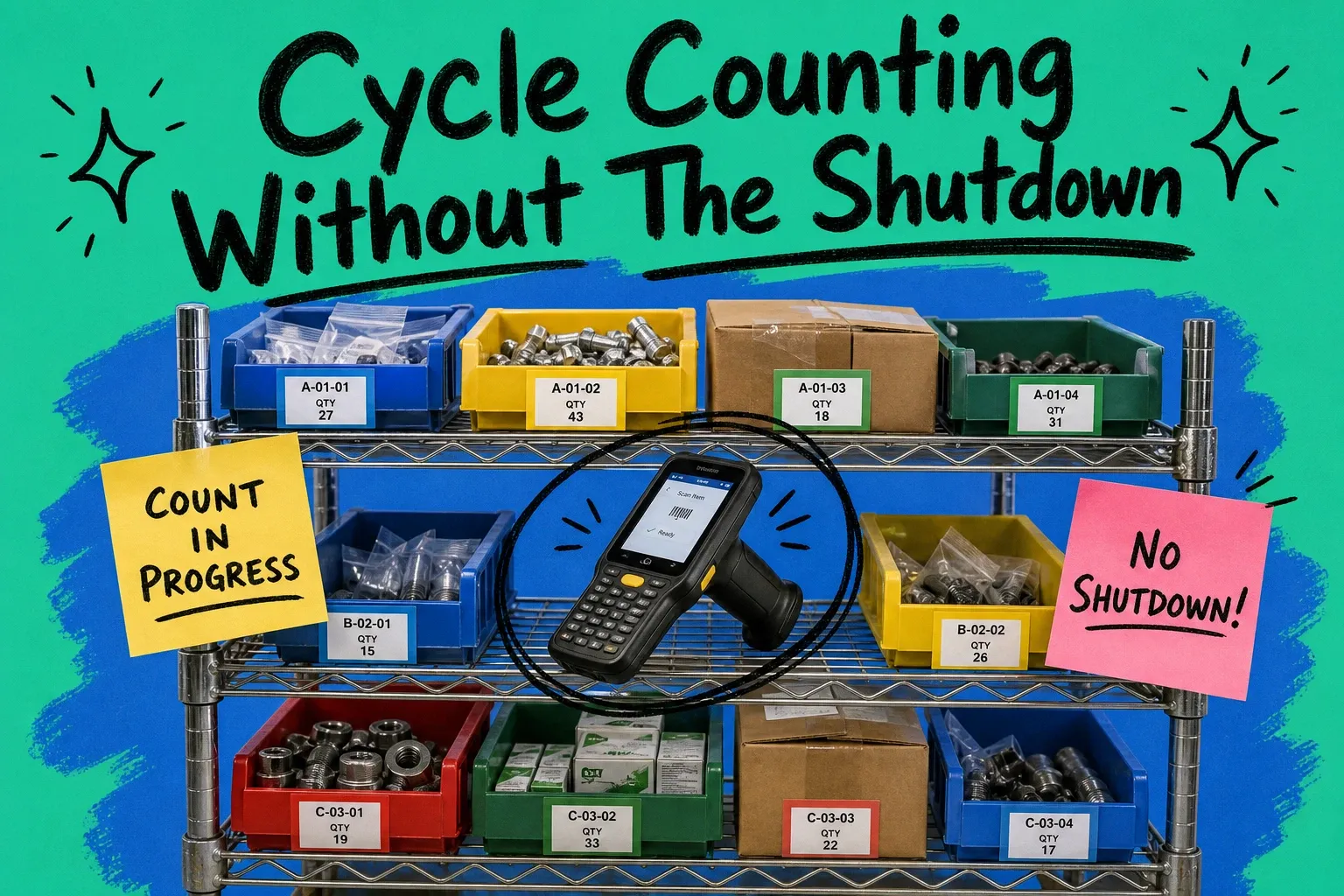
Cycle counting solves this by distributing the work across time. You count 30–50 SKUs per day. Discrepancies are caught when they're small. Staff get regular practice and develop counting discipline. Errors surface fast enough that you can trace them to a specific receiving event, a pick error, or a vendor short-ship.
The other advantage is operational continuity. Cycle count vs physical inventory is not a close contest when your warehouse ships 500 orders a day. You can run a cycle count during the morning hours before the pick waves start, or on a specific aisle during the afternoon lull. The warehouse doesn't stop. Orders still ship.
For multi-channel operators specifically, the speed of correction matters. A variance discovered and corrected on Monday morning prevents the weekend's backorders from compounding into Tuesday's customer service queue.
ABC inventory analysis — the foundation of your count cadence
Before you count anything, you need to know what deserves the most attention. ABC inventory analysis is the method: rank your SKUs by the revenue or velocity they drive, assign each to a tier, and set count frequency accordingly.
The classic breakdown works like this. Your A items — typically 10–20% of SKUs — drive 70–80% of revenue or pick volume. Count these every week. Your B items, the next 30%, drive the bulk of the remaining volume. Count these monthly. Your C items, the long tail, move slowly and carry lower risk. Count these quarterly or semi-annually.
To run this for your catalog, pull 90 days of sales data and sort by units shipped or revenue. The cutoffs don't need to be exact — you're looking for the natural breaks in your distribution. If JACKET-NVY-L ships 400 units per month, it's an A item. If SCARF-RED-OS ships 12 units per month, it's probably a C.
Adjust the framework for your specific risk profile. High-value items with low velocity still warrant frequent counts — a single missing unit of a $400 SKU hurts differently than a missing unit of a $12 one. Fragile or damage-prone items should be counted more often regardless of velocity. Regulated products (age-restricted, hazmat) often have compliance requirements that override the ABC tier entirely.
Once you've assigned tiers, build a count schedule. For a warehouse of 2,000 active SKUs with a 70/20/10 A/B/C split, that's roughly 200 A items (counted weekly), 400 B items (counted monthly), and 1,400 C items (counted quarterly). Spread across 250 working days, you're looking at 30–40 counts per day — achievable in under an hour with a barcode scanner and a focused counter.
Step-by-step: how to run a cycle count without stopping operations
Running a cycle count isn't complicated, but sequence matters. Here's how to do it without creating more chaos than you resolve.
Step 1: Generate a count sheet from your WMS. Pull the count list for the day's scheduled SKUs. Critically, the system quantity should be hidden from the counter. Showing expected quantities before the count introduces confirmation bias — counters round up to match the system rather than reporting what they see. Most WMS platforms have a "blind count" mode. Use it.
Step 2: Assign to a single counter per zone. One person, one zone. Splitting count responsibility across multiple people in the same area creates overlap errors and accountability gaps. The counter scans each location barcode, physically counts the units on the shelf, and enters the number. For items in mixed or damaged boxes, count open units, not sealed boxes, unless you have verified the sealed quantity.
Step 3: Freeze picks on counted locations during the count window. You don't need to halt the whole warehouse — just the specific bins being counted. Most WMS systems can block picks from a location for 15–30 minutes while a count is in progress. If yours can't, schedule counts before pick waves start. Counting a bin while picks are being pulled from it is the fastest way to create a phantom variance.
Step 4: Submit the count and review variances immediately. Don't batch variance review for the end of the week. When variances surface, the trail is fresh. A counter who just counted JACKET-NVY-L at bin A-07-3 can tell you whether the adjacent bin was disorganized, whether there was a partial pallet left on the floor, or whether one of the units had a different label. That context disappears fast.
Step 5: Apply adjustments or escalate. Minor variances within your tolerance threshold (typically ±2% by value or ±1–2 units for A items) can be adjusted in the system after supervisor review. Larger variances go through the investigation workflow described in the next section.
Step 6: Document and close. Record the count date, counter name, location, system quantity, count quantity, and disposition. This creates an audit trail and, over time, reveals patterns — specific counters, locations, or vendors that generate repeat discrepancies.
Variance investigation workflow (what to do when counts don't match)
Finding a discrepancy is the start, not the end. Most teams skip structured investigation and just adjust the system — which means the root cause keeps generating new variances. Here's a decision tree that actually closes the loop.
Start: Is the variance within tolerance?
If yes, document it, apply the adjustment, and move on. Your tolerance threshold is a business decision — a common starting point is ±2 units or ±1% of system quantity, whichever is smaller, for A items.
If no, begin investigation.
Branch 1: Is the variance positive (system says less than you have)?
A positive variance typically means product arrived that wasn't received into the system, a return was stocked without a receipt transaction, or a pick was cancelled but the item wasn't returned to its home location.
Check receiving logs for the past 30 days against the SKU. Check your return processing queue. Walk the staging area for misplaced units. If you find the source, fix the receiving or return record. If you can't locate the source within 48 hours, adjust the system to the count quantity and flag the SKU for a recount within seven days.
Branch 2: Is the variance negative (system says more than you have)?
Negative variances are more common and have more causes.
First, check for picks in progress. If a pick wave is running, units may be in a tote or on a cart that hasn't been scanned out yet. Wait for the wave to close and recount before adjusting.
Second, check for recent outbound shipments. Compare system quantity at the time of the count against shipped orders since the last count. Missing units sometimes trace to a scan-and-ship error where the item shipped but didn't decrement properly.
Third, check for vendor short-ships. Pull the most recent receiving record for this SKU. If the PO said 144 units and you received 138, the variance was baked in from day one.
Fourth, check adjacent bins. Items get mis-stocked constantly — especially during busy receiving shifts. Look at the bins within two slots of the expected location. If you find the units, fix the location record and recount.
If none of the above resolve the variance, escalate to an LP (loss prevention) review. A pattern of unexplained negative variances on specific SKUs — especially high-value items near exits — warrants a camera review.
Decision: Adjust or hold?
Adjust the system when you've traced and documented the root cause, or when a recount confirms the original count and no source can be found after 48 hours. Hold the adjustment when an investigation is still active — don't move the system record until you know whether you're dealing with a process error or a shrink event.
Recount cadence after a variance:
For any SKU that produced a variance larger than your tolerance, schedule a follow-up count within one week. If the follow-up count matches the adjusted quantity, close the investigation. If it shows another variance, the root cause is still live — escalate.
Inventory accuracy KPIs — reading them against a moving baseline
Most guides give you a target: 98% inventory accuracy. Achieve that and you're done. That's not how it works in a real ecommerce warehouse, and targeting a single fixed number across your entire catalog obscures more than it reveals.
The better approach is a tiered accuracy target matched to your ABC segments.
For A items — the 10–20% of SKUs driving most of your revenue — target 99.5% accuracy or higher. These are the SKUs where a discrepancy directly causes an oversell, a missed SLA, or a mis-ship. Measure accuracy weekly, because these items are being counted weekly.
For B items, a 97–99% accuracy target is workable. Variances in this tier still matter but tend to surface more slowly. Measure monthly.
For C items, 95% accuracy is often sufficient. These SKUs move slowly, and a small variance rarely creates an immediate operational problem. Quarterly measurement aligns with your count cadence.
Your baseline isn't fixed — it moves with your operations. When you onboard a new 3PL, run a receiving audit, or absorb a new product line, accuracy will dip. That's expected. The KPI that matters isn't the absolute accuracy figure in any single period — it's the trend. A warehouse running at 96.2% accuracy that improved from 91.4% six months ago is in much better shape than one that's been stuck at 97.1% for two years without understanding why.
Track these metrics separately: location accuracy (is the item where the system says it is), quantity accuracy (are unit counts correct), and lot/serial accuracy if you track those attributes. A warehouse can post strong quantity accuracy while having terrible location accuracy, which makes every pick slower and every count harder.
Set a monthly review rhythm: pull accuracy by tier, flag any SKU that has produced more than two out-of-tolerance variances in 90 days, and trend the data over rolling 13-week windows rather than month-over-month snapshots that get distorted by peak periods.
Cycle counting with an OMS: syncing counts across channels
Running a clean cycle count is one problem. Making sure that corrected count actually updates your live channel inventory is another. For most multi-channel ecommerce operations, there's a gap between these two steps — and that gap is where oversells happen.
Here's the failure mode. You count JACKET-NVY-L, find 31 units instead of the 47 the WMS shows, and post the adjustment at 9:15 a.m. Your WMS now reflects 31 units. But your Shopify store is still showing 47. Your Amazon listing hasn't been updated. If a customer places an order on Amazon at 9:20 a.m. and another on Shopify at 9:22 a.m., you may not have enough inventory to fulfill both — and neither channel knows it yet.
The deeper the multichannel stack, the worse this gets. Add Walmart, eBay, and a wholesale EDI customer, and you have five places where the corrected count needs to land simultaneously.
This is where an OMS layer earns its place in the stack. OmniOrders sits between your WMS and your sales channels. When a cycle count adjustment posts in the WMS, OmniOrders picks up the corrected quantity and pushes it to every connected channel in real time — not as a batched overnight sync, but as an immediate update. If you're running multi-location inventory, it handles the allocation math across locations before broadcasting to channels, so your available-to-sell figure is accurate at the channel level, not just at the warehouse level.
That's the operational problem the OMS solves here: it closes the window between when you know your inventory is wrong and when your channels reflect the truth.
FAQ
What is cycle counting in inventory?
Cycle counting is the practice of counting a rotating subset of your SKUs on an ongoing schedule, rather than counting all inventory at once in a single annual event. The goal is continuous accuracy — you catch and correct variances quickly, before they compound into larger operational problems.
What is a cycle count in inventory management?
A cycle count is a single scheduled count event in which a counter physically counts the units at a specific set of locations or for a specific set of SKUs. The count result is compared against the system record, and any variance is either adjusted or investigated. Cycle counts are typically brief — 30 to 90 minutes — and don't require any suspension of normal warehouse activity.
What is an inventory cycle count vs. a physical inventory count?
A physical inventory count captures all SKUs simultaneously and requires freezing all warehouse transactions during the count window. A cycle count covers a portion of the catalog at a time and runs alongside normal operations. Physical counts give you a point-in-time snapshot once or twice a year. Cycle counts give you continuous visibility and faster variance detection throughout the year.
How often should ecommerce warehouses run cycle counts?
Frequency depends on your ABC tier structure. A items (high-velocity or high-value SKUs) should be counted every week. B items warrant a monthly count. C items are typically counted quarterly. Adjust upward for any SKU with a history of discrepancies or high shrink risk.
What causes inventory discrepancies in ecommerce warehouses?
Common causes include vendor short-ships that weren't caught at receiving, pick errors where the wrong item or quantity was pulled, mis-stocking after a return or a put-away, and system transaction errors where shipments or receipts didn't record correctly. Shrinkage (theft or damage) is also a factor, though usually a smaller one than process errors in well-run warehouses.
Can cycle counting work in a 3PL environment?
Yes, but it requires coordination with your 3PL. You need access to their WMS data or regular export feeds, an agreed count schedule, and a clear escalation path when variances are found. Some 3PLs include cycle counting as part of their service contract; others treat it as billable time. Get this in writing before you rely on it for accuracy management.
Start your 14-day free trial
See how OmniOrders connects your sales channels, 3PLs, and carriers into one operational layer — free for 14 days, no credit card.