Vendor Managed Inventory (VMI): The Complete Guide for Ecommerce Brands
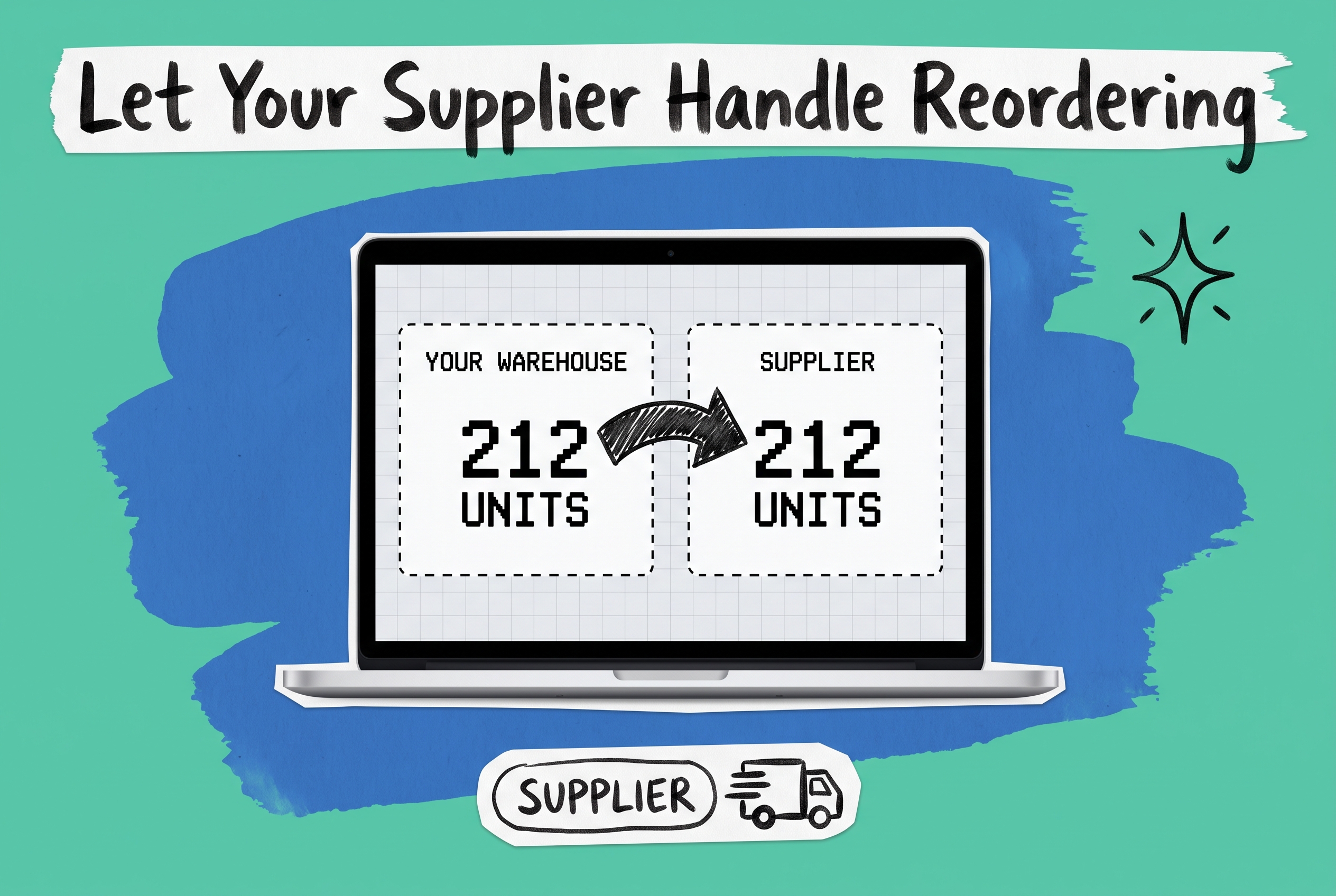
Vendor managed inventory (VMI) is a supply chain arrangement where the supplier, not the retailer, takes responsibility for monitoring stock levels and triggering replenishment. Instead of your ops team watching inventory counts and writing purchase orders, you share real-time sales and stock data with your supplier, and they decide when and how much to ship. The result: fewer stockouts, lower carrying costs, and a significant reduction in manual coordination on both sides.
What Is VMI and Why Do Ecommerce Brands Use It?
Traditional replenishment puts all the cognitive work on your side. Your team watches stock levels, runs the reorder calculation, issues a purchase order, and waits. If someone misses the signal or the lead time is longer than expected, you run out of stock on your top SKU right when a promotion is live.
VMI moves that decision to the supplier. They watch your inventory data, trigger replenishment when stock hits a pre-agreed threshold, and ship the right quantity at the right time. The supplier still does not own the inventory once it arrives; ownership transfers on delivery the same as any standard purchase. But they own the replenishment decision, which shifts the burden to the party with the most context: the manufacturer or distributor who knows their own lead times, production windows, and minimum order quantities better than you do.
VMI is most associated with big-box retail (Walmart pioneered many of its modern logistics practices through supplier-managed replenishment), but mid-market ecommerce brands are adopting it too, particularly those selling across multiple channels who need tighter inventory control without proportionally larger ops headcount.
How VMI Works in Practice
A functional VMI arrangement has three components: shared data, documented rules, and an automated trigger.
Shared data. Your supplier gets access to your current on-hand quantities and recent sales velocity by SKU. Some VMI programs also share demand forecasts. The supplier uses this information to model when you will hit a reorder threshold.
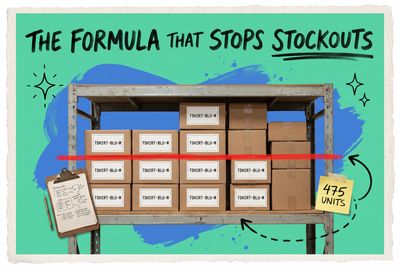
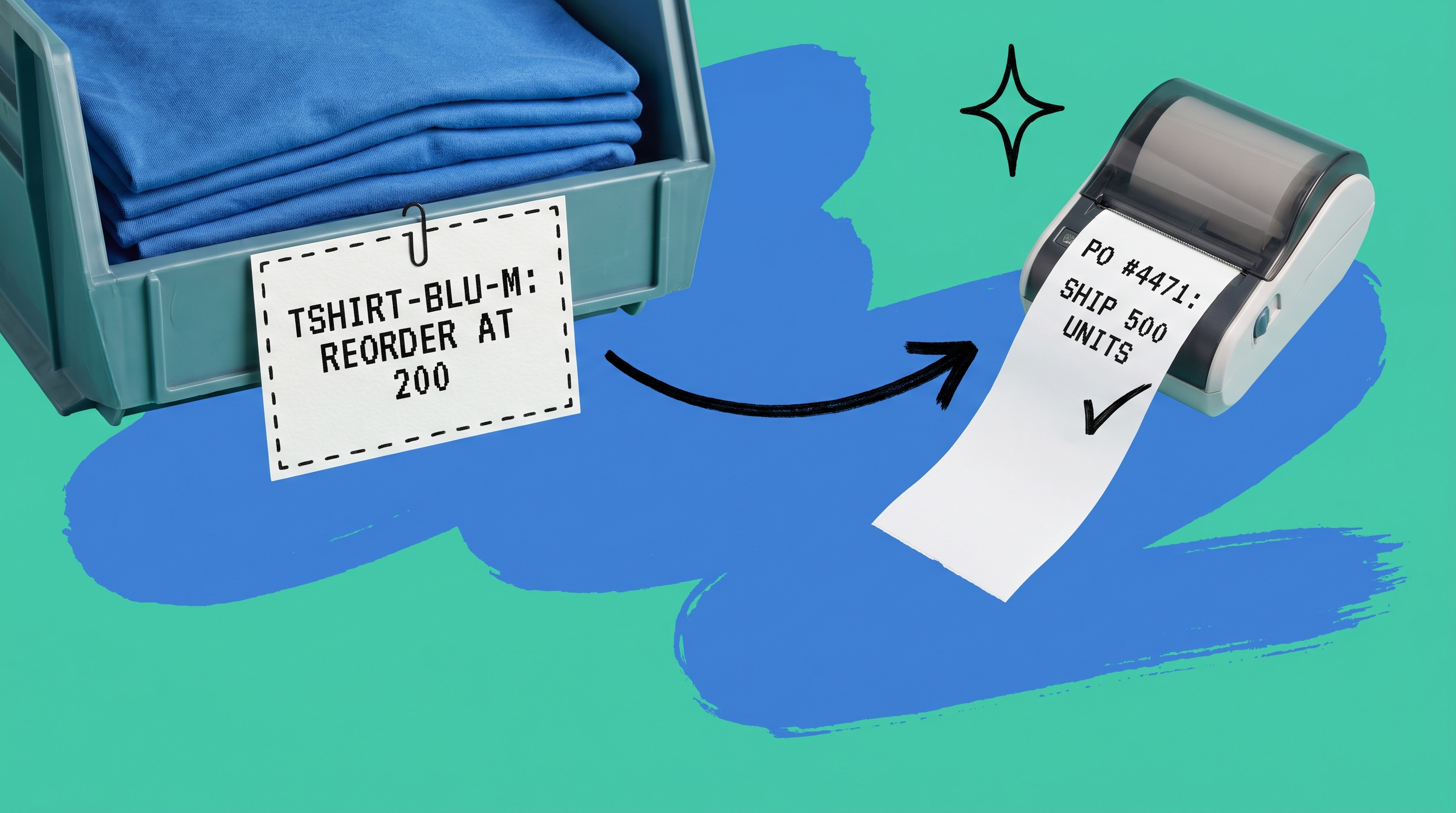
Documented rules. Before anything starts, you and your supplier agree in writing on what "low" means for each SKU. For example: TSHIRT-BLU-M gets replenished when on-hand inventory drops below 200 units. Order quantity is 500 units or the trailing 30-day sales rate times four, whichever is higher. Both sides sign off. No ambiguity.
Automated trigger. When the threshold is hit, the system generates a purchase order. The supplier reviews it (or, in tighter EDI-based integrations, confirms it automatically) and ships. That loop replaces the manual back-and-forth of purchase order negotiation. The supplier is not waiting for you to notice a problem. You are not scrambling to write a PO after inventory already hit a critical level.
Vendor Managed Inventory Examples
VMI is most effective when you have a limited supplier base, predictable product categories, and enough sales history for your supplier to model demand accurately. Two common scenarios:
Consumer goods with steady velocity. A skincare brand sources three hero SKUs from a single contract manufacturer. The manufacturer carries a 28-day lead time. The brand shares daily channel sales data and warehouse stock counts automatically. When any SKU drops below six weeks of projected demand, the manufacturer ships the next production run without waiting for a formal purchase order request. The brand's ops team reviews shipment quantities weekly instead of writing reactive POs.
Seasonal products with demand spikes. A home decor brand sells 40 products across Amazon, eBay, and their direct-to-consumer site. Their primary supplier manages replenishment for 18 of those SKUs. The supplier receives rolling forecasts that account for Prime Day, Q4 peak, and promotional windows. Replenishment stock arrives ahead of demand spikes rather than after them. Before VMI, the stockout rate on those 18 SKUs ran around 11%. After the first full year of the program, it dropped to under 3%.
VMI does not fit every supplier relationship. It works where both sides trust the shared data, where the supplier has enough margin in the relationship to run buffer stock, and where demand is consistent enough to make the supplier's replenishment decisions reliable.
Four Conditions That Make VMI Programs Work
You can structure a VMI agreement on paper in an afternoon. Making it perform over time requires four things to be true:
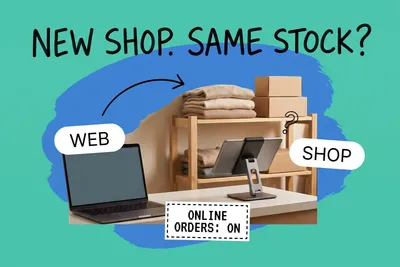
Real-time, accurate inventory data. VMI breaks down the moment your stock counts drift out of sync. If a channel oversells and the adjustment is not reflected immediately, your supplier's replenishment calculation is wrong. Your inventory management system needs to reflect actual on-hand quantity across every location and channel in real time, not just what is sitting in your primary warehouse.
Clear reorder rules for each SKU. Ambiguity ends VMI programs. The service-level agreement needs to specify minimum and maximum stock levels per SKU, the lead time the supplier commits to, how order quantities are calculated, what happens during promotional periods or seasonal peaks, and how disputes over quantities are resolved. Both sides should be able to look at the same inventory number and agree on what happens next.
Automatic data sharing. Email spreadsheets do not scale and introduce lag. Most VMI programs use EDI (often an EDI 850 purchase order as the replenishment trigger) or API-based data feeds that update frequently enough for the supplier's calculations to stay accurate as sales velocity shifts day to day.
Purchase order automation on your end. When the supplier ships a replenishment, your system needs to generate a corresponding inbound PO or receipt record without manual data entry. Otherwise you trade one bottleneck (writing POs) for another (keying in receipt confirmations one at a time).
Setting Up VMI: Step by Step
Getting a VMI program off the ground involves three phases most brands underestimate.
Phase 1: Audit your inventory data quality. Before you hand your supplier a data feed, check that your on-hand counts are accurate. Run a physical count or cycle count audit on the SKUs you plan to include in the VMI program. If counts are consistently off by more than 2-3%, fix the root cause first. Common culprits: returns not processed back into available inventory, items received but not scanned, or stock split across locations with no aggregated view.
Phase 2: Draft and negotiate the service-level agreement. Sit down with your supplier and work through the rules SKU by SKU. Agree on reorder points, maximum stock levels, order multiples, and lead time commitments. Document what happens if the supplier misses a lead time and what happens if your sales velocity spikes beyond forecast. Both sides should know their obligations before the first automated trigger fires.
Phase 3: Connect your systems. Your operations platform and your supplier's system need to exchange data reliably. For smaller suppliers without EDI capability, a shared inventory dashboard with API access can work. For larger retail and wholesale suppliers, EDI is typically required. This is where most brands spend the most implementation time, particularly if their inventory data lives in disconnected systems that need reconciliation before sharing.
How OmniOrders Supports VMI Programs
The piece most brands struggle with is the data layer. Giving a supplier accurate, real-time stock counts across Shopify, Amazon, a 3PL, and your own warehouse requires those feeds to be synchronized in one place, not reconciled across three systems with a spreadsheet in between.
OmniOrders' order management platform centralizes inventory, orders, and fulfillment across every channel. Stock counts update in real time as orders come in, regardless of which channel they originated from. That gives your VMI supplier a single, reliable data feed rather than a collection of CSV exports that are already stale by the time they arrive.
For the purchase order workflow, OmniOrders handles purchase order creation and receiving natively. When a supplier triggers a replenishment shipment, it flows into the platform as an inbound PO. Your team confirms receipt, reconciles quantities, and updates stock counts without manual data entry.
The no-code automation engine lets you configure rules that fire when stock hits a threshold, so the trigger does not depend on someone noticing a low-stock alert. A rule can create a draft PO, send a notification to your supplier account manager, or flag the SKU for review, based on conditions you define without writing any code.
OmniOrders also connects to the EDI networks your larger retail and wholesale partners require. Commerce Hub and SPS Commerce are both live connectors, which means the document exchange between your platform and your supplier's system can be automated end to end rather than handled manually.
AI-powered inventory forecasting adds a layer that static reorder points cannot match. Rather than setting a fixed threshold and hoping it holds through a demand spike, you can share rolling forecasts with your supplier that account for channel mix, seasonal trends, and promotional activity. Sharper forecasts lead to better replenishment timing and fewer emergency expedite fees.
Run VMI Without Building Custom Integrations
VMI programs fail most often not because the concept is flawed, but because the data layer breaks down. Stock counts drift. EDI connections require custom development work to stand up and maintain. Inbound receipts pile up as manual entry tasks. The supplier ends up making replenishment decisions on stale numbers, and the stockout rate climbs instead of dropping.
OmniOrders removes that friction. You get real-time inventory sync across every channel, built-in purchase order management, no-code automation for replenishment triggers, and live EDI connector support for Commerce Hub, SPS Commerce, and other major retail networks. Your VMI supplier gets a data feed they can trust.
Start your free OmniOrders trial and connect your first VMI supplier without a custom integration project.
Frequently asked questions
What is vendor managed inventory (VMI)?
Vendor managed inventory is a supply chain model where the supplier monitors a buyer's stock levels and initiates replenishment when inventory drops below an agreed threshold. The buyer shares sales and stock data; the supplier decides when and how much to ship. It reduces purchase order management overhead and typically lowers stockout rates when both parties maintain accurate, real-time inventory data.
What does VMI mean in supply chain management?
In supply chain terms, VMI shifts the replenishment decision from the buyer to the seller. The buyer still owns the inventory on receipt, but the seller is responsible for calculating when to replenish and at what quantity. This reduces coordination overhead and lead time variability, particularly in long-term supplier relationships where demand patterns are predictable.
What are examples of vendor managed inventory programs?
A common example: a skincare brand shares daily sell-through data with its contract manufacturer, letting the manufacturer schedule production and ship replenishment stock on a fixed cadence without waiting for formal purchase orders. Another example: a multi-channel home goods brand gives its primary supplier real-time access to combined Amazon and direct-site inventory counts, so the supplier can ship ahead of seasonal demand peaks without needing explicit reorders.
What software do I need to run a VMI program?
At minimum, you need a system that maintains accurate real-time inventory counts across all your channels and fulfillment locations, a method to share that data with your supplier (EDI or API integration), and a purchase order workflow that handles inbound replenishment without manual data entry. A multi-channel OMS handles all three by centralizing inventory, connecting to EDI networks, and automating purchase order creation and receiving.
What is the difference between VMI and consignment inventory?
In consignment, the supplier retains ownership of the inventory until it sells, and the buyer pays only on sale. In VMI, ownership transfers to the buyer on delivery, the same as a standard purchase transaction. VMI is about who controls the replenishment decision, not about who holds title to the stock. Some supplier relationships combine elements of both, but they are distinct arrangements with different cash flow and liability implications.
Start your 14-day free trial
See how OmniOrders connects your sales channels, 3PLs, and carriers into one operational layer — free for 14 days, no credit card.