Best POS Systems for Multi-Location Retailers: Ranked by Integration Quality
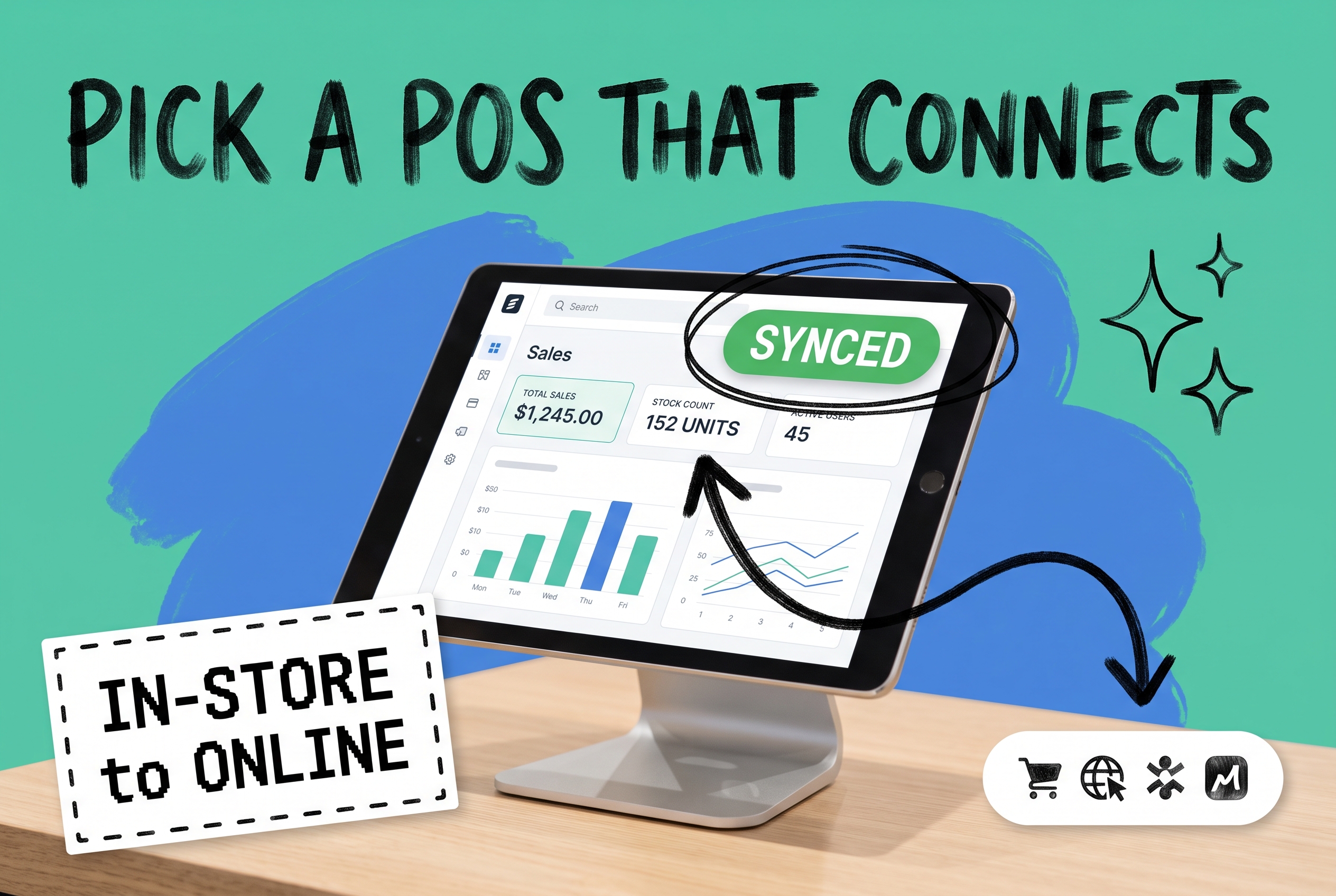
Most POS roundups rank systems by checkout speed, hardware cost, or which one has the sleekest UI. For a brand running a single coffee shop or boutique, that might be enough. But if you're managing two or more physical locations alongside Shopify, Amazon, or any other online channel, the features that matter most barely show up in those reviews.
The real question isn't "which POS has the nicest receipt printer." It's: how well does this system pass data to the rest of your operation?
A sale in your Chicago store should immediately reduce available stock on Amazon. An online return processed at your Miami location should update your OMS and trigger a restocking decision. Your fulfillment team should be able to see in-store inventory when they're routing online orders. These aren't advanced features — they're baseline requirements for running a coherent multi-location, multi-channel business.
This guide evaluates the top POS systems on exactly that: integration quality. Here's what to look for, and which systems earn their ranking when the bar is set there.
What Integration Quality Actually Means
Integration quality isn't just about whether a POS has an API (most do). It breaks down into four things that actually affect your day-to-day operations:
Real-time inventory sync. When a product sells in-store, your online listings should update within seconds. Stale sync creates overselling — and overselling on Amazon or eBay triggers penalties and account flags you don't want to deal with.
Bidirectional order visibility. Your order management system should see in-store orders alongside online orders. Without this, you're running two separate fulfillment operations — one for physical stores, one for ecommerce — and neither one has the full picture.
Multi-location stock awareness. Can your POS tell an external system exactly how much stock is available at each specific location? Not aggregate totals — location-level counts. This matters when you want to route an online order to the nearest store, or when you're deciding where to replenish next.
Cross-channel returns. A customer who buys online and returns in-store is completely normal now. Your POS needs to handle it cleanly and push that data back so inventory gets correctly re-attributed — not stuck in a returns limbo that requires manual reconciliation.
With those four criteria in mind, here's how the top POS systems stack up.
The Best POS Systems for Multi-Location Ecommerce Retailers
Shopify POS — Best for Shopify-First Brands
If Shopify is your primary sales channel, Shopify POS is the most frictionless option by a wide margin. In-store and online inventory sync natively. Orders from all your locations consolidate in one place. Returns work across channels without middleware.
The integration is tight by design, not bolted on afterward. A sale at any location immediately updates available stock everywhere within the Shopify ecosystem. Staff can pull up a customer's online order history at the register. Inventory transfers between locations run through the same admin you already manage your online catalog from.
Where it gets complicated: the moment you expand beyond Shopify — Amazon, Walmart, eBay, Etsy — you need an OMS layer above it. Shopify's native tools don't centralize multi-channel orders. That Chicago store sale updates your Shopify inventory, but if Amazon maintains a separate buffer, you're suddenly managing two numbers.
Best for: Multi-location brands where Shopify is the main or only online channel. Add an OMS when marketplace volume grows.
Lightspeed Retail — Best for Inventory-Heavy Retailers
Lightspeed Retail (which absorbed Vend in 2021) is purpose-built for retailers who manage large SKU catalogs across many locations. Its inventory management is more granular than most POS systems — you can track by location, set reorder points per location, and handle serialized inventory without workarounds.
The open API is well-documented, which matters when you're connecting to an OMS. Real-time stock levels per location are accessible programmatically, so your OMS can pull accurate inventory before routing an order. Lightspeed also handles purchase orders and supplier management natively, which reduces the number of disconnected systems you're running.
The gap: native ecommerce integrations focus primarily on Shopify and BigCommerce. For Amazon or eBay volume, you'll need an OMS to handle channel sync. The reporting is solid but doesn't give a true unified view across in-store and online without that OMS layer.
Best for: Mid-to-large retailers with high SKU complexity or strict per-location inventory requirements. A strong OMS integration candidate.
Square for Retail — Best for Straightforward Multi-Location Operations
Square's advantage is speed and simplicity. For a brand running two to four brick-and-mortar locations alongside a Square Online or Shopify presence, it covers the fundamentals without requiring an implementation project.
Inventory syncs in real time across Square locations. The hardware is reliable. Pricing is transparent. For smaller multi-location operations that aren't running deep multi-channel ecommerce, it works without complexity.
The ceiling arrives fast: once you layer in Amazon, eBay, or Walmart alongside physical stores, Square's native capabilities stop short. The API exists, but Square wasn't designed to be the inventory source of truth for multi-channel ecommerce. Stock updates from third-party marketplaces don't flow back into Square without middleware.
Best for: 2–4 location retailers with primarily direct-to-consumer channels. Gets limiting once marketplace volume is significant.
Clover — Best for Flexible Hardware Configurations
Clover is one of the most widely deployed POS systems in US retail, largely because of its hardware flexibility and the Clover App Market, which lets you extend functionality without custom development.
The App Market includes third-party inventory management and ERP connectors, so bridging Clover to an OMS has paths that don't require full custom integration. Hardware configurations are genuinely flexible — handheld devices, countertop units, and self-serve kiosks run the same backend.
The limitation is Clover's native inventory management, which is basic by retail standards. Multi-location inventory visibility requires third-party apps, and real-time sync to external channels almost always means adding middleware. App Market quality varies too — some connectors are solid, others are underpowered for high-volume operations.
Best for: Retailers prioritizing hardware flexibility. Plan for additional integration tooling if multi-channel ecommerce is central to the operation.
NCR Counterpoint — Best for Enterprise Multi-Location Retailers
NCR Counterpoint is the enterprise option on this list. It's overkill for a brand with two or three locations, but if you're running eight or more physical stores with significant ecommerce volume, it warrants serious evaluation.
Counterpoint handles complexity that consumer-grade systems struggle with: multiple registers per location, layered user permissions, enterprise-grade inventory management, and edge cases like split shipments and in-store pickup for online orders. It has established OMS and ERP integration pathways, and the data model reflects decades of retail operations experience.
The tradeoff is cost and implementation time. This isn't a system you deploy in a weekend, and if your operation doesn't genuinely need enterprise-tier inventory management, you'll pay for capabilities you never use.
Best for: Operations with 8+ locations or genuinely complex inventory requirements. Over-engineered for smaller brands.
The Missing Layer: Why a POS Alone Isn't Enough
Here's what most POS reviews don't say clearly: a POS manages what happens at the register. It doesn't manage what happens after — across your warehouse, your 3PL, your marketplace channels, and your other store locations.
For multi-location, multi-channel brands, that coordination is the job of an order management system. The OMS sits above your POS, your online channels, and your fulfillment locations. It's what turns a sale at your Seattle store into an accurate inventory count on eBay and a triggered reorder from your supplier — automatically, without anyone touching a spreadsheet.
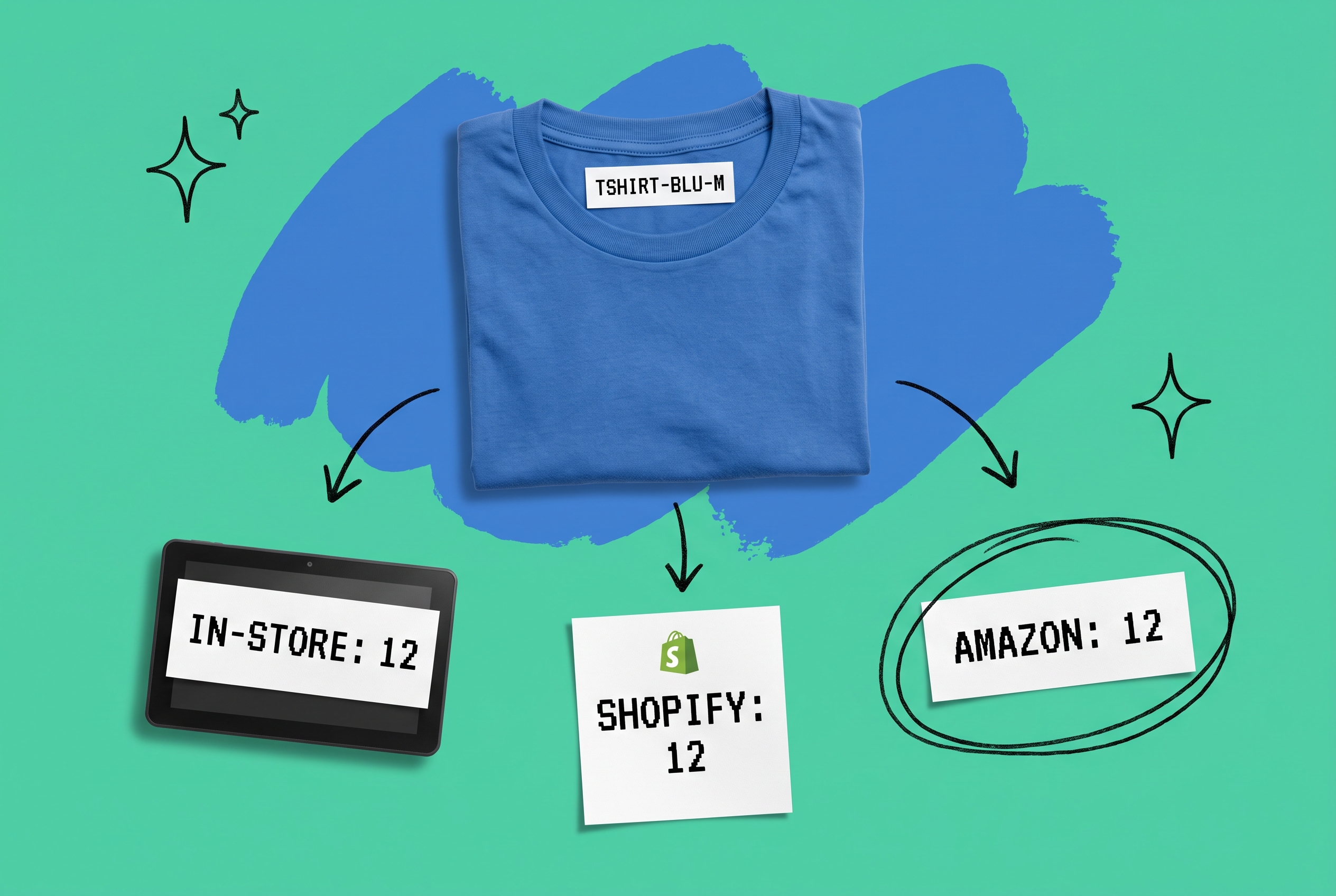
OmniOrders centralizes orders, inventory, and fulfillment across every channel into one platform. When a customer buys the last TSHIRT-BLU-M in your Seattle store, that SKU goes to zero on Amazon, Shopify, and Etsy — within seconds, not overnight. When an online return comes in, your inventory updates immediately, regardless of where it's physically processed.
The no-code automation engine means you can configure rules like "fulfill online orders from the nearest in-stock store when warehouse inventory drops below 10 units" without engineering resources. AI-powered inventory forecasting helps you keep the right stock at the right locations, so ship-from-store actually works when you need it, rather than failing on the SKUs that matter most.
No matter which POS you choose, OmniOrders provides the connective layer that makes it part of a coherent operation.
The Integration Checklist Before You Commit to a POS
Ask these five questions about any POS you're evaluating:
- Does it expose a real-time inventory API, or is it batch-only? Delayed sync means delayed overselling risk.
- Can it push order data to an external OMS? Webhooks or near-real-time feeds are the baseline.
- Does it track inventory at the location level, not just in aggregate? You need per-location counts for intelligent order routing.
- How does it handle cross-channel returns? What happens to the inventory count when an online order is returned in-store?
- What does the connection to your OMS look like? Native connector, third-party app, or custom API — know what you're committing to before you sign.
The POS is one piece. The OMS is what makes all the pieces work together.
Start your free OmniOrders trial and see how it connects your stores, warehouses, and online channels into a single synchronized inventory pool.
Frequently asked questions
What is the best POS system for multi-location retail?
It depends on your channel mix. Shopify POS is the strongest choice if your primary online presence is Shopify. Lightspeed Retail is better for retailers managing large SKU catalogs across many locations. For brands selling on multiple marketplaces (Amazon, eBay, Walmart) alongside physical stores, no POS manages everything natively — you also need an OMS to centralize orders and inventory.
How do POS systems sync inventory across multiple locations?
Most modern POS systems sync inventory at the location level: a sale at one location reduces that location's stock count. For multi-channel brands, the challenge is syncing those location-level counts back to online channels like Amazon or eBay. This typically requires an OMS or integration middleware that pulls from your POS inventory and pushes updates to each sales channel.
Can a POS handle both online orders and in-store orders together?
Some can within a single ecosystem — Shopify POS with Shopify Online, for example. But for true multi-channel visibility, where in-store orders and Amazon/eBay/Walmart orders appear in the same dashboard with shared inventory, you need an OMS layer. An OMS aggregates all orders regardless of source and gives you a single view of demand and fulfillment capacity.
What's the difference between a POS system and an OMS?
A POS manages the transaction at the point of sale: payment processing, receipt generation, basic inventory deduction. An OMS manages the full order lifecycle across all channels: routing, fulfillment, inventory allocation, and returns. For multi-location, multi-channel brands, both are necessary — and how well they communicate determines how smoothly the whole operation runs.
How do I handle in-store returns for online orders?
Your POS needs to accept the return and trigger an inventory update. Your OMS needs to receive that update and decide what happens next — whether the item goes back to available inventory, gets flagged for inspection, or routes to a different location. Without tight POS-OMS integration, cross-channel returns create inventory discrepancies that are slow and painful to reconcile manually.
Do I need a different POS system if I sell on Amazon and Shopify?
Not necessarily a different POS, but you do need an OMS to bridge them. Amazon and Shopify run independent inventory pools, and most POS systems don't natively sync to both. An OMS sits above your POS and all your channels, maintaining a single inventory pool that updates everywhere automatically — so a sale on Amazon doesn't leave your POS count overstated.
Start your 14-day free trial
See how OmniOrders connects your sales channels, 3PLs, and carriers into one operational layer — free for 14 days, no credit card.