Purchase Order Management: How to Automate PO Creation, Approval, and Receiving
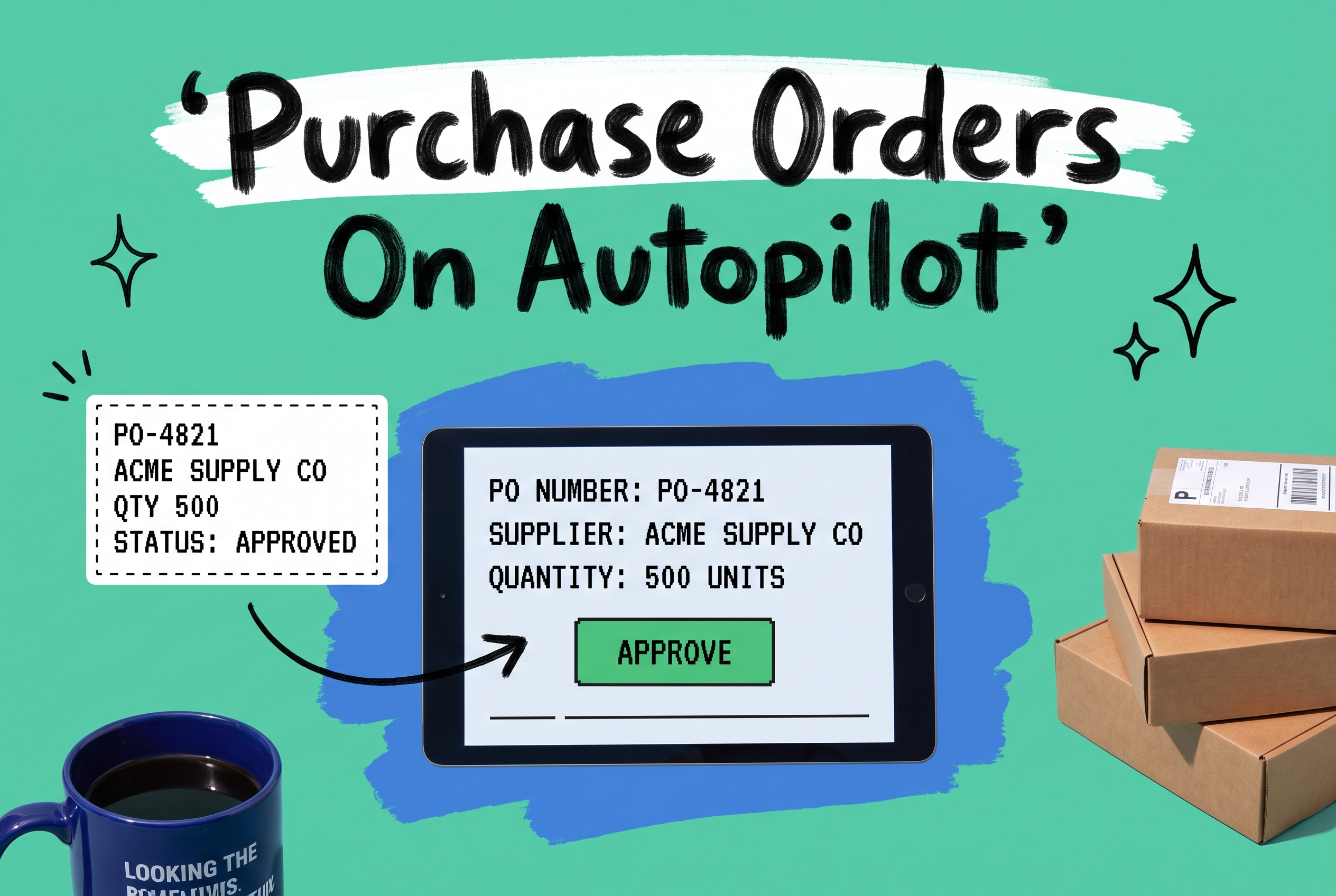
Purchase order management is the process of creating, approving, sending, tracking, and reconciling purchase orders with your suppliers. It spans everything from the moment a SKU needs replenishment to the moment received goods are confirmed in your warehouse and added to your available stock. For ecommerce brands, it sits at the intersection of inventory control, supplier relationships, and cash flow.
The problem most growing brands run into isn't that their process is wrong. It's that it was designed for a simpler operation. When you're managing three suppliers and one channel, spreadsheets and email work. When you're managing 20 suppliers, four channels, and two warehouses, the same approach becomes the constraint.
What the purchase order procedure actually involves
Every purchase order process, whether manual or automated, follows the same core sequence:
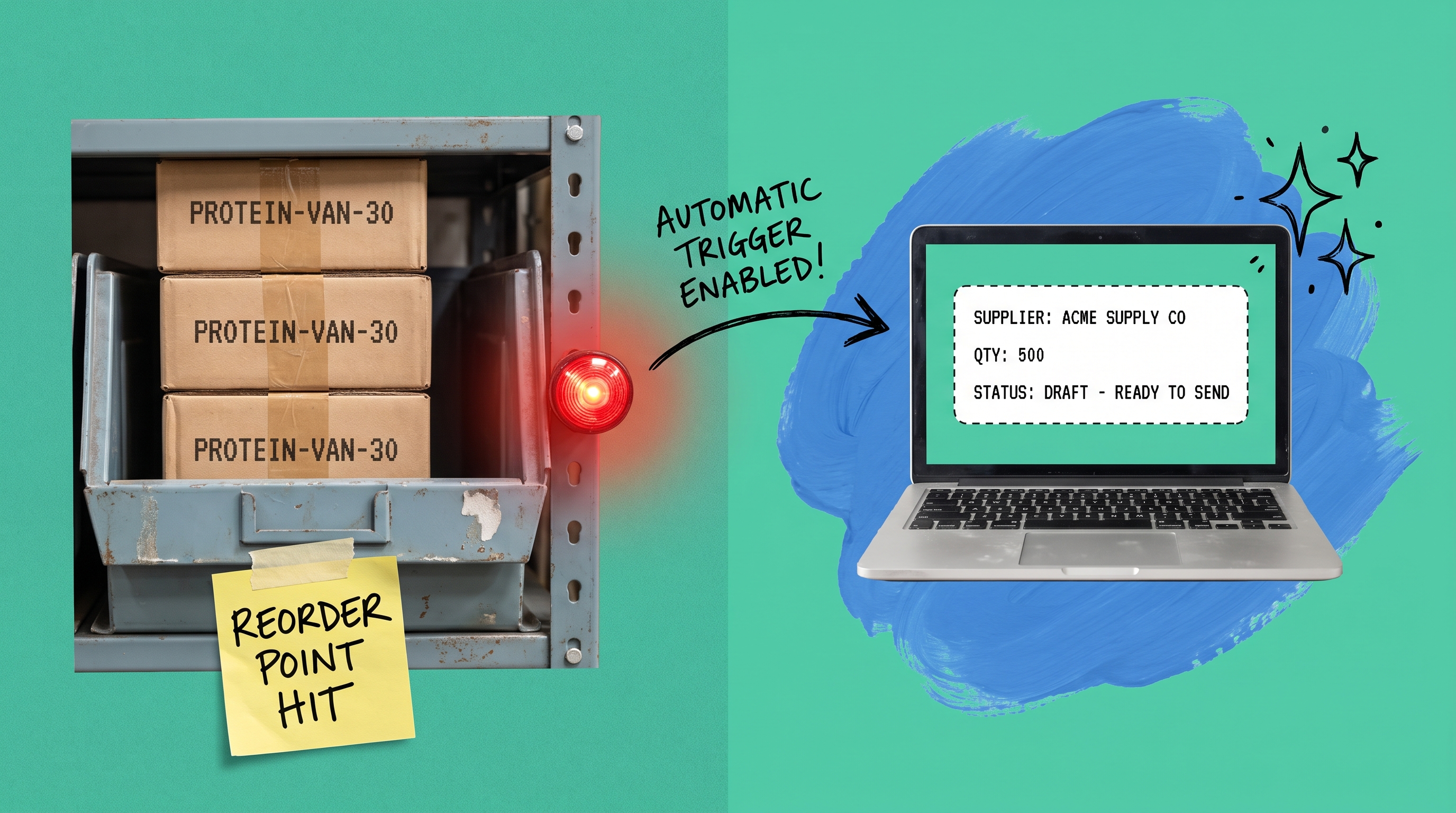
- Identify the need. Stock for SKU PROTEIN-VAN-30 drops to 150 units. Lead time from your supplier is 14 days. You need to reorder now.
- Create the PO. Draft the document specifying supplier, SKUs, quantities, unit costs, and requested delivery date.
- Route for approval. Send the PO through your approval chain based on supplier, amount, or order type.
- Transmit to supplier. Send via email, EDI, or a supplier portal.
- Track status. Confirm the supplier acknowledged the order and monitor the expected ship date.
- Receive and reconcile. Count the goods on arrival, compare against the PO, and record any discrepancies before updating inventory.
Each step creates records that ripple downstream into your inventory levels, your finance team's accounts payable process, and your ability to commit stock across sales channels. When any step is manual, slow, or undocumented, those downstream effects compound.
Where manual PO management breaks down
Processing purchase orders manually is manageable at low volume. Past a certain threshold, it becomes unsustainable.
Reorder triggers are too slow. When someone manually checks stock and decides to create purchase orders, there's always a gap between when stock hits the reorder point and when the PO actually goes out. On high-velocity SKUs, that gap costs you sales.
Approval chains stall in email. A manager is traveling. A finance lead isn't responsive. A PO that needs sign-off before you can place it with a supplier sits in an email thread while your stock keeps dropping. There's no escalation path, no deadline, and no visibility into who's holding it up.
Receiving is guessed, not confirmed. When a shipment arrives and someone counts against a paper packing slip, discrepancies frequently go unrecorded until finance tries to match the supplier's invoice. By then, your inventory counts have been wrong for days.
Supplier accountability is based on memory. If you don't have a clear record of what was ordered versus what was received, building a case when a supplier consistently ships 5% short or arrives a week late means hunting through old emails.
Step 1: Automate PO creation
The most effective way to automate purchase orders is to connect creation directly to inventory thresholds. Instead of someone checking stock and deciding to reorder, you define the rule once and the system generates a draft PO when stock crosses the line.
Managing your stock levels and reorder thresholds in your OMS means you're working from live inventory data, not a morning report. When your order management system is tracking every order across Shopify, Amazon, Walmart, and your other channels in real time, those reorder thresholds fire at the right moment, not 12 hours after the fact.
The PO itself needs to pull from your supplier master data: correct supplier name, agreed unit costs, expected lead time, and your receiving address. OmniOrders lets you set up and manage purchase orders with supplier details pre-populated, so a PO generated by an automated trigger is ready to send without manual editing.
One consideration for brands buying via EDI: the PO needs to be formatted as an EDI 850 transaction. Our guide to the EDI 850 purchase order explains the document structure and how it fits into supplier onboarding.
Step 2: Build an approval workflow that doesn't create bottlenecks
Not every PO needs the same approval treatment. A routine restock of a core SKU from an established supplier is different from a speculative buy for a new product line. Routing both through the same manual approval process wastes time on the routine case and creates unnecessary friction on everything.
A smarter purchase order procedure uses conditional routing: POs under $1,500 for approved suppliers auto-approve; orders over $5,000 require a manager sign-off within 24 hours; any PO for a new supplier requires two approvers. Those conditions are defined once and execute on every PO from that point forward.
OmniOrders' automation rules engine handles this kind of conditional logic. You configure the conditions, the routing, and what happens when an approval window closes without a response (escalate, notify, put the PO on hold). The routine orders move forward automatically. Exceptions get flagged for your team. You get financial controls without the bottleneck.
Step 3: Automate receiving and reconciliation
Receiving is where most manual PO processes accumulate the most damage. A shipment arrives, your warehouse team counts against a paper packing slip, someone eventually updates a spreadsheet, and finance reconciles it days later. Every gap in that chain is a window when your inventory counts are wrong.
Automated receiving flips the sequence. Before goods arrive, your OMS has the PO details loaded. When the shipment lands, your team receives against a pre-loaded task tied to that specific PO. The system captures what actually arrived, compares it line by line against what was ordered, and records any shortfall or overage immediately.
That receiving confirmation feeds directly into your multi-channel inventory sync. Available stock counts update across every connected channel the moment the receiving is saved. Your Shopify storefront, Amazon listings, and Walmart catalog all reflect accurate stock without a manual update step.
The secondary benefit: every discrepancy between what was ordered and what arrived is logged against that supplier, PO, and SKU. When you're reviewing supplier performance at the end of the quarter, you have data rather than impressions.
What to look for in a purchase order management system
Most dedicated PO management software is designed for enterprise procurement teams: full AP automation, contract management, and supplier portals built for companies with formal purchasing departments. For ecommerce brands, that scope is overkill, and the integration with your actual inventory and fulfillment operations is usually an afterthought.
What ecommerce brands need from a purchase order management system:
Inventory integration. Your PO system has to see live stock levels to trigger reorders at the right moment. A standalone PO tool that syncs inventory once a day doesn't solve the underlying problem.
Multi-location support. If you stock across multiple warehouses or work with a 3PL, your PO system needs to direct received goods to the right location and update each location's inventory count accurately.
Supplier-side flexibility. Some suppliers take email POs. Some require EDI. Some have their own vendor portals. Your system should support the formats your suppliers already use, not force a new workflow on both sides.
No-code configuration. Reorder thresholds, approval rules, and receiving workflows change as your business grows. If every adjustment requires a developer ticket, you'll stop adjusting and the system will drift out of sync with your actual operations.
Full audit trail. Finance needs to match POs to invoices. Operations needs to review supplier delivery accuracy. Customer service needs to know why a SKU is backordered. Every step in the PO lifecycle should be logged and searchable.
Managing purchase orders shouldn't be a full-time job
If your PO process runs on spreadsheets and email threads, you're spending time on work the system should handle. Automated reorder triggers, conditional approval routing, and real-time receiving reconciliation remove most of the manual effort from managing purchase orders while giving you better visibility into supplier performance and inventory accuracy than any manual process can.
Start your free OmniOrders trial and see how much faster your replenishment cycle can run.
Frequently asked questions
What is purchase order management?
Purchase order management is the end-to-end process of creating, approving, transmitting, tracking, and reconciling purchase orders with suppliers. For ecommerce brands, it governs how inventory gets replenished across supplier relationships and connects directly to your inventory counts and fulfillment capacity.
What is the standard purchase order process?
The standard purchase order process follows six steps: identify the restock need, create the PO document, route it through approvals, send it to the supplier, track the supplier's fulfillment status, and reconcile the received goods against the original order. In automated systems, most of these steps execute without manual intervention once the rules are configured.
How do you automate purchase orders?
You automate purchase orders by connecting reorder thresholds to live inventory data so the system generates draft POs when stock reaches a defined level. Approval routing replaces email chains with conditional rules. Receiving automation records what arrived against the original PO and updates inventory counts immediately, without a separate manual reconciliation step.
What is the difference between a purchase order and an invoice?
A purchase order is a document your business sends to a supplier to request goods at an agreed price and quantity, issued before the goods ship. An invoice is a document the supplier sends your business requesting payment, typically issued after the goods ship or are delivered. The two documents are matched during the reconciliation step to confirm the order was fulfilled correctly.
Do I need an ERP to manage purchase orders?
No. An ERP includes purchase order management alongside accounting, HR, and manufacturing functions built for large enterprises. For ecommerce brands focused on inventory and fulfillment, an OMS with built-in PO management handles the core use case without the cost or complexity of a full ERP implementation. OmniOrders manages purchase orders natively alongside order routing and inventory sync.
Start your 14-day free trial
See how OmniOrders connects your sales channels, 3PLs, and carriers into one operational layer — free for 14 days, no credit card.