Physical Inventory Count Best Practices: How to Audit Your Warehouse Without Shutting Down
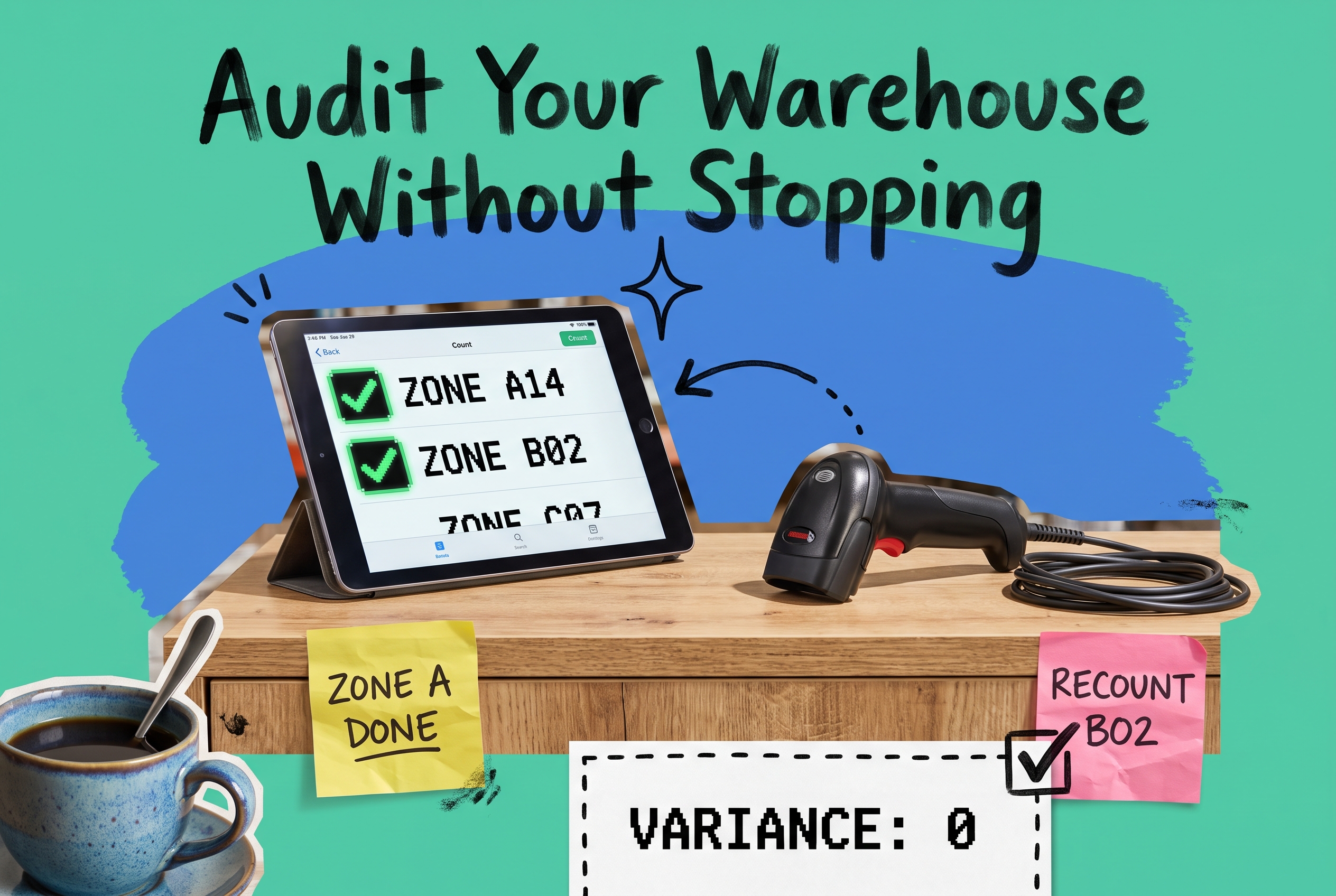
A physical inventory count is a complete, wall-to-wall tally of every item in your warehouse, compared against your system records to identify and correct discrepancies. You don't need to hire an outside counting service to run one accurately. With proper zone sequencing, two-person counting teams, and inventory software that generates count sheets from your actual bin layout and flags variances in real time, your own team can complete a professional-grade audit, even across multiple locations, without stopping fulfillment.
This guide covers preparation, the count itself, variance handling, and how to keep orders shipping while one location counts.
What Is a Physical Inventory Count?
A physical inventory count, sometimes called a wall-to-wall count, is a comprehensive audit where every SKU in every bin gets manually tallied and compared to your system's on-hand quantity. The gap between what you count and what your system records is called a variance. Variances appear for several reasons: shrinkage, receiving errors, mispicks, or returns scanned back to the wrong location.
Most operations run a full physical count once or twice a year. Understanding how it differs from ongoing cycle counting programs helps you pick the right approach for your current situation.
The Real Cost of Skipped or Inaccurate Counts
If your system says you have 200 units of TSHIRT-BLU-M in bin A14, but you actually have 163, three things happen simultaneously: you oversell and create backorders, replenishment triggers late, and your demand forecasting runs on bad data. That last one compounds. Bad inventory numbers feed bad forecasts, which produce bad purchase orders, which create overstock on slow movers and stockouts on your best sellers.
A 5% variance rate across 10,000 active SKUs means 500 items with wrong quantities. That's not noise. It's a fulfillment liability.

Physical Inventory Count vs. Cycle Counting
These two approaches aren't mutually exclusive, and high-volume operations use both.
A physical inventory count is a one-time, warehouse-wide audit. You freeze (or nearly freeze) operations, count everything, and reconcile everything at once. It's accurate. It's disruptive.
Cycle counting is an ongoing program where a subset of locations gets counted on a rotating schedule, maybe 50 bins per day, so records stay corrected continuously without ever stopping. You can compare the full range of inventory counting methods to find what fits your operation.
Physical counts give you a clean baseline. Cycle counts keep that baseline from drifting.
If you haven't run a full count in over 12 months, start there. Then build a cycle program to maintain accuracy going forward.
Preparation: Where Most Counts Win or Fail
Poor preparation is the single biggest reason physical counts drag on for days or come back with questionable accuracy. Lock these down before counting begins.
Partially freeze receiving and shipping. You can't accurately count inventory that's actively moving. If a full operational freeze isn't feasible, freeze the zones being counted and keep other areas running. Make sure your team knows exactly where the count boundary is.
Clean and organize the floor first. Bins with mixed SKUs, product sitting outside a bin location, or unlabeled overstock are count errors waiting to happen. A clean floor before the count saves hours of recounting later.
Generate count sheets sorted by physical location. Your inventory management platform should produce count sheets tied to your warehouse's physical layout, sorted by aisle or bin number, not alphabetically by SKU. Counting in physical order is significantly faster than jumping around the floor chasing products.
Assign two-person teams. One person counts, one person records. Teams catch errors in real time. Solo counters miss things; pairs create accountability.
Set a clear cutoff for open orders. Any order that's been picked but not shipped at count time needs a rule: are those items counted as on-hand or not? Decide before counting starts, document it, and apply it consistently.
Running the Count: Zone by Zone
Once prep is done, count systematically. Random or alphabetical counting creates confusion and forces recounts.
Give each team a specific zone and don't let teams overlap. Overlapping coverage produces double-counts. Each team owns its zone until it's finished.
Count blind when possible. Blind counting means your team records what they see without knowing what the system expects. It removes the temptation to round to match and produces more honest results. Compare counts to system records after the zone is complete, not during.
Use barcode scanners. Scanners connected to your system reduce transcription errors and feed results directly into your records. If you're using paper, have a second person transcribe the results before submitting, not the counter themselves.
Flag exceptions, don't paper over them. Damaged goods, unlabeled items, or product that doesn't match the expected SKU should be flagged and set aside for secondary review. "Close enough" is not a count result.
Run a second independent count on high-value SKUs. A 5-unit variance on a $2 item is noise. A 5-unit variance on a $200 item is $1,000 of exposure. Second counts on your A-tier items are worth the time.
After the Count: Handling Variances
You'll find variances. Every operation does. What matters is the process you follow.
Don't post adjustments immediately. Before updating system quantities, investigate the large ones. A discrepancy of 5 units on a fast-moving SKU is probably a counting error or a receipt that wasn't fully processed. A discrepancy of 50 units on a slow-mover is a signal worth chasing.
Pull location history. What orders shipped from that bin? Was there a recent receive attributed to a different location? Did a pick start and stop without completing? Most large variances have an explanation in the transaction history.
Recount flagged bins with a different team. Two independent counts that agree are your answer. Two that disagree flag a bin that needs hands-on investigation.
Post adjustments with reason codes. Once you're confident in the numbers, update system quantities and tag each adjustment: shrinkage, receiving error, pick error, damage. Categorized adjustments let you spot patterns. If 70% of your variances are pick errors concentrated in one zone, that's a workflow problem, not a counting problem.
Keeping Other Locations Running During the Count
This is where multi-channel operations with multiple warehouses have a structural advantage.
You don't need to freeze every location simultaneously. Count Location A while Location B keeps shipping. Your order management system should automatically route orders to Location B's available inventory during the count, so customers see no delay.
The same logic applies at the zone level: count one section while the rest of the facility keeps moving. OmniOrders handles multi-location inventory with per-location visibility, so you can freeze, count, and adjust one zone without affecting the inventory position of other locations or channels. You can also configure automation rules to pause order routing to a specific location during its count window and resume routing automatically once the count is posted.
This is the core limitation of outsourced physical inventory counting services. Firms like RGIS and WIS International are experienced and fast, but they're built around a full-stop model: count the entire facility in one overnight or weekend window. That works well for brick-and-mortar retail with predictable closing hours. For e-commerce brands shipping seven days a week from multiple locations, the disruption and the coordination overhead of bringing in an outside crew are often harder to justify than running the count in-house.
Do You Need a Physical Inventory Counting Service?
Physical inventory counting services make sense in a specific context: large single-location retail environments with seasonal windows where a full shutdown is operationally feasible and the SKU catalog is relatively standardized.
For multi-location e-commerce brands, the picture is different. An outside crew needs to understand your bin structure, your SKU naming conventions, your WMS zone layout, and your cutoff rules just to count accurately. That's a real onboarding cost for every single count cycle.
The alternative is your own team, properly structured, supported by software that generates count sheets from your actual bin layout, flags variances in real time, and posts adjustments with a complete audit trail. You keep control of the process, and the data stays in your system.
Whether you hire a service or run it in-house, the preparation steps, zone sequencing, blind counting protocol, and variance investigation process are identical. The right software makes each of those steps faster and more accurate.
Get Your Inventory Data on Solid Ground
A physical inventory count doesn't require a shutdown weekend or an outside crew walking your floor. With zone-by-zone sequencing, two-person blind counting teams, and software that handles count sheet generation, real-time variance tracking, and multi-location order routing, your team can run a professional audit without halting operations.
OmniOrders gives you per-location inventory visibility, adjustment logging with full audit trails, and automation rules that keep other warehouses shipping while one location counts. Start your free OmniOrders trial and see how the platform supports your next physical inventory count.
Frequently asked questions
What is a physical inventory count?
A physical inventory count is a complete manual audit of all stock in a warehouse or storage location. Every SKU is physically tallied and compared to the quantity recorded in your inventory system. Gaps between the physical count and the system record are called variances, and they're investigated and corrected before the count is finalized.
How do you do a physical inventory count?
Clean and organize the warehouse first, then generate count sheets sorted by physical bin location. Assign two-person teams to specific zones and count without seeing system quantities (blind counting). Use barcode scanners where possible, flag exceptions for secondary review, and run a second count on high-value items. After counting, investigate significant variances before posting adjustments to your system.
What is the difference between a physical inventory count and a cycle count?
A physical inventory count is a one-time, wall-to-wall audit of your entire facility, typically done once or twice a year. A cycle count is an ongoing program where a rotating subset of locations gets counted throughout the year. Full physical counts give you an accurate baseline; cycle counts keep that baseline from drifting between full audits.
What does a physical inventory counting service do?
A physical inventory counting service provides trained crews who come to your facility, scan and count your stock, and deliver a variance report against your records. Companies like RGIS and WIS International specialize in this. They're well-suited to large retail environments where a full overnight count is operationally feasible. For multi-channel e-commerce brands with continuous fulfillment operations, the disruption costs often make an in-house approach more practical.
What should you do when your inventory count doesn't match your records?
Don't adjust the discrepancy right away. Pull the location transaction history for the SKU, look for unscanned receipts or incomplete picks, and run a second independent count on the bin. If the variance persists after investigation, post the adjustment with a reason code (shrinkage, receiving error, pick error, or damage) so you can track patterns and fix root causes rather than just correcting numbers each time.
Start your 14-day free trial
See how OmniOrders connects your sales channels, 3PLs, and carriers into one operational layer — free for 14 days, no credit card.