How to Calculate Retail Price: Markup Formulas, Margin Targets, and Multi-Channel Pricing Rules
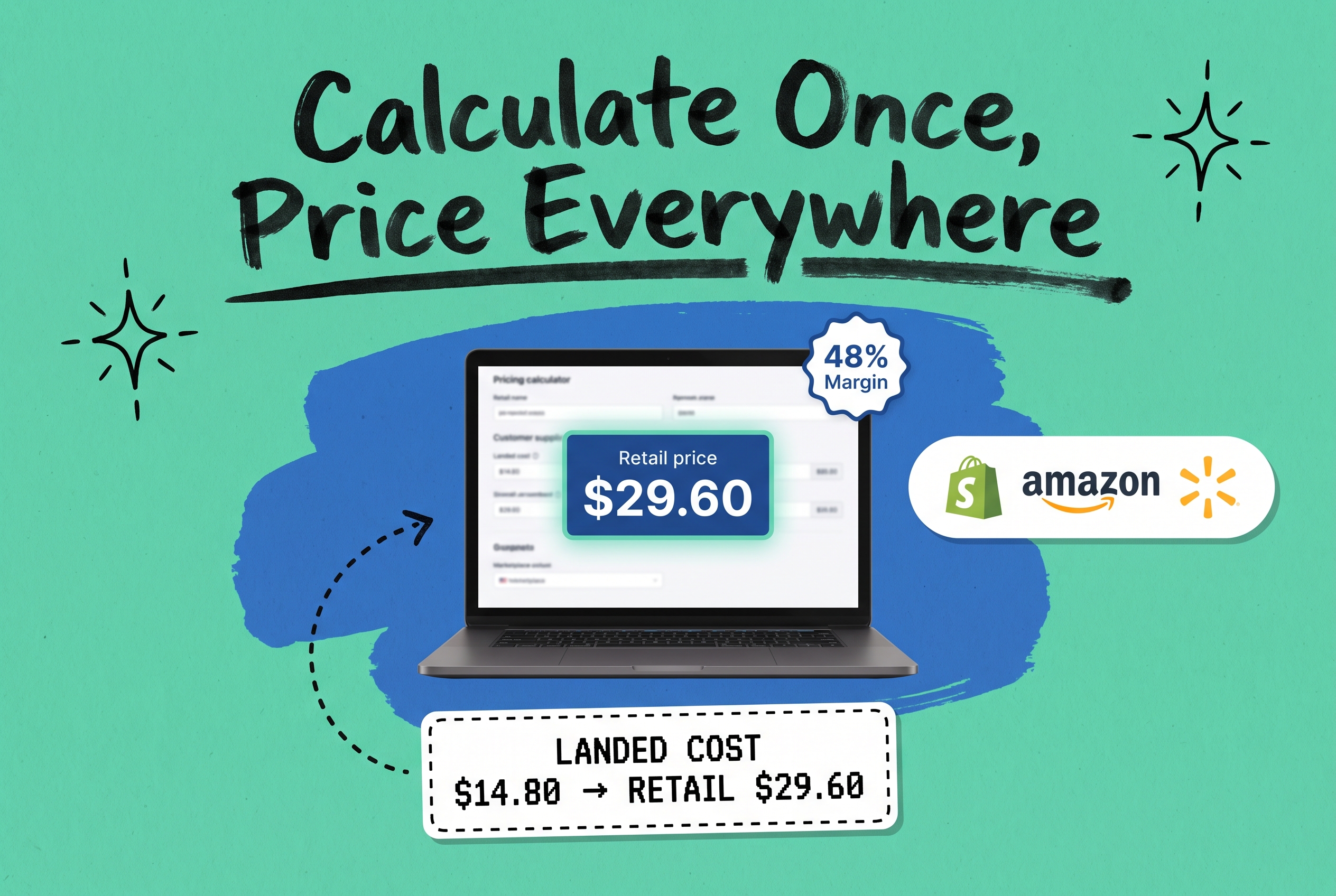
To calculate retail price, divide your total landed cost by one minus your target gross margin: Retail Price = Cost / (1 - Margin%). On a $20 item with a 50% margin target, that gives you $40. The markup version is Retail Price = Cost x (1 + Markup%), so a 100% markup on that $20 item also returns $40. Both formulas work; the difference is whether you're working from a cost-based or revenue-based target. For a multi-channel brand, the harder job is not calculating the price once but enforcing it consistently across Shopify, Amazon, Walmart, and every other channel you sell on without touching a spreadsheet each time.
Why Landed Cost Is Your Real Starting Point
Your supplier invoice is not your cost. Landed cost is: purchase price plus inbound freight, customs duties, quality inspection fees, and any receiving or prep charges before the item reaches your warehouse.
Take TSHIRT-BLU-M as a concrete example. Supplier invoice: $12.00. Inbound freight allocation: $1.80. Import duty: $0.60. Kitting and labeling: $0.40. Total landed cost: $14.80. A 50% margin target on $14.80 gives a floor price of $29.60, not $24.00. That $5.60 gap is the difference between a profitable SKU and one that looks healthy in your catalog but quietly drains margin with every order.
Getting this number right before you apply any formula is the step most fast-growing brands skip.
The Retail Price Formula: Two Methods
Method 1: Margin-based pricing (most common in e-commerce reporting)
``` Retail Price = Landed Cost / (1 - Target Gross Margin%) ```
Landed Cost | Target Margin | Retail Price |
|---|---|---|
$14.80 | 50% | $29.60 |
$14.80 | 60% | $37.00 |
$14.80 | 40% | $24.67 |
Method 2: Cost-plus markup
``` Retail Price = Landed Cost x (1 + Markup%) ```
A 100% markup on $14.80 gives $29.60. A 200% markup gives $44.40.
Both methods produce valid prices. The one to use depends on how your team and finance reports think about profitability. Gross margin (Method 1) is more common in e-commerce reporting because it connects directly to gross profit as a percentage of revenue, which is how buyers, investors, and accounting teams tend to track it.
Markup vs Margin: The Confusion Worth Clearing Up
These two terms describe the same dollar gap between cost and price, just from different perspectives.
- Markup: (Price - Cost) / Cost x 100 (expressed as a percentage of cost)
- Gross Margin: (Price - Cost) / Price x 100 (expressed as a percentage of selling price)
At $30 retail and $15 cost, markup is 100% and gross margin is 50%. Both numbers are factually correct for the same transaction.
The confusion surfaces when someone asks for a "50% markup" expecting a 50% margin and ends up with 33.3% instead. These are not interchangeable metrics and conflating them in a price sheet is a real operational mistake.
Before you build a price sheet for a buyer or wholesale partner, confirm which metric they're referring to. In most brand-retailer conversations, "margin" means gross margin. Using the markup formula when they meant margin creates price sheets that look right until someone runs the P&L.
What Is Keystone Pricing?
Keystone pricing means setting your retail price at double the wholesale cost: a 100% markup, which equals a 50% gross margin. At $15 cost, the retail price is $30. At $40 cost, the retail price is $80.
This has been the default starting point in physical retail for decades because it's simple, auditable, and leaves enough cushion to run 20-30% promotional discounts without going underwater.
Keystone holds up well for physical goods with moderate competition and relatively stable costs. It becomes harder to sustain in commodity categories where competitors consistently price on thinner margins, or when your landed cost varies significantly by order volume. In those cases, a margin-based target against a specific percentage gives you more control over actual outcomes.
How to Set Retail Price by Channel
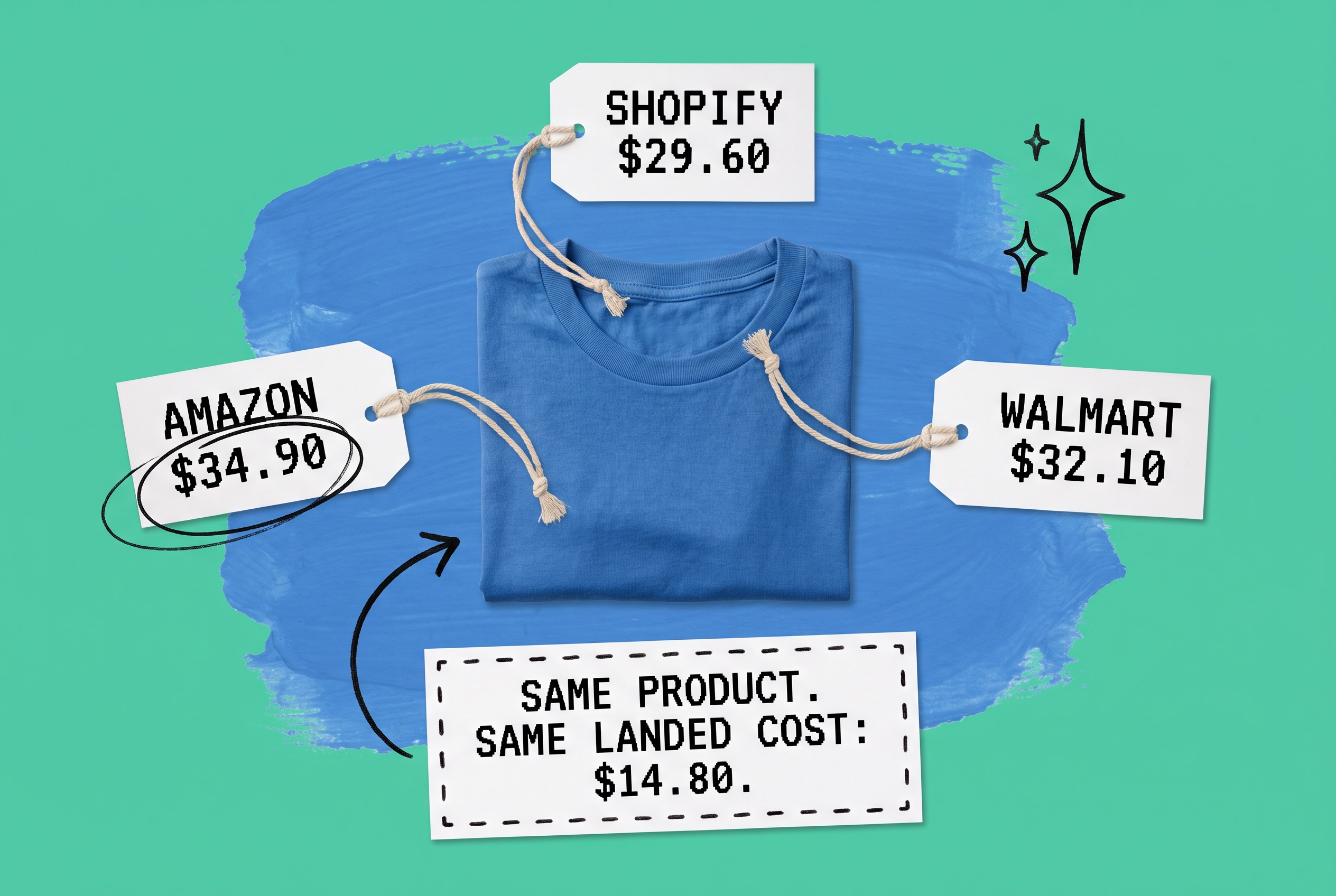
Each channel carries its own cost structure. A margin calculation that works for your Shopify DTC store can quietly lose money on Amazon once fees are factored in.
Amazon: Referral fees run 8-15% of the selling price depending on category. Add Fulfillment by Amazon fees if you use FBA (pick, pack, weight handling, and storage). On a $30 product with $4.20 in referral fees and $3.80 in FBA fees, your channel costs consume $8 before touching the landed cost. Back-calculate from your net margin floor: if you need 30% net on that SKU, your Amazon list price needs to be meaningfully higher than your Shopify price.
Shopify (DTC): Payment processing typically runs 2.9% + $0.30 per transaction on standard plans. Your primary variable cost is customer acquisition through paid ads, email, or influencer. Without marketplace fees, DTC often carries the healthiest net margin across your channel mix.
Walmart Marketplace: Commission rates run 6-20% by category, similar in structure to Amazon. Apply the same back-calculation from your net margin floor.
Wholesale and B2B: Wholesale prices typically run 40-55% below MSRP. A $60 retail item might wholesale at $27-$36. At this tier, MSRP and Minimum Advertised Price (MAP) become critical because MAP sets the floor your accounts can advertise at, protecting your DTC channel from being undercut by the same wholesale buyers you're supplying.
The formula for each channel is the same. The inputs are different. A separate floor calculation per channel, reflecting that channel's actual fee structure, is the only way to avoid discovering a margin problem after the orders have already shipped.
Keeping Prices Consistent Across Every Channel
Calculating the right price for each channel is a one-time exercise. Keeping those prices enforced, current, and consistent as costs shift is the ongoing operational problem.
Prices drift when landed costs change and no one updates all the channel listings. They drift when a promotion runs on Shopify but the Amazon listing doesn't get adjusted. They drift when a wholesale account advertises below MAP because no one reviews the order before it fulfills.
A centralized order management system is the infrastructure layer that holds this together. Rather than monitoring each channel separately, you define your pricing rules and enforcement logic once.
OmniOrders' no-code automation engine lets you build rules that trigger on specific order conditions. For MAP enforcement, you can configure a rule that flags any inbound order where the captured selling price falls below your defined floor, routing those orders to a review queue rather than auto-fulfilling them. The platform's order status and hold controls give you precise control over which orders move forward automatically and which pause for a human decision.
When inventory levels stay synchronized across every channel from a single source, you also avoid the related pricing problem: overselling a product you've discounted to clear, only to find the inventory was already committed to another channel. Stock accuracy and pricing accuracy solve the same root problem at the operational level.
For the complete list of channel connections, see the OmniOrders integrations page, which covers Shopify, Amazon SP Central, Walmart, WooCommerce, eBay, TikTok Shop, BigCommerce, Etsy, and more.
If you're assessing whether centralized order management belongs in your current stack, this guide to OMS software covers what to look for and when it starts to pay off at different stages of growth.
Your Pricing Formula Works. Now Enforce It.
Calculating your retail price correctly is the starting point. Making sure that price holds across every channel, updates when your costs change, and triggers a review when a MAP violation lands in your queue is the part that requires the right operational infrastructure.
OmniOrders connects your channels, syncs your inventory, and runs your pricing enforcement rules automatically, so the math you did once stays accurate in practice.
Start your free OmniOrders trial and see how channel-by-channel pricing enforcement fits into your current operations.
Frequently asked questions
What is the retail price formula?
Retail price is calculated as Cost / (1 - Target Gross Margin%) when working from a margin target, or Cost x (1 + Markup%) when working from a cost-based multiplier. Both formulas require total landed cost as the input: supplier price plus inbound freight, duties, and any preparation or labeling fees. Using only the supplier invoice as your cost input produces margin calculations that look better on paper than they are in practice.
What is the difference between markup and margin?
Markup expresses profit as a percentage of cost. Gross margin expresses the same profit as a percentage of selling price. At $30 retail and $15 cost, markup is 100% and gross margin is 50%. Setting a 50% markup produces a 33.3% gross margin, not 50%. E-commerce finance and reporting generally uses gross margin, so confirm which metric your buyer, partner, or internal team is referring to before publishing a price sheet.
What is keystone pricing?
Keystone pricing sets retail price at double the wholesale cost: a 100% markup that equals a 50% gross margin. Retailers have used it as a default starting point for decades because it is simple to audit, leaves room for promotional discounts, and connects directly to P&L targets. It works well for physical goods with moderate competition and relatively stable costs. It is harder to sustain in commodity categories where competitors price on thin margins, or when landed cost varies significantly by order volume.
How do I set a retail price that works across multiple channels?
Start with your landed cost, then calculate a channel-specific floor price for each marketplace by subtracting that channel's fees from your gross margin target. Amazon referral and FBA fees together often represent 20-30% of the selling price in most categories, which requires a higher retail price to maintain the same net margin you would hold on a DTC Shopify store. Calculate the floor separately for each channel and use consistent MSRP across your own branded storefronts.
How can I enforce MAP pricing across all my sales channels?
MAP enforcement at the operational level means catching orders that arrive below your MAP floor before they ship. In a centralized order management platform, you can set automation rules that hold any order where the captured selling price falls below a defined threshold, routing it to a review queue rather than auto-fulfilling. This is more reliable than manual channel monitoring and scales as your SKU count and channel count grow.
Start your 14-day free trial
See how OmniOrders connects your sales channels, 3PLs, and carriers into one operational layer — free for 14 days, no credit card.